How to change home page icon in Gitbook
Here is how to change home page icon in gitbook
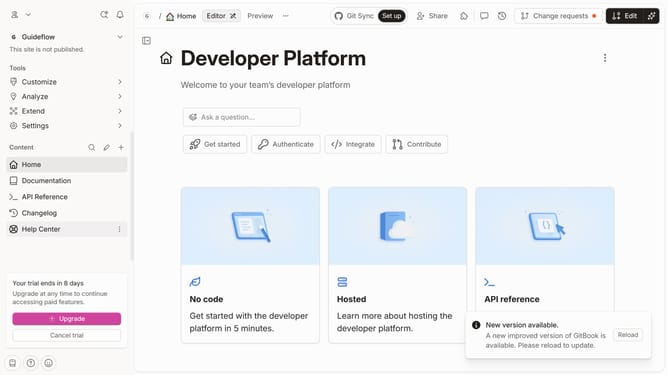
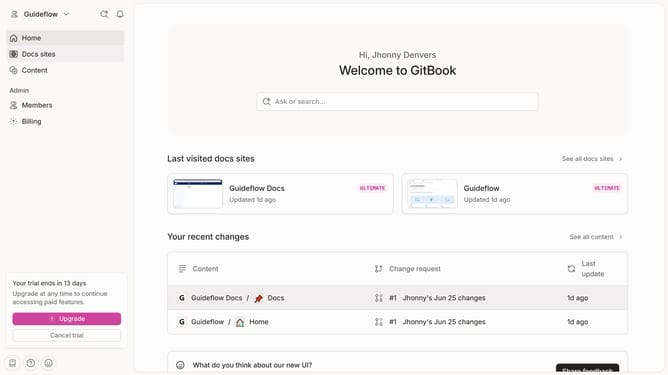
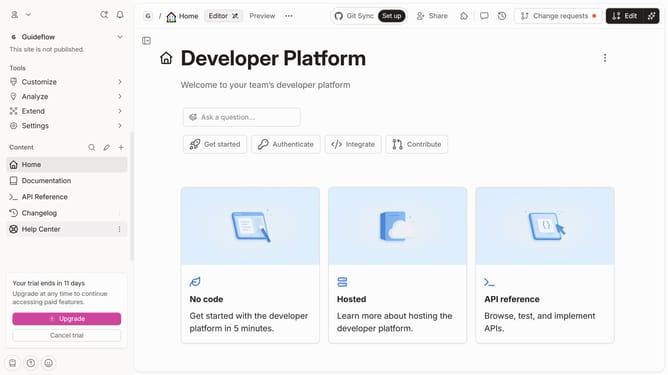
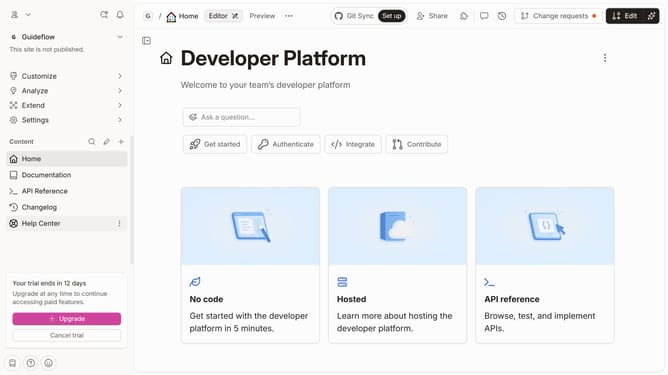
- First click on the "Home" item in the left sidebar
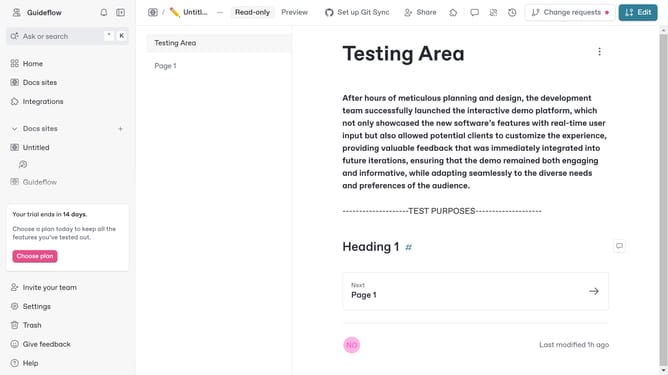
- Then click on the "Edit" button in the top menu
- Next click on the homepage icon in the central area
- Then select an icon from the icons grid
- Finally click on the "Merge" button in the top menu
Why should you change home page icon in Gitbook
Gitbook is a powerful and intuitive platform for building beautiful documentation.
One of its versatile features includes the ability to change the home page icon, allowing users to personalize and brand their Gitbook environment effectively. Customizing the home page icon is not only about aesthetics. It helps enhance user recognition and create a consistent visual identity that aligns with your organization's branding.
By tailoring this small but significant element, you can improve navigation experience and strengthen the overall user engagement with your documentation.
Last update