How to create a product updates section in Gitbook
Here is how to create a product updates section in gitbook
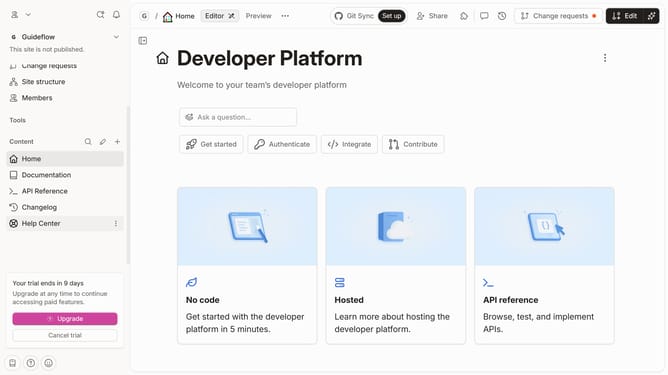
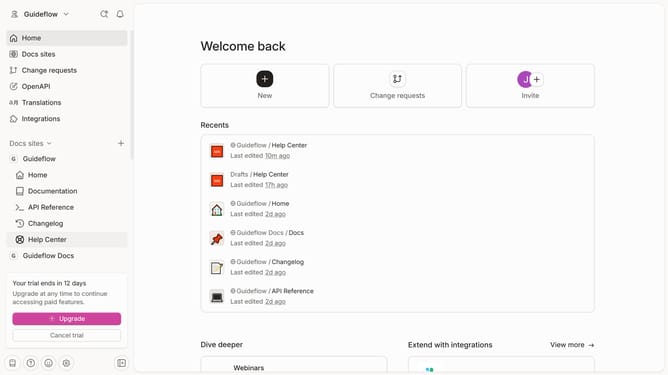
- First click on "Help Center" in the left sidebar
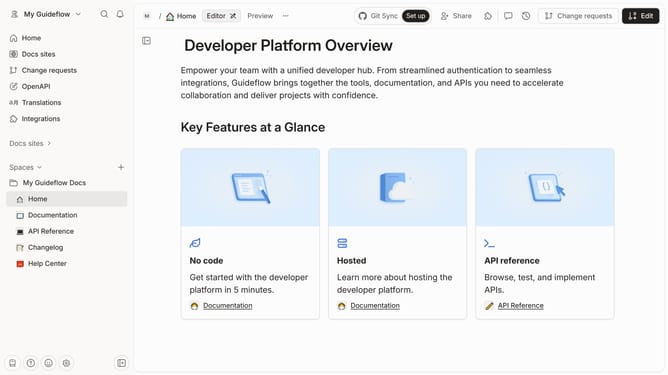
- Then click on the "Edit" button in the top navigation bar
- Next, click on the "+ Add field" button
- Then select "Image" from the dropdown menu
- Finally, click on the "Merge" button in the top right corner
Why should you create a product updates section in Gitbook
GitBook is a powerful collaborative platform designed for creating and maintaining user-friendly documentation.
Creating a product updates section in GitBook allows teams to efficiently communicate new developments and changes to users. This feature harnesses the structured nature of GitBook, enabling clear and organized communication.
Utilizing a product updates section ensures that users are constantly informed about enhancements, fostering engagement and satisfaction. It also offers transparency, vital for building user trust and loyalty. Let GitBook streamline how you share progress with its seamless integration capabilities.
Last update