How to duplicate file in a help center in Gitbook
Here is how to duplicate file in a help center in gitbook
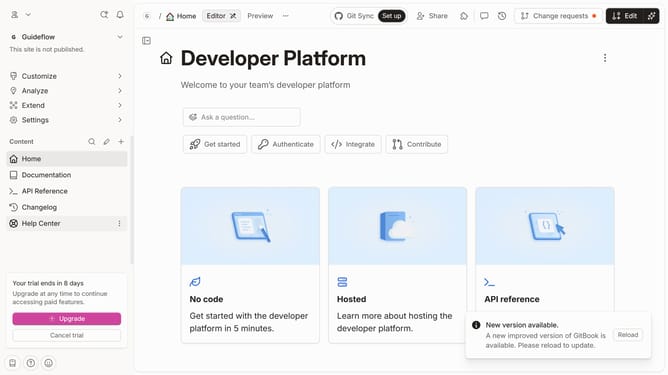
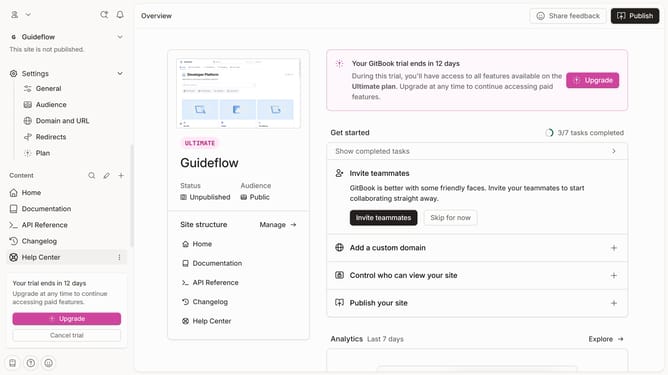
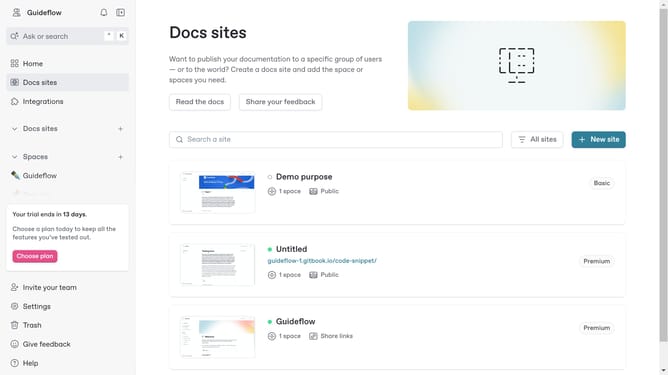
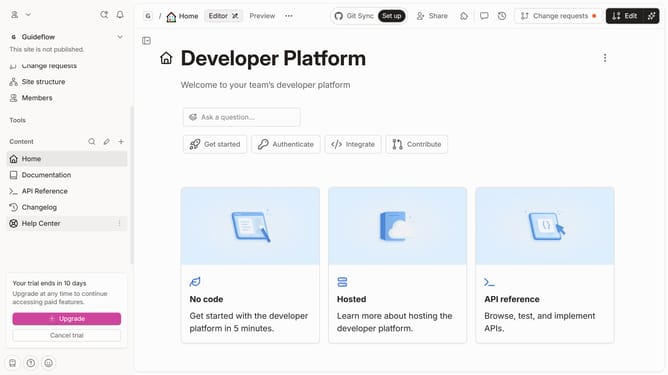
- First click on "Help Center" item in the sidebar
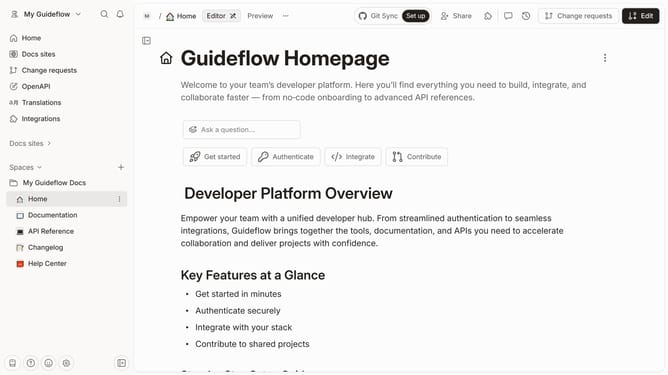
- Then click on "Edit" button in the header menu
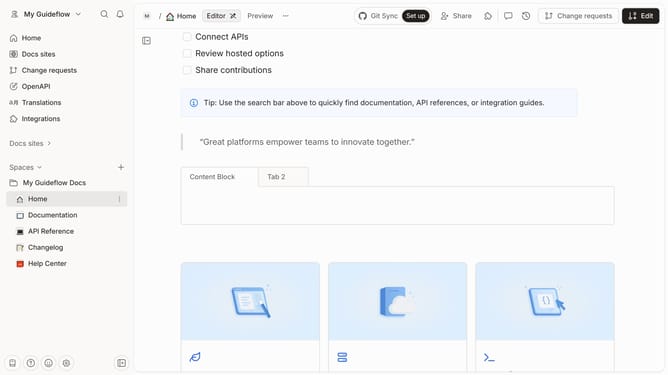
- Then click on the "Click for block options" button
- Then select "Duplicate" from the opened menu
- Finally click on "Merge" button in the header
Why should you duplicate file in a help center in Gitbook
GitBook streamlines documentation, making knowledge sharing and collaboration effortless.
The feature allowing you to duplicate files within a help center in GitBook is a boon for efficiency and organization.
Duplicating files enables you to quickly create consistent, structured documents without the need to start from scratch, thus enhancing productivity.
This feature is especially beneficial when you need to maintain uniformity across multiple files, allowing for effortless updates and ensuring that all documentation remains current and cohesive.
Last update