How to add a text column in a table in homepage in Gitbook
Here is how to add a text column in a table in homepage in gitbook
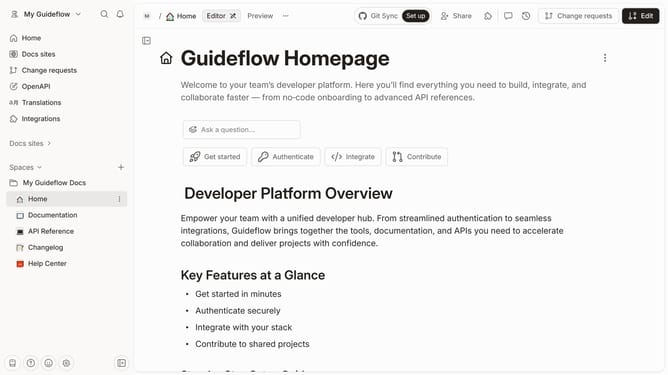
- First click on the "Home" link in the left sidebar
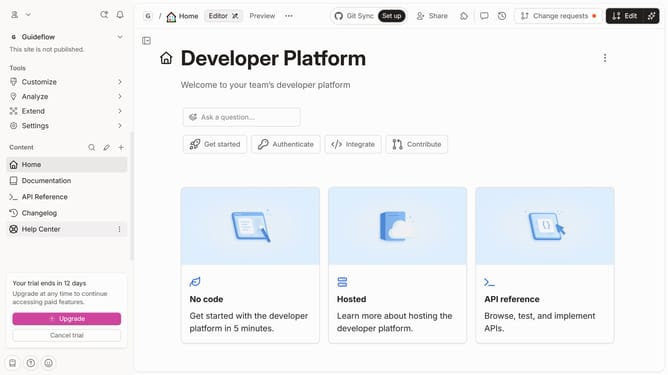
- Then click on the "Edit" button in the top header
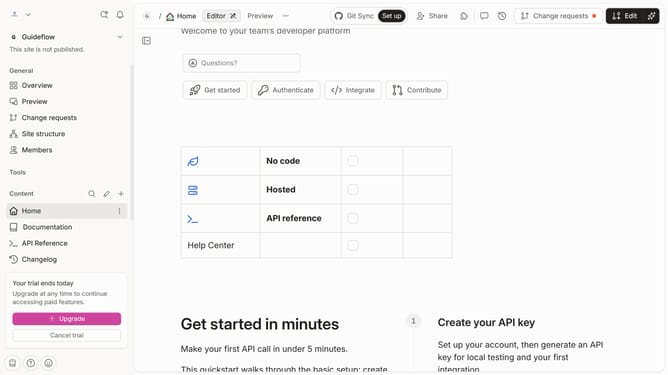
- Next, click on the "Block options" icon in the content area
- After that, click on "Add column" in the context menu
- Then select "Text" from the 'Add column' submenu
- Finally, click on the "Merge" button in the top header
Why should you add a text column in a table in homepage in Gitbook
Gitbook is a powerful tool designed to simplify the process of creating and managing documentation.
Adding a text column in a table on the homepage of your Gitbook enhances the organization of content, allowing for clearer communication and presentation of information to readers.
This feature streamlines complex data into digestible segments, enriching the reader's experience by offering a structured visual aid.
Utilizing this feature can significantly improve the presentation of data, allowing teams to convey messages clearly and efficiently.
Last update