How to add a user column in a table in homepage in Gitbook
Here is how to add a user column in a table in homepage in gitbook
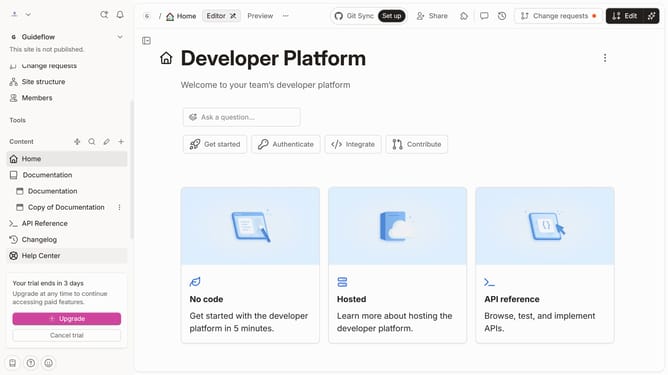
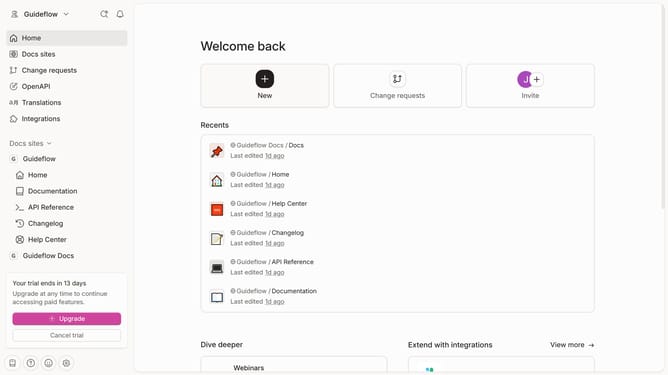
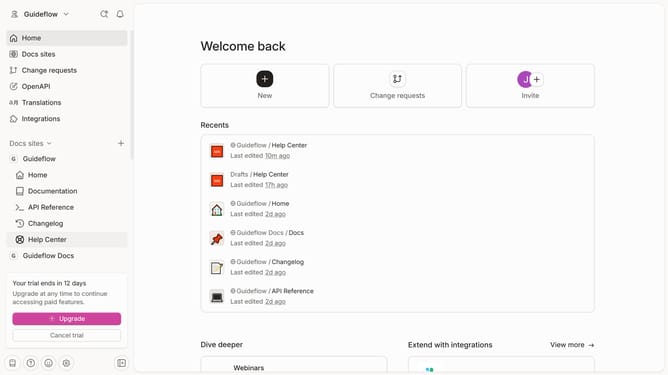
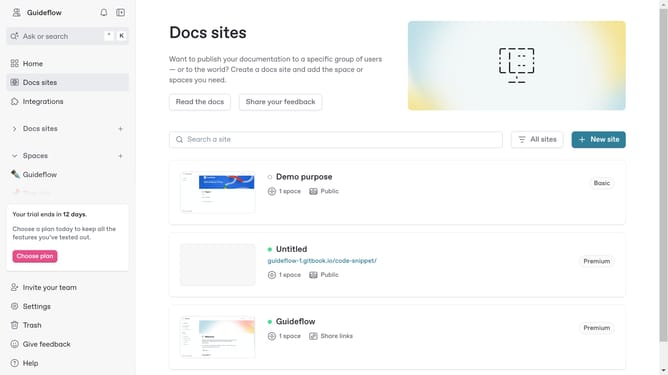
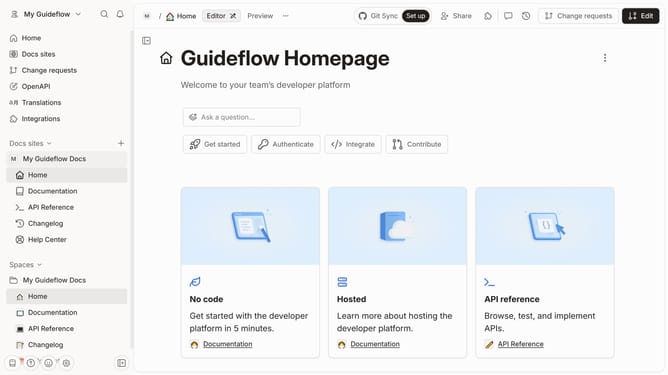
- First click on "Home" in the sidebar
- Then click on the "Edit" button in the header
- Click on the block options icon
- Then click on "Add column" in the dropdown menu
- After that, select "Users" from the expanded options in the sidebar
- Finally click on the "Merge" button in the header
Why should you add a user column in a table in homepage in Gitbook
Gitbook is a dynamic platform designed to streamline documentation and content collaboration.
Adding a user column in a table on the homepage in Gitbook is a strategic feature that enhances organization and clarity, presenting data in a more user-friendly format.
This feature allows teams to personalize presentation, leading to more efficient navigation and improved user experience. A customized table helps team members quickly locate essential information, enhancing overall productivity.
Using this feature supports a more efficient workflow, fostering seamless collaboration and communication within teams.
Last update