How to add tag in homepage in Gitbook
Here is how to add tag in homepage in gitbook
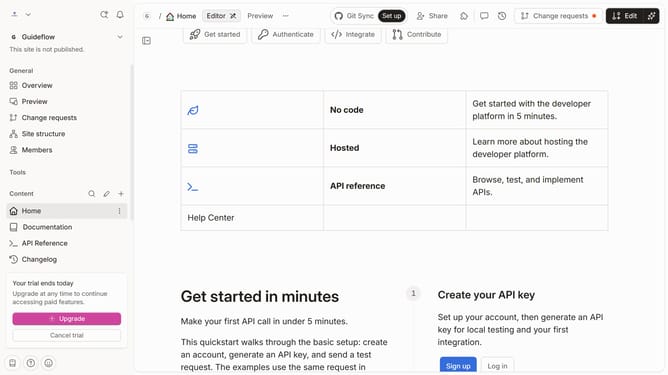
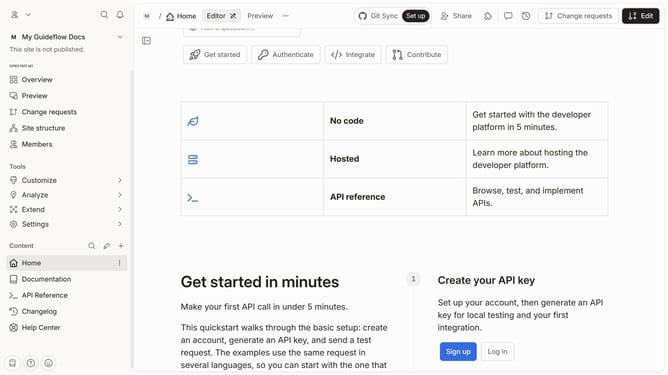
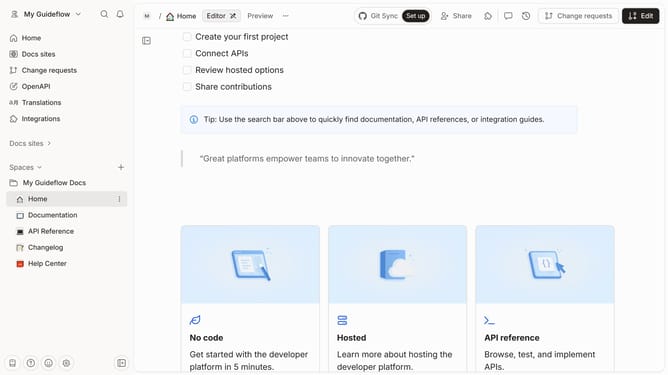
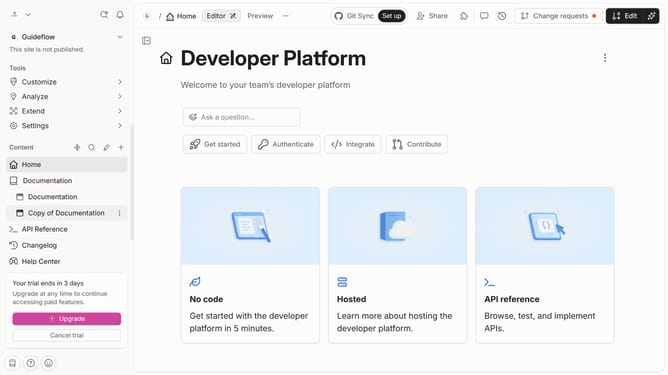
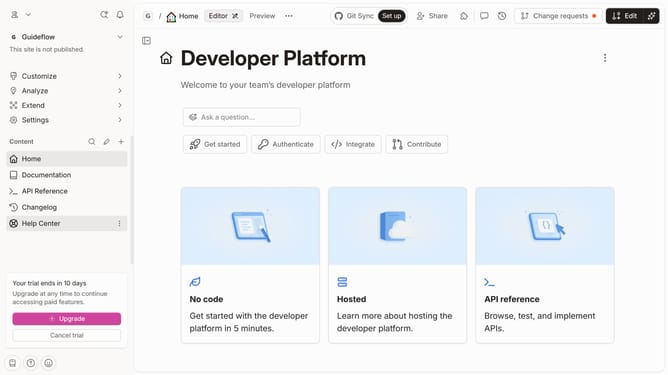
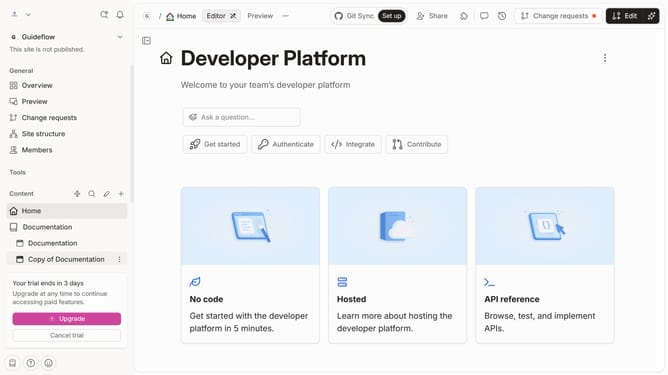
- First, click on the "Home" link in the sidebar
- Then, click on the "Edit" button in the header
- Next, click on the "Tags" button in the header
- Then, select "Create or select tags" and enter your tag name
- After that, click on the "+ Add " button
- Then, select a color option for the tag
- Next, click on the "Create" button
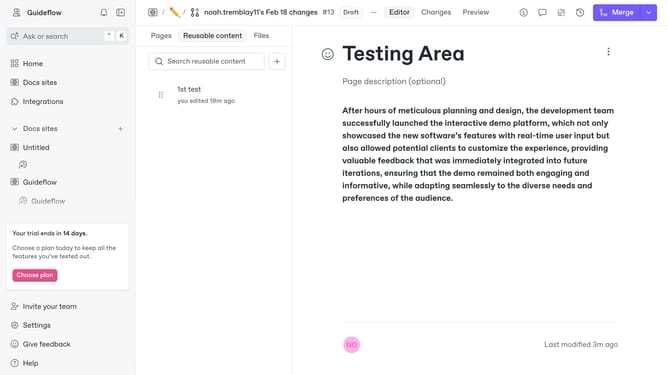
- Finally, click on the "Merge" button in the header
Why should you add tag in homepage in Gitbook
GitBook is a modern documentation platform designed for effortless collaboration and knowledge sharing.
The ability to add tags on the homepage in GitBook enhances content organization, allowing users to efficiently categorize and highlight key themes or subjects.
By utilizing tags, users ensure that information is not only accessible but also contextually relevant, providing a streamlined navigation experience for both creators and readers alike.
This feature is particularly beneficial for maintaining clarity and focus in extensive documentation, making it a vital tool for effective content management.
Last update