How to add a checkbox column in a table in homepage in Gitbook
Here is how to add a checkbox column in a table in homepage in gitbook
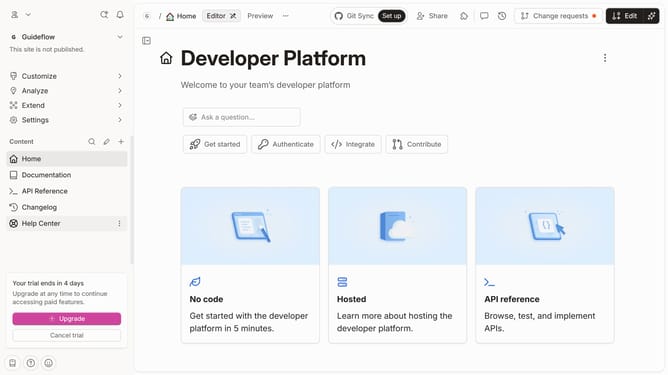
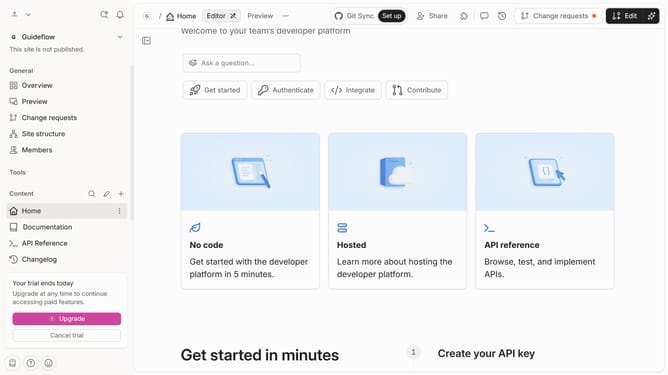
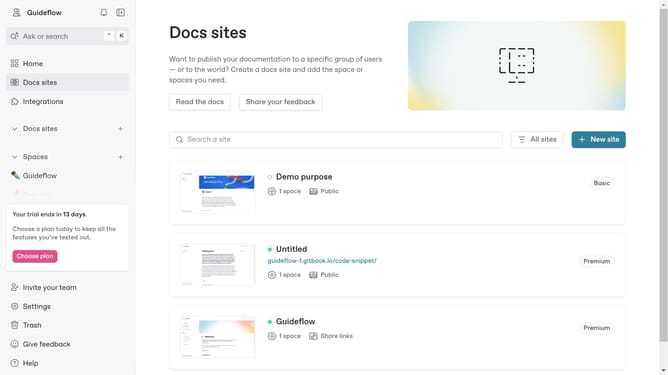
- First, click on the "Home" item in the left sidebar
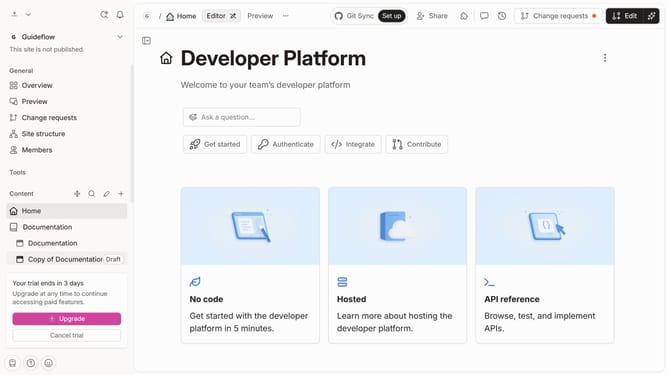
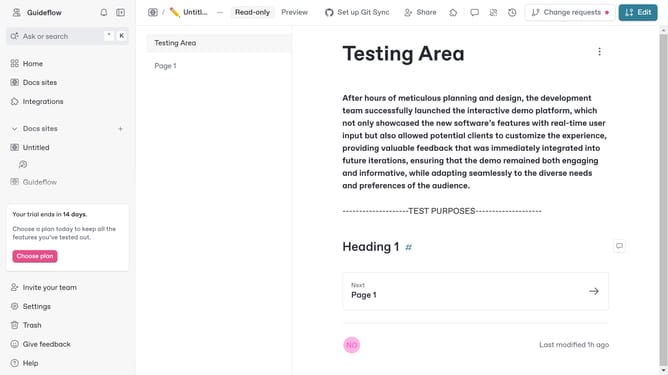
- Then, navigate to the top menu bar and click on the "Edit" button
- Next, click on the block options
- After that, in the opened menu, click on "Add column" option
- Then, select "Checkbox" from the dropdown menu
- Finally, click on the "Merge" button in the top right corner of the screen
Why should you add a checkbox column in a table in homepage in Gitbook
GitBook is an intuitive platform designed to help teams document their knowledge efficiently.
Adding a checkbox column in a table on the homepage enhances interactivity and organization.
This feature allows users to track tasks or decisions directly within documents, facilitating productivity.
Implementing checkboxes makes information more actionable, providing teams with a clear visual to manage tasks seamlessly.
Last update