How to add a hint in a tab in help center in Gitbook
Here is how to add a hint in a tab in help center in gitbook
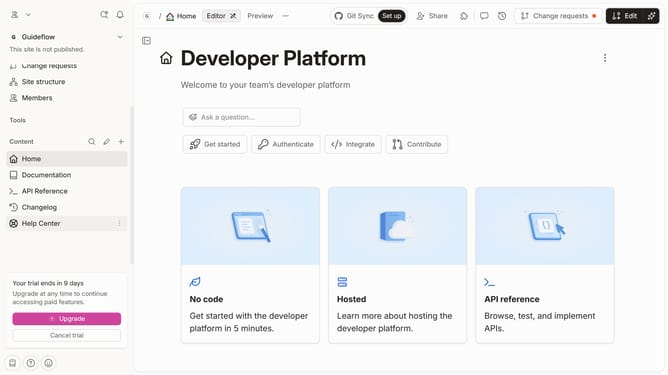
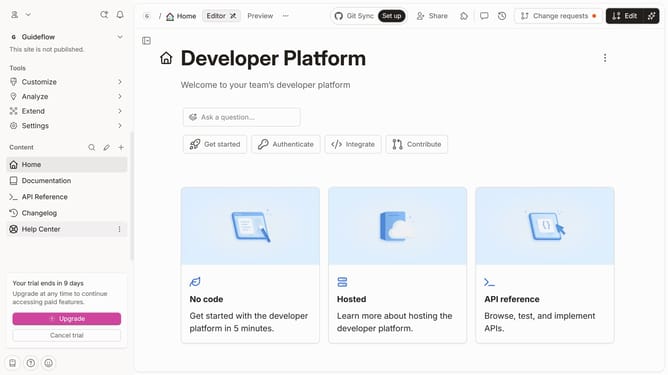
- First click on "Help Center" in the sidebar
- Then click on the "Edit" button in the header
- Next, click on the three dots icon to open block options
- Then select "More blocks" from the dropdown menu
- Next, select "Hint" from the list of additional blocks
- Then click on the "Hint" block text field and enter your text
- Finally, click on the "Merge" button in the top right corner
Why should you add a hint in a tab in help center in Gitbook
Gitbook is a powerful platform designed to streamline the creation and sharing of documentation.
Adding a hint in a tab within the help center on Gitbook enriches user interaction by providing contextual cues and guidance. It allows creators to deliver additional information without overwhelming the main content, facilitating smoother user navigation.
By strategically incorporating hints, users not only gain clarity on complex topics but also enjoy an enhanced learning experience. This feature is invaluable for making documentation more intuitive and user-friendly.
Last update