How to customize a docs site theme in Gitbook
Here is how to customize a docs site theme in gitbook
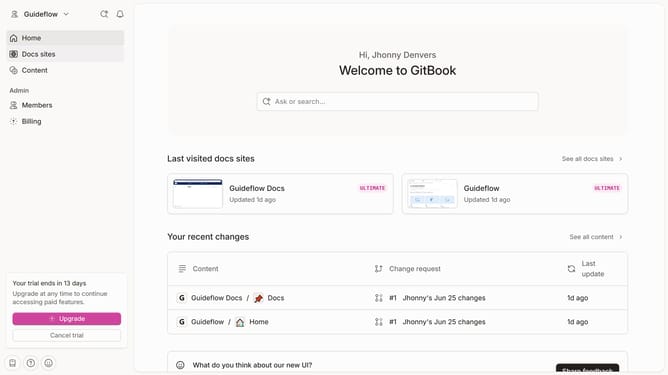
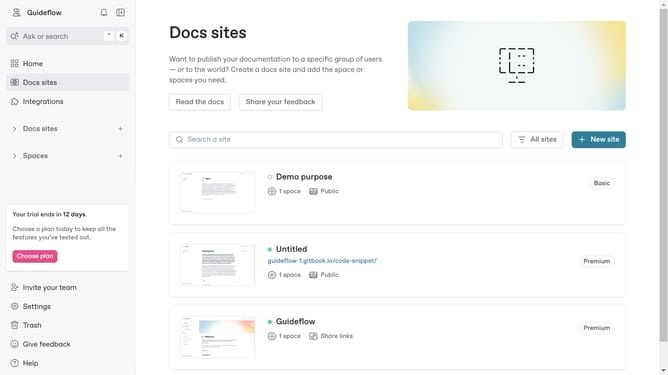
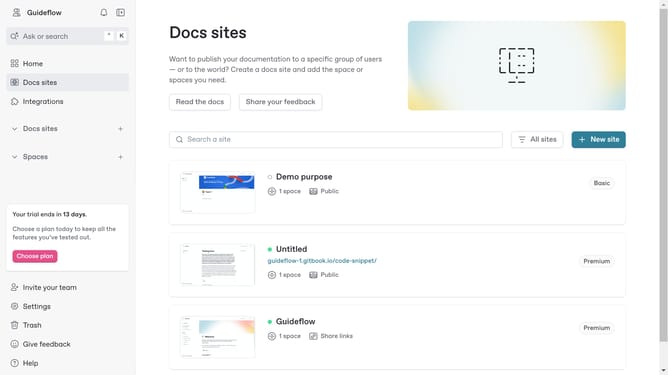
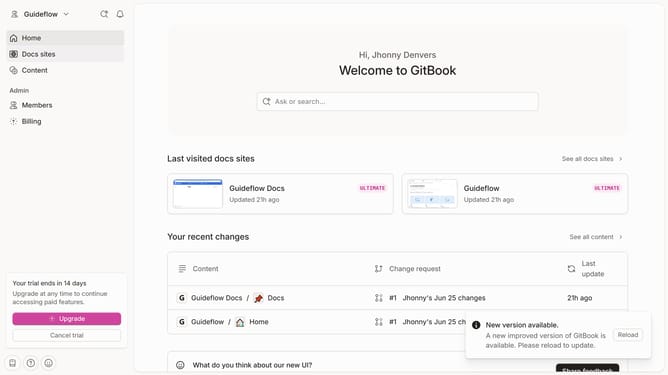
- First, click on "Docs sites" in the left sidebar
- Then, click on the doc sites item
- Next, select "Customize" from the Tools section in the left sidebar
- After that, click on "Theme" within the Customize section
- Then, choose a theme and click on it
- Finally, click the "Save" button
Why should you customize a docs site theme in Gitbook
GitBook is a dynamic platform designed to enhance collaboration through beautifully crafted documentation.
Customizing a docs site theme in GitBook allows users to align their documentation with their brand identity effortlessly. Using this feature enables consistent and unique visual experiences across all documents, nurturing a cohesive brand presence.
Moreover, customization empowers teams to present their content with the clarity and elegance needed to capture and hold their audience's attention. It ensures that your documentation stands out, making it both aesthetically pleasing and easy to navigate.
Last update