How to enable mode toggle in docs site in GitBook
Here is how to enable mode toggle in docs site in gitbook
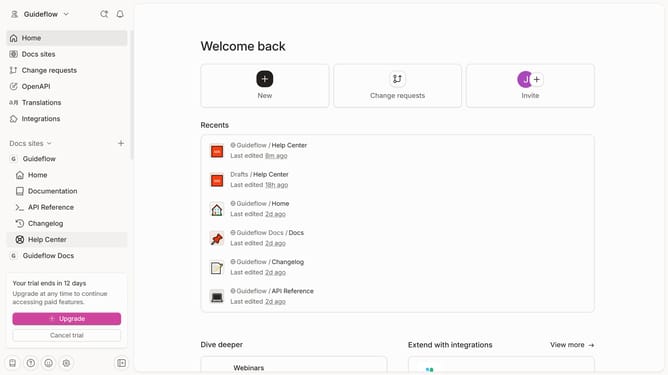
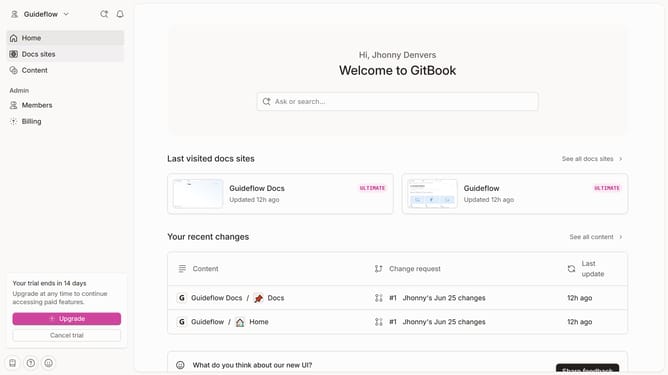
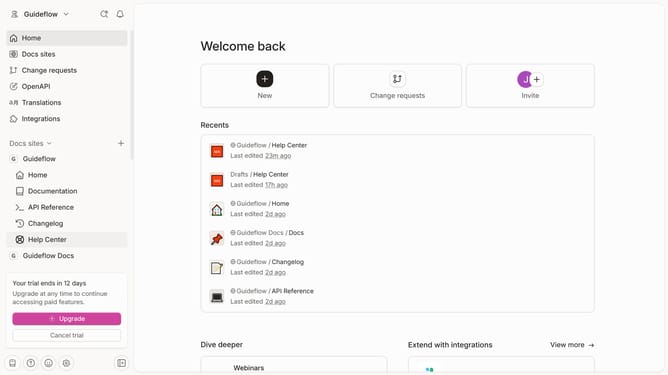
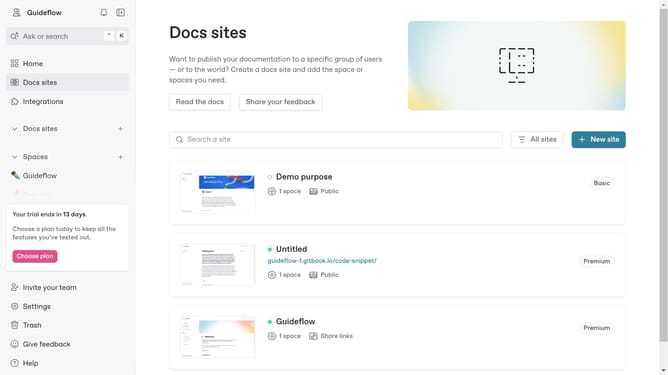
- First click on "Docs sites" in the left sidebar
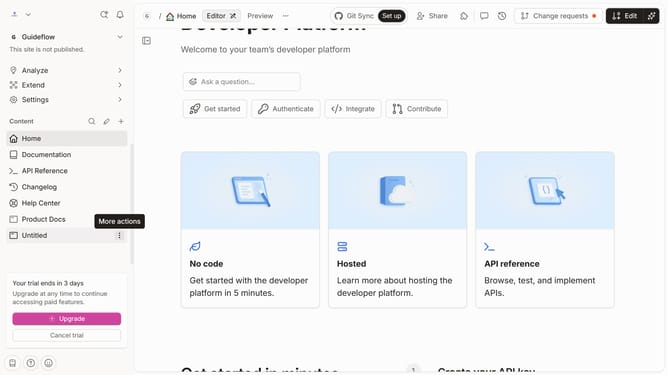
- Then click on the doc site title that you want to manage
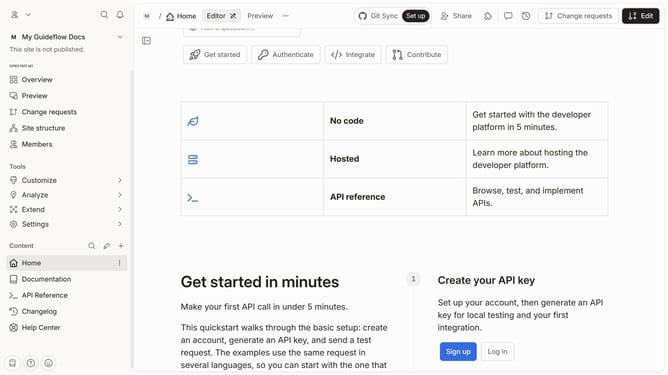
- Next, click on "Customize" in the left sidebar
- Then select "Theme" in the left sidebar
- After that, click on the "Show mode toggle" to enable light or dark mode switching
- Finally click on the "Save" button
Why should you enable mode toggle in docs site in GitBook
GitBook is a dynamic reporting platform designed to simplify the documentation process for modern teams.
Enabling the mode toggle feature on your GitBook docs site offers an immediate way to enhance user experience.
This feature provides seamless transitions between light and dark modes, catering to diverse reading preferences and environments.
By activating the mode toggle, you enhance accessibility, reduce eye strain, and ensure content is visually pleasing, regardless of the reader's ambient lighting conditions.
Last update