How to change help center category font color in Gitbook
Here is how to change help center category font color in gitbook
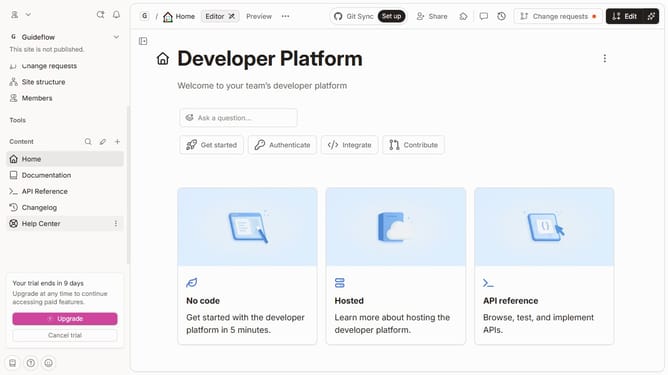
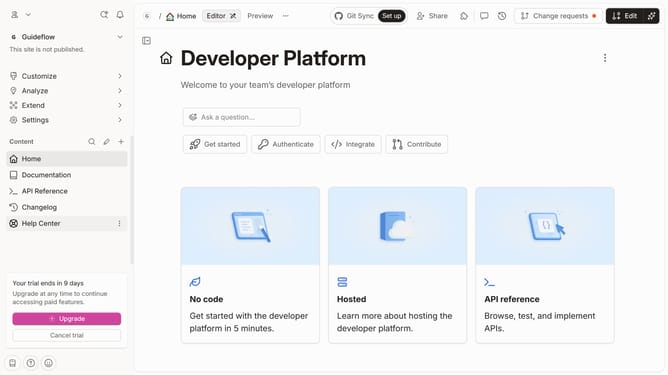
- First click on "Help Center" in the left sidebar
- Then click on the "Edit" button in the header
- Next, click on the section header to begin editing
- Then click on the "Font color" icon in the toolbar
- Then select from the color options
- Finally click on the "Merge" button in the header
Why should you change help center category font color in Gitbook
GitBook is a versatile platform designed for creating beautiful documentation for teams and individuals.
One of its noteworthy features is the ability to customize the help center category font color.
This feature allows you to align the visual design of your help center with your brand identity, making the documentation easily recognizable and aesthetically pleasing.
It enhances user experience by enabling quick visual navigation, boosting the support experience and making category identification more intuitive for all users.
Last update