How to format code snippets in Gitbook
Here is how to format code snippets in gitbook
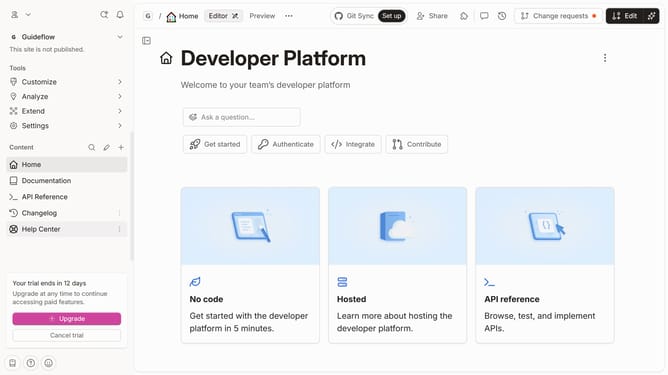
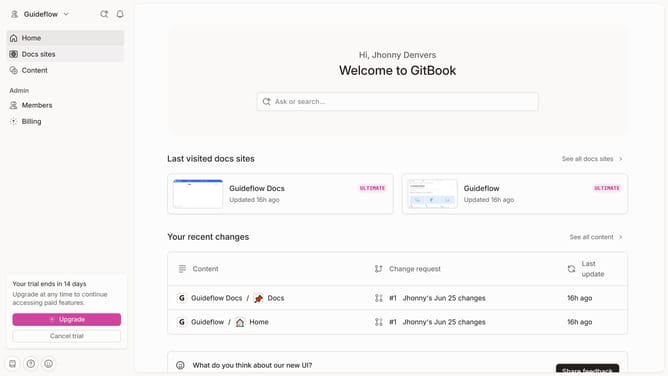
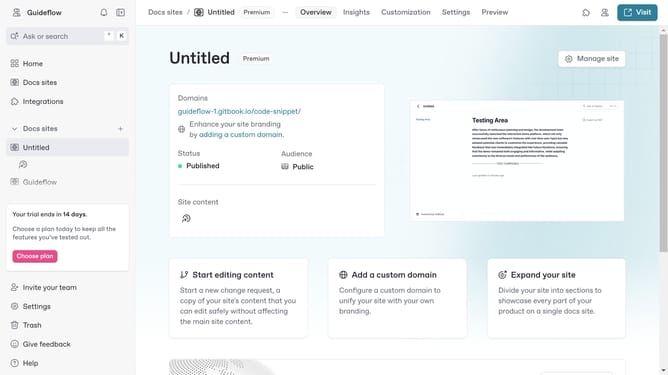
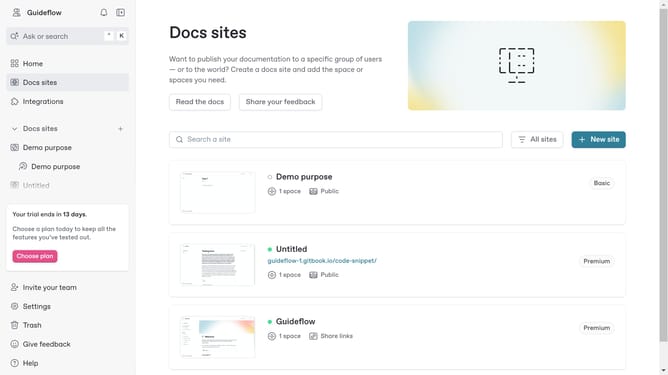
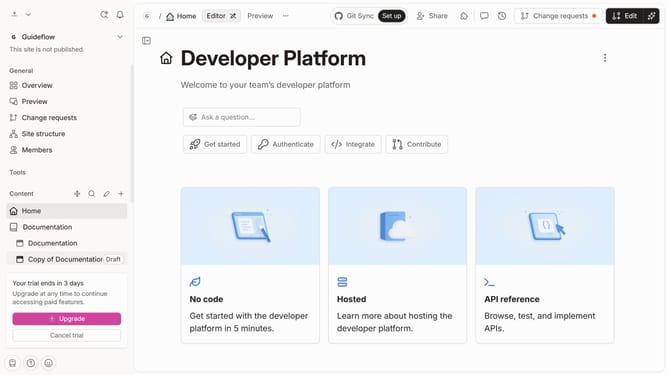
- First click on the card you'll work on in the main content area
- Then click on the "Start editing content" option in the site settings card
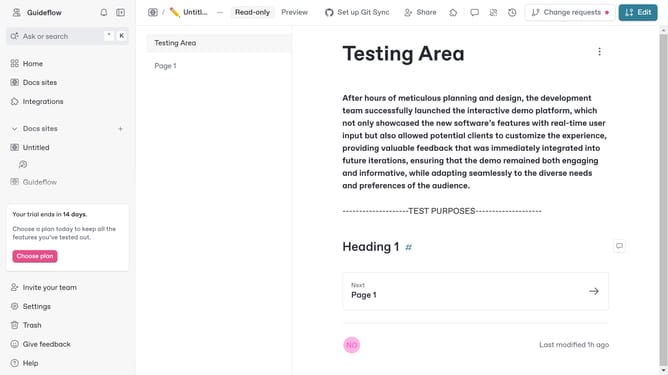
- Next click on the "Edit" button in the top toolbar
- Then click on the "Add code" button in the type selector area
- Next type or paste your code in the code editor area
- Finally click on the "Merge" button in the top toolbar
Why should you format code snippets in Gitbook
Gitbook is an intuitive platform for creating beautiful documentation collaboratively.
One of its standout features is the ability to format code snippets effortlessly, maintaining readability and structure.
Utilizing proper code formatting in Gitbook ensures clean presentation, enhancing comprehension and enabling seamless sharing among developers.
This feature supports a variety of programming languages, helping teams present technical information clearly and create high-quality, professional documentation.
Last update