How to make the search bar smaller in a docs site in Gitbook
Here is how to make the search bar smaller in a docs site in gitbook
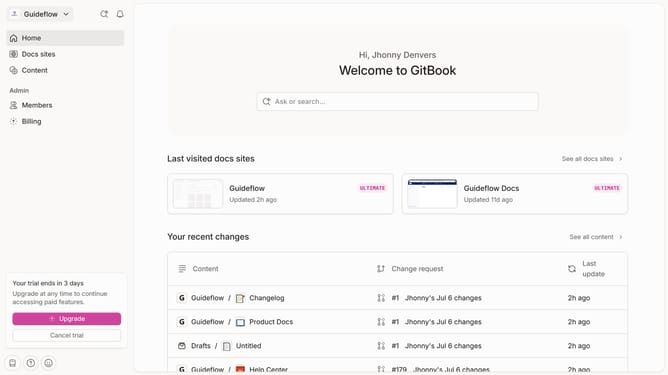
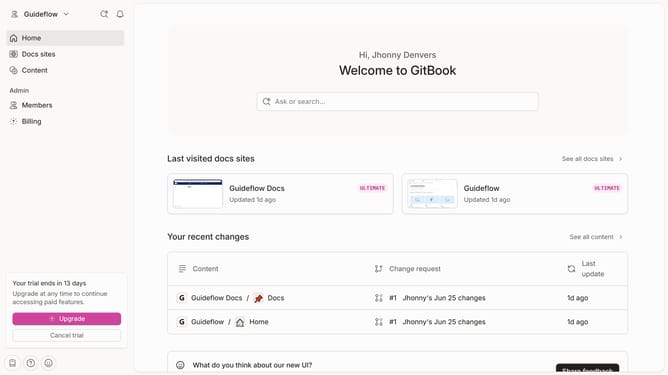
- First click on "Docs sites" in the sidebar
- Then click on the doc link you want to manage
- Next click on "Customize" in the sidebar menu
- Then select "Layout" from the expanded customize menu
- Click on the "Sear bar" dropdown
- Select "Subtle" from the dropdown menu
- Finally click on the "Save" button
Why should you make the search bar smaller in a docs site in Gitbook
GitBook is a dynamic platform for creating, hosting, and sharing documentation easily. Making the search bar smaller in a GitBook docs site can offer notable advantages.
A smaller search bar helps in decluttering the interface, allowing users to focus more on the content itself. This optimization is critical for enhancing user experience by reducing distractions.
Furthermore, a compact search bar can provide a cleaner look, ensuring the design remains sleek and professional. Thus, this feature supports both functionality and aesthetic appeal in your documentation site.
Last update