How to change ask a question icon in Gitbook
Here is how to change ask a question icon in gitbook
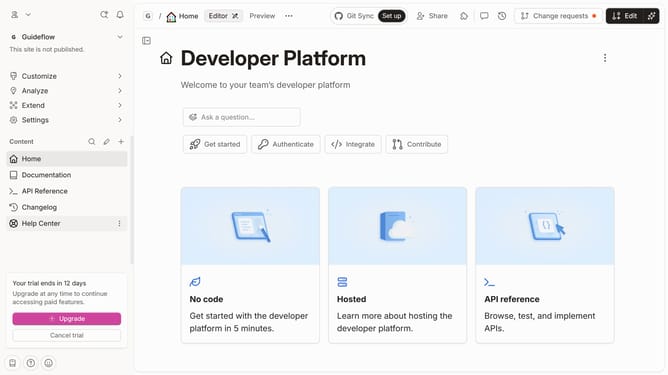
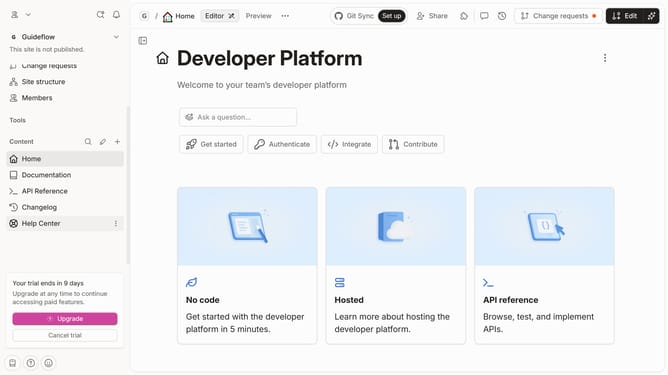
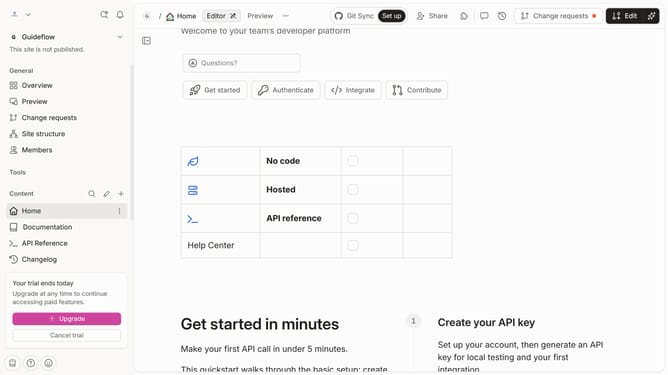
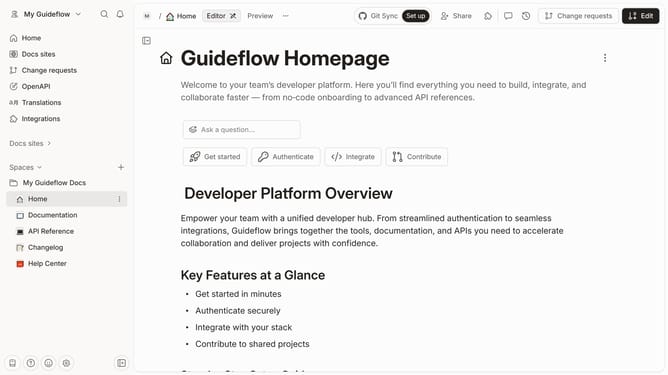
- First click on the red dot next to "Home" in the left sidebar.
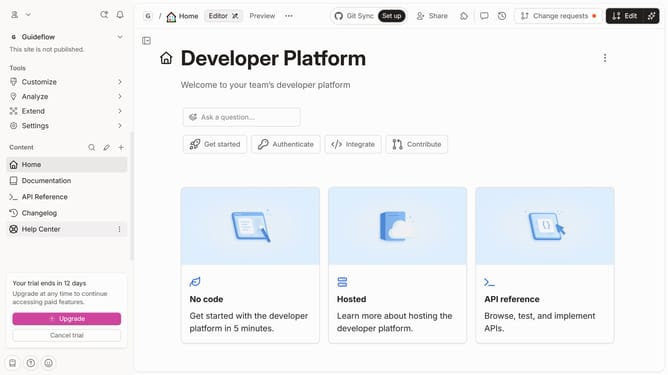
- Then click on the "Edit" button in the top right corner.
- Next click on the ask question icon in the main content area
- Then click on the icon for the icon options to show
- Next select the an icon from the displayed grid of icons
- Finally click on the "Merge" button again in the top right corner
Why should you change ask a question icon in Gitbook
Gitbook is a versatile platform designed to simplify documentation for teams and creators.
Customizing aspects like the "Ask a Question" icon enhances the user experience and aligns the platform with your brand aesthetics.
Changing this icon allows you to create a more personalized interface, which can make your documentation feel more intuitive and visually appealing.
Such personal touches can improve user engagement by creating a cohesive and inviting environment, encouraging users to interact more with the content.
Last update