How to lock or unlock live edits in a space in Gitbook
Here is how to lock or unlock live edits in a space in gitbook
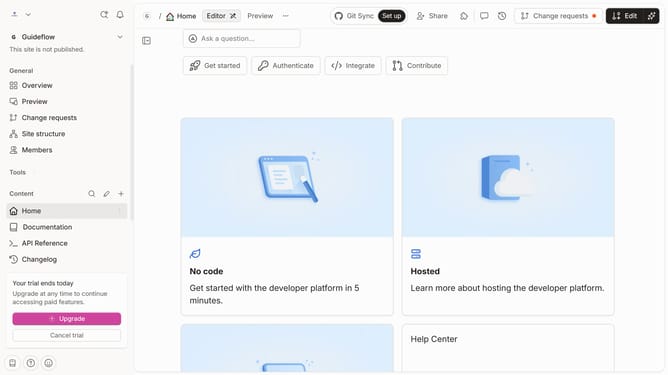
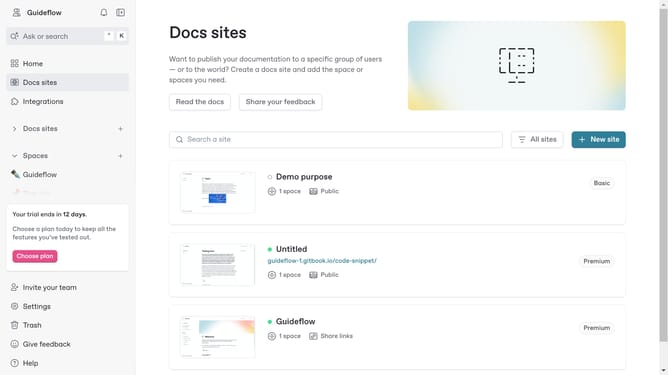
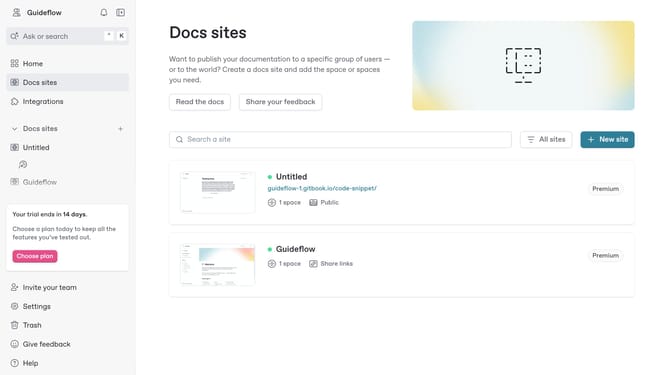
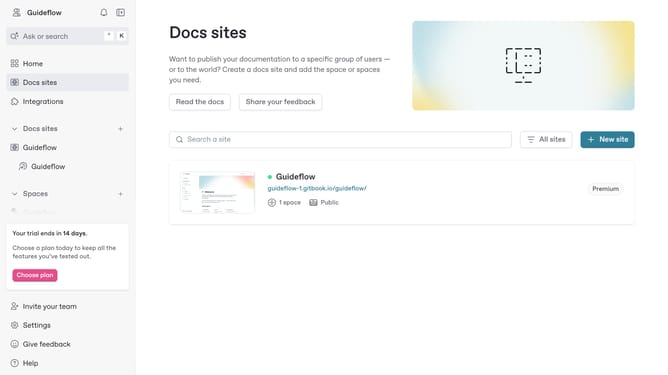
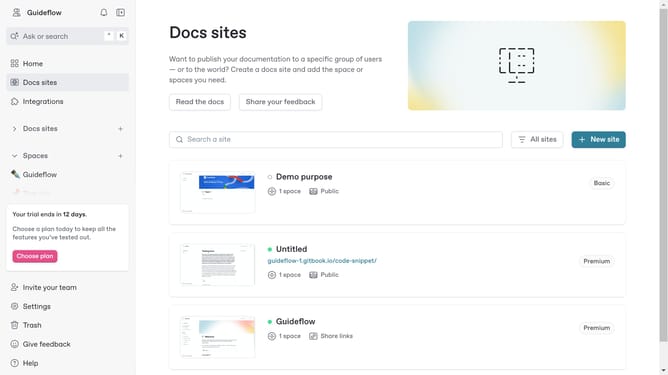
- First click the site card you want to edit
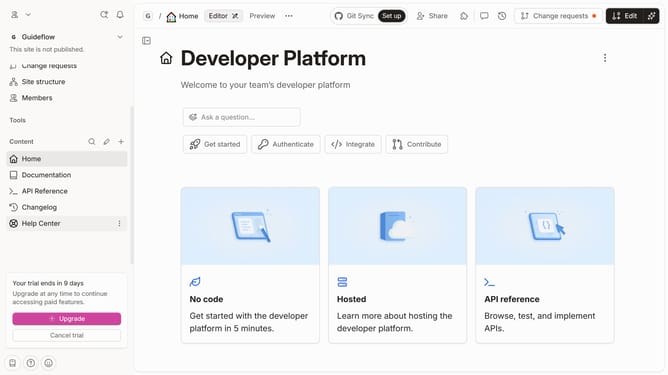
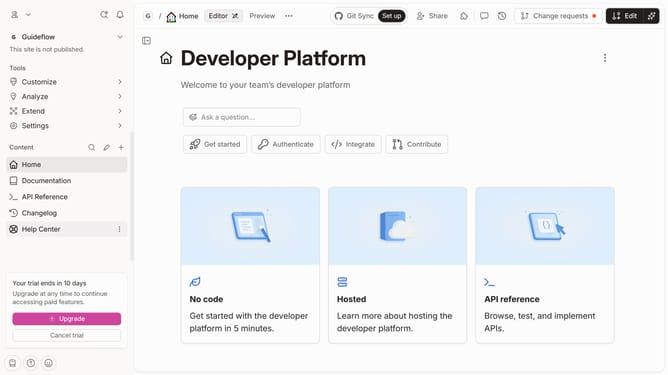
- Then click on the "Start editing content" button in the site overview section
- Then click the "Actions" button at the top
- Finally click on "Unlock live edits" option in the page context menu
Why should you lock or unlock live edits in a space in Gitbook
GitBook is an intuitive platform designed to make team collaboration on documentation seamless and efficient.
The "lock or unlock live edits" feature in GitBook allows teams to control document modifications in real-time, ensuring all contributors are coordinated and no changes are lost.
Employing this feature brings forth the advantage of preventing conflicting edits, fostering a more organized workflow.
Locking edits offers peace of mind, while unlocking them welcomes collaborative creativity at its peak.
Last update