How to rename a docs site in GitBook
Here is how to rename a docs site in gitbook
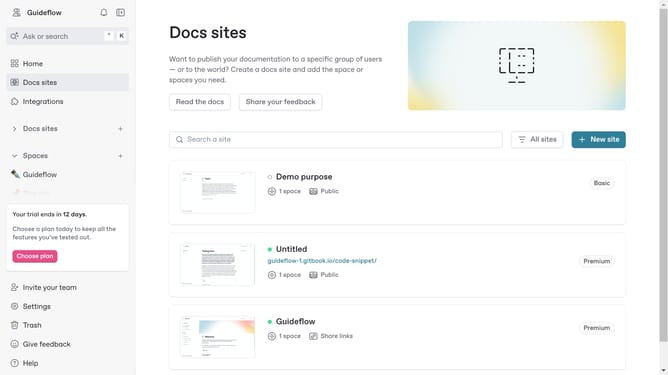
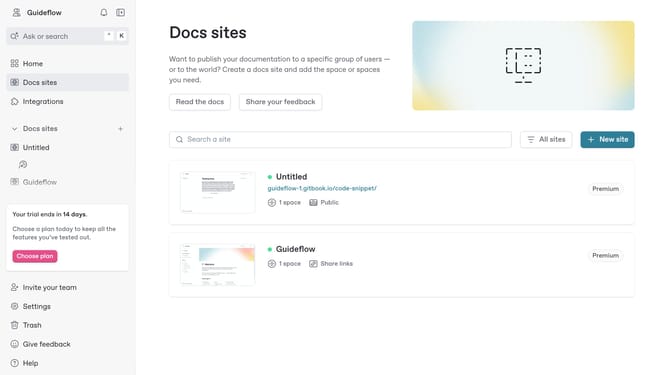
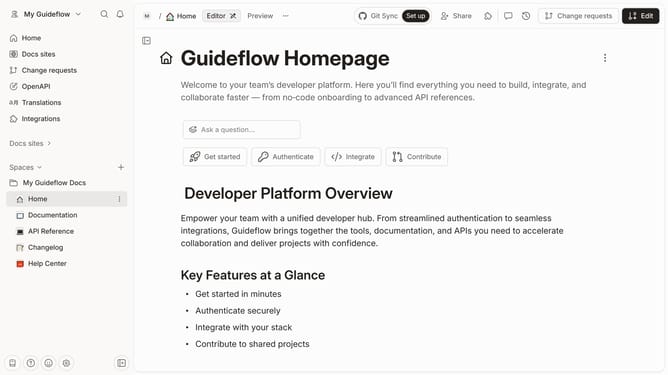
- First click on "Docs sites" in the left sidebar
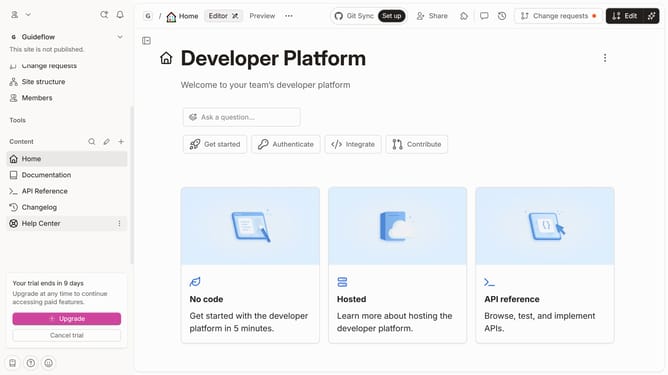
- Then click on the doc site you want to manage
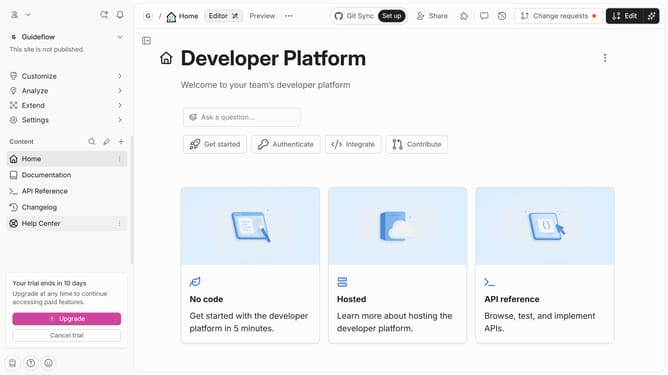
- Next click on "Customize" in the left sidebar
- Then click on "Theme" under Customize in the left sidebar
- Finally click on the text input field under "Title" to edit it
Why should you rename a docs site in GitBook
GitBook is a powerful platform designed for creating, collaborating, and sharing documentation effortlessly.
Renaming a docs site in GitBook is a straightforward feature that enhances your content management experience. This functionality allows users to update their project’s identity effortlessly, ensuring that the documentation remains aligned with project goals and branding needs.
By utilizing the rename feature, teams can maintain clarity and consistency, which is crucial for effective communication and user engagement.
Last update