How to delete reusable content in GitBook
Here is how to delete reusable content in gitbook
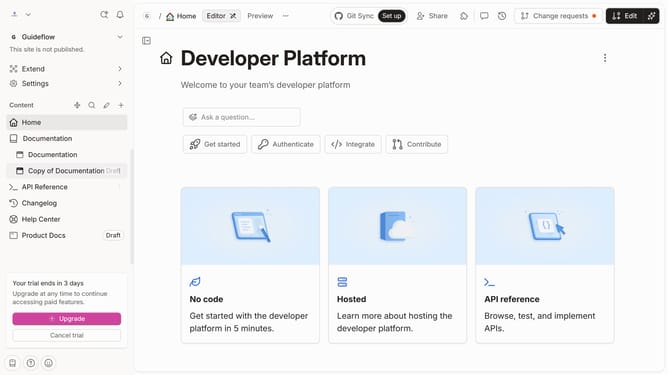
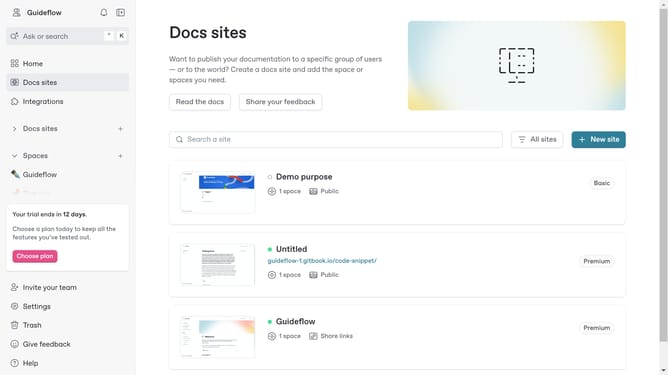
- First click on the site card in the main content area
- Then click on the "Start editing content" button in the overview section
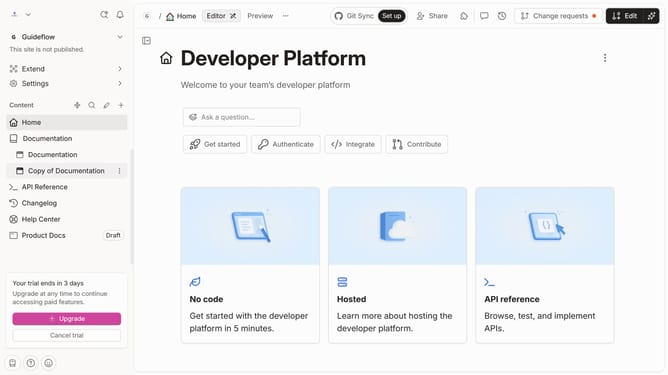
- Click on the "Edit" button in the top action bar
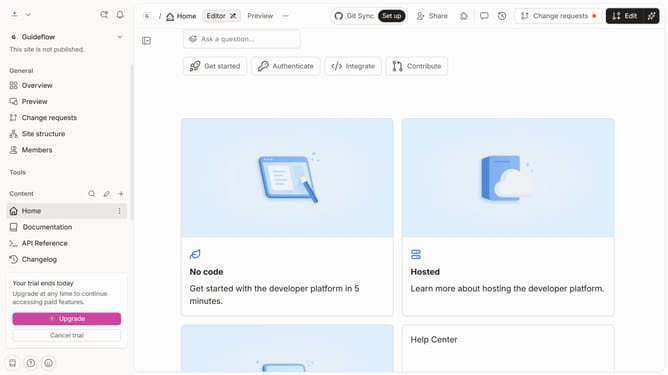
- Next click on the "Reusable content" tab in the content navigation menu
- Select the reusable content you want to delete
- Then click on the "Delete" option in the content menu
- Finally click the "Delete" button in the confirmation dialog
Why should you delete reusable content in GitBook
GitBook is a powerful tool designed to create compelling documentation effortlessly.
The ability to delete reusable content in GitBook ensures your documentation remains static-free and up-to-date. This feature helps in maintaining consistency by allowing users to efficiently manage and refresh content across various documents.
By removing outdated or irrelevant information, it enhances the reader's experience, making the documentation more precise and trustworthy. The advantages of this feature also include saving time on content management, leading to streamlined workflows and increased productivity.
Last update