How to set a maximum in a rating field in help center category in Gitbook
Here is how to set a maximum in a rating field in help center category in gitbook
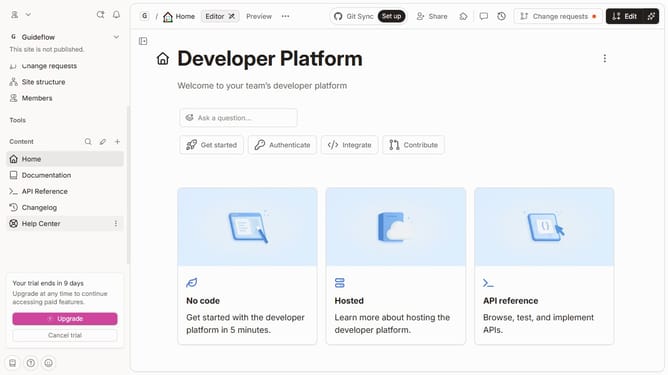
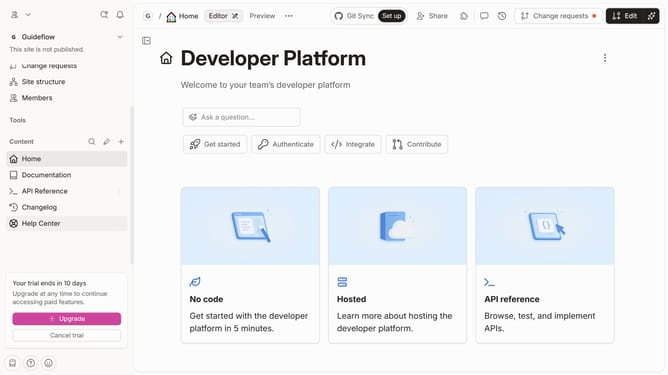
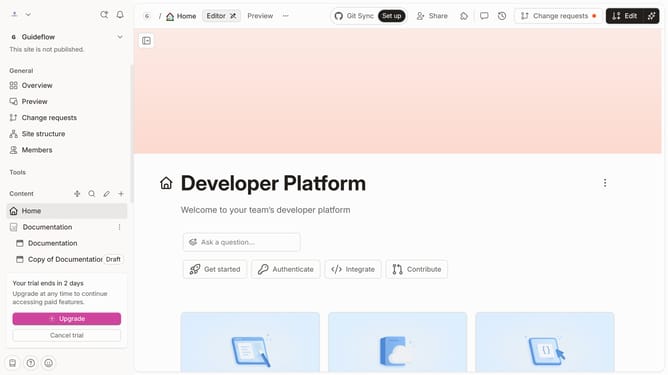
- First click on "Help Center" in the left sidebar
- Then click on the "Edit" button in the header
- Next, click on the "Field options" or the three dots button next to the star ratings
- Then select "Max" from the dropdown menu
- Finally, click on a rating option in the right panel
Why should you set a maximum in a rating field in help center category in Gitbook
Gitbook is a collaborative documentation platform that streamlines the creation and sharing of knowledge.
Setting a maximum in a rating field within the help center category ensures users can consistently express their feedback with precision. This feature prevents input inconsistencies by limiting the range of ratings, allowing for more standardized data collection.
Businesses benefit from clearer insights into user sentiments and can make more informed decisions. This enhances user experience and facilitates effective content strategy adjustments.
Last update