How to configure search button click actions in homepage in Gitbook
Here is how to configure search button click actions in homepage in gitbook
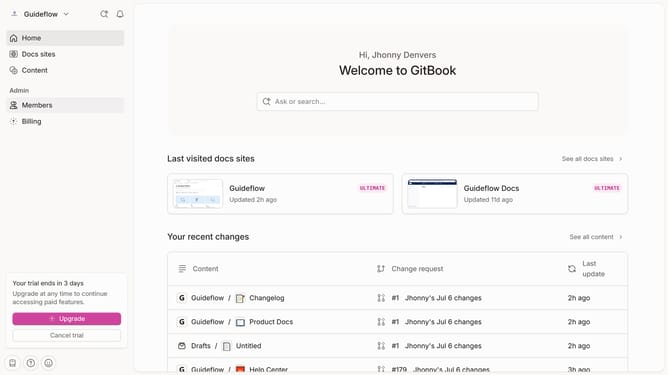
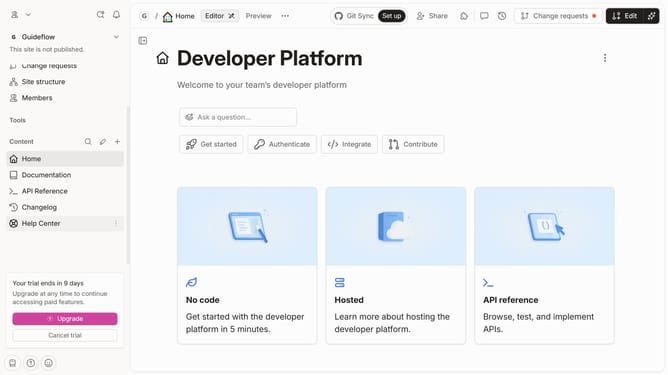
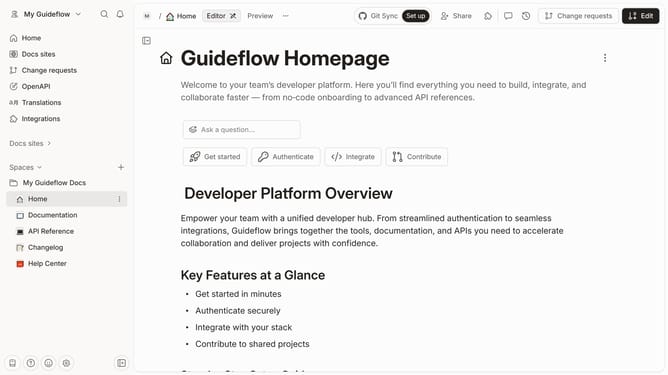
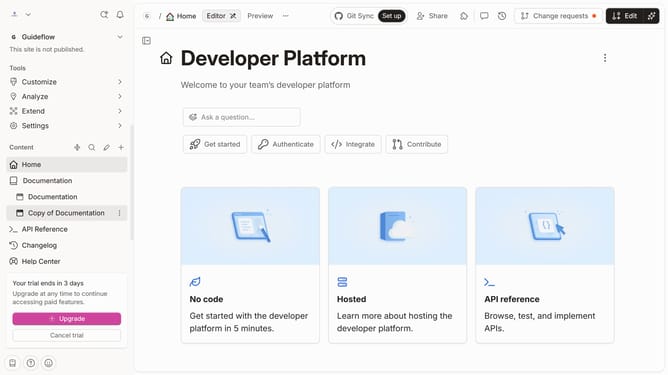
- First click on the "Home" item in the sidebar
- Then click on the "Edit" button in the top menu
- Next, click on the "Questions" button in the main content area
- Then click on the "On click" dropdown button
- Select "Open search" from the dropdown menu
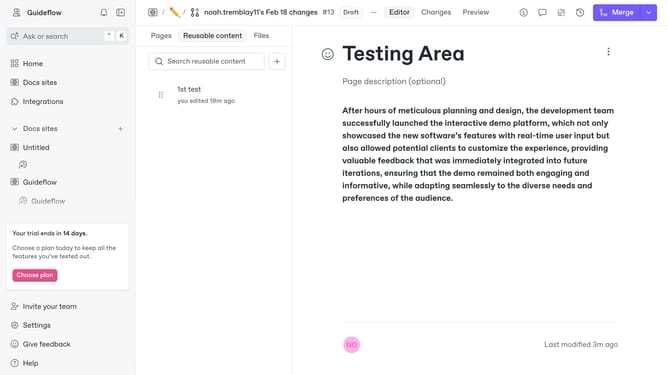
- Finally click on the "Merge" button in the top right corner
Why should you configure search button click actions in homepage in Gitbook
Gitbook is a collaborative platform that enables streamlined documentation creation and management for teams of all sizes.
Configuring the search button click actions on your Gitbook homepage enhances user experience by directing users swiftly to desired content. This customized feature empowers you to adjust the search button’s functionality, aligning it with your project's unique needs.
This capability is essential as it improves navigation efficiency, ensuring users can locate information promptly, which enriches interaction and engagement with your documentation.
By optimizing the search behavior, Gitbook helps your audience discover relevant insights seamlessly, thereby fostering a well-organized, user-centric documentation environment.
Last update