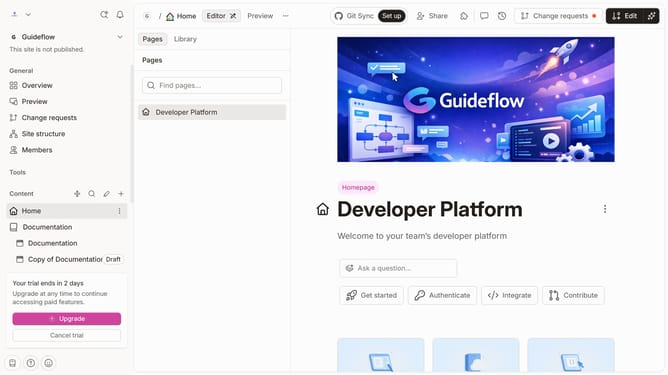
How to add a table number column in help center in Gitbook
Here is how to add a table number column in help center in gitbook
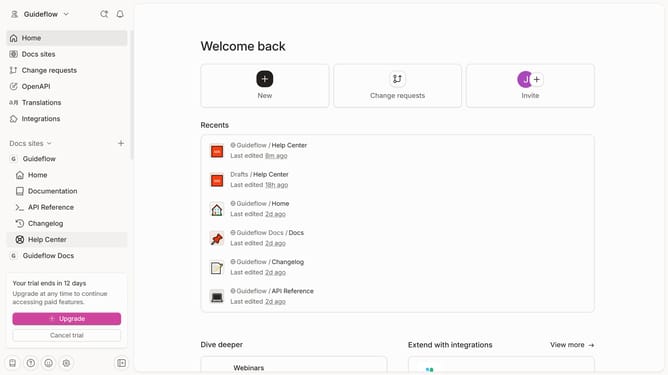
- First click on "Help Center" item in the left sidebar menu
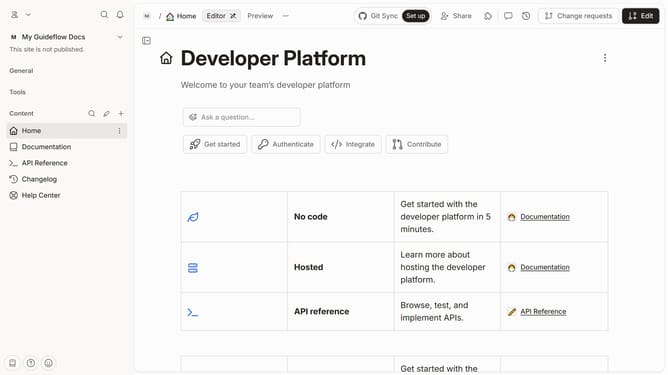
- Then click on the "Edit" button in the top header
- Click on the "Click for block options" icon
- Then click on "Add column" option in the context menu
- Next, select "Number" from the add column options
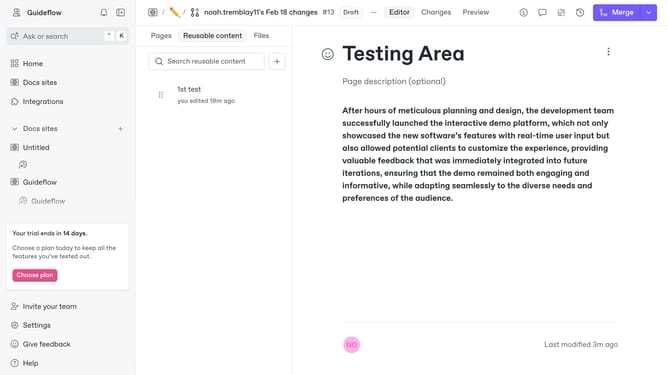
- Finally click on the "Merge" button in the top header
Why should you add a table number column in help center in Gitbook
GitBook is a collaborative platform designed to simplify documentation creation and management.
Adding a table number column in the help center enhances the organizational clarity of your documents.
This feature allows users to quickly locate and reference specific information by providing a clear numerical structure.
Moreover, it enhances user experience by streamlining navigation and improving content accessibility, making help sections more intuitive and efficient.
Last update