How to edit reusable content blocks in Gitbook
Here is how to edit reusable content blocks in gitbook
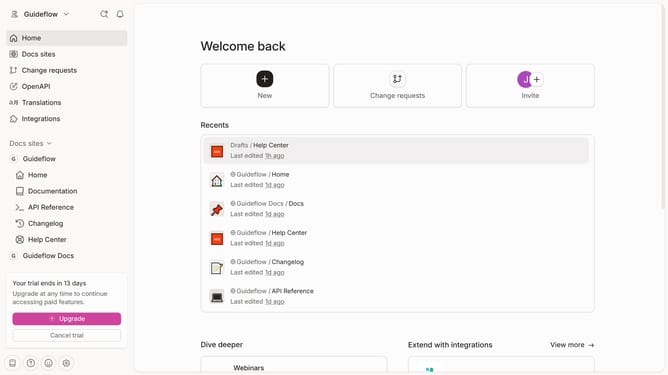
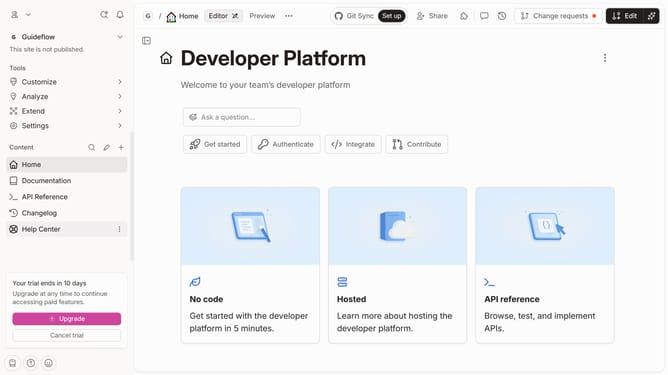
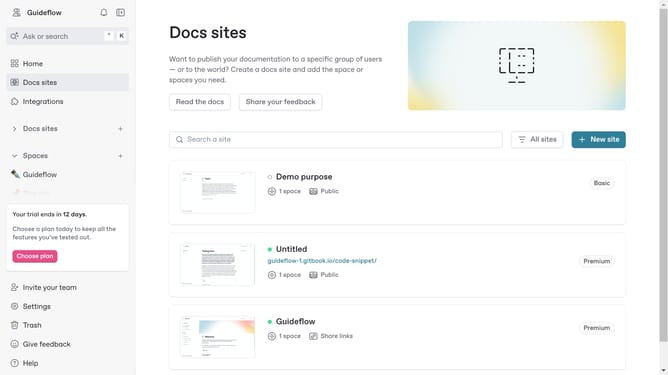
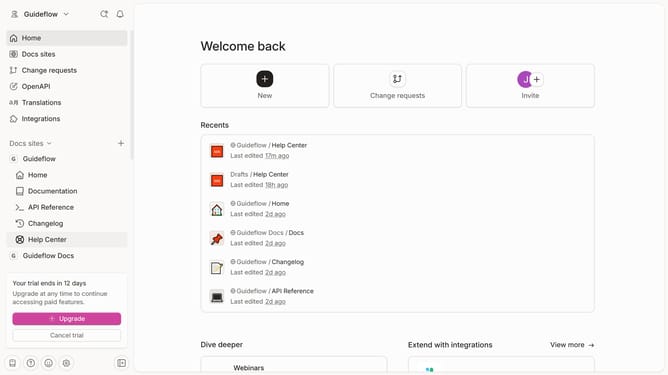
- First click on the reusable content you want to edit
- Next click and hold the reusable content
- Then drag and drop it to the main page
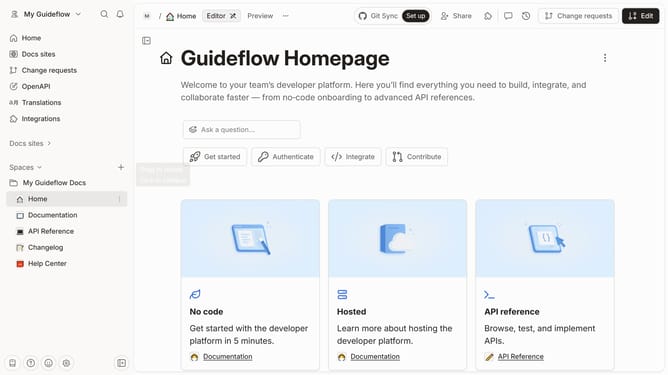
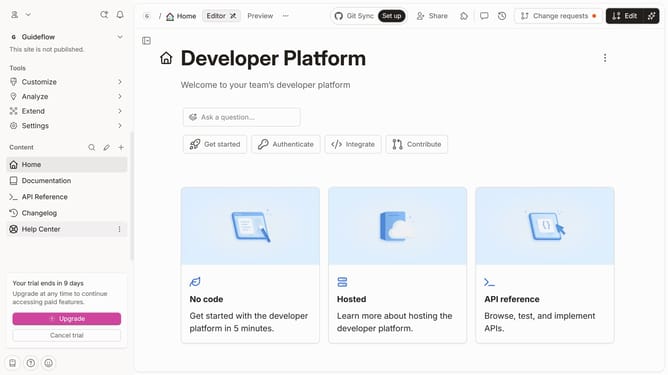
- Then click on the content area to begin editing the text
- Finally click on the "Merge" button in the top toolbar
Why should you edit reusable content blocks in Gitbook
Gitbook is a versatile platform designed to create, manage, and collaborate on documentation efficiently.
A standout feature of Gitbook is the ability to edit reusable content blocks, streamlining content updates across documents.
This feature enhances consistency, as changes made in one block automatically reflect everywhere it is used, saving time and reducing errors.
Editing these blocks simplifies content maintenance and ensures your documents remain cohesive and up-to-date effortlessly.
Last update