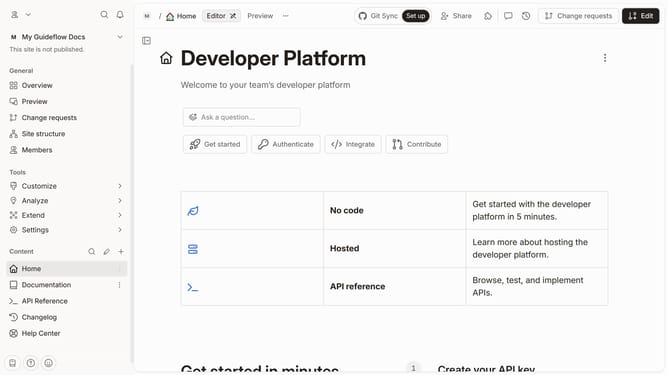
How to set background style in docs site in GitBook
Here is how to set background style in docs site in gitbook
- First, click on "Docs sites" in the left sidebar
- Then click on the doc site title that you want to manage
- Next, click on "Customize" in the left tools menu
- Then, click on "Theme" under the customize section
- Next, select a background style for the sidebar
- Finally, click on the "Save" button
Why should you set background style in docs site in GitBook
GitBook is an intuitive platform designed for creating and managing professional documentation with ease.
One notable feature of GitBook is the ability to set a background style on your documentation site. This feature allows users to enhance the visual appeal of their docs and maintain brand consistency. By customizing the background, you make the reading experience more engaging and reflective of your unique style.
Changing the background style not only adds a touch of personalization to your documentation but also helps in highlighting important sections, making the content more navigable and accessible to your audience.
Last update