How to add a task list in a tab in help center in Gitbook
Here is how to add a task list in a tab in help center in gitbook
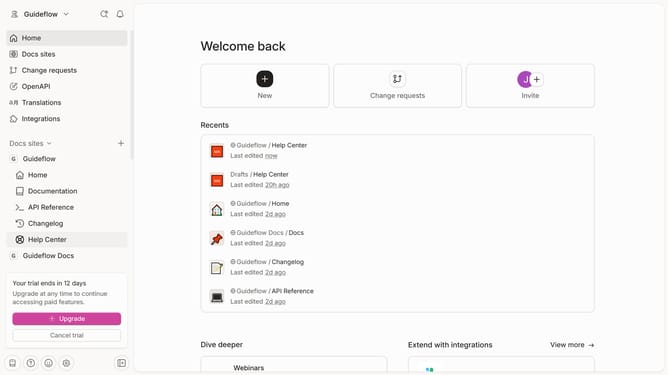
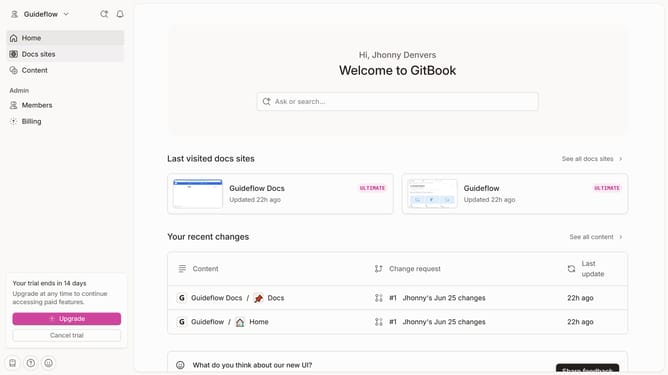
- First click on "Help Center" item in the left sidebar
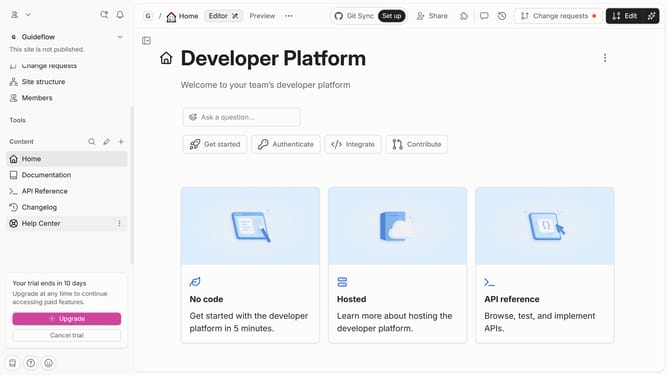
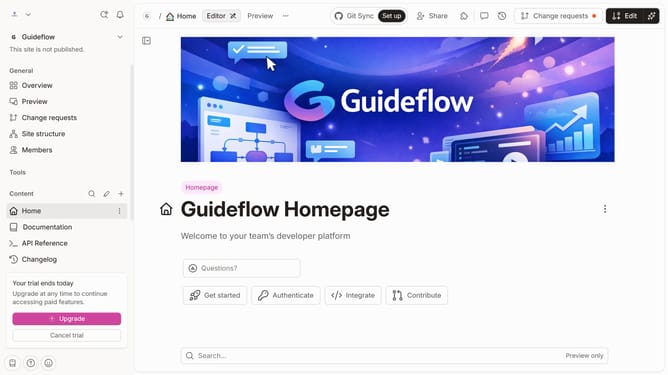
- Then click on the edit icon in the header
- Next click on the three dots icon to show more options
- Then click on "More blocks" and select "Task List"
- Next click on the "Task List" option
- Then click on the text input field and enter your list
- Finally click on the "Merge" button in the top right corner
Why should you add a task list in a tab in help center in Gitbook
GitBook is an intuitive documentation platform designed to empower teams to create, manage, and share their knowledge effortlessly.
Integrating a task list in a tab within the GitBook help center enhances organization and boosts productivity. This feature streamlines project management by segmenting tasks, making progress tracking clear and straightforward for all team members.
By having task lists directly accessible, users can easily align their contributions with broader team goals, ensuring focus and fostering a sense of achievement. This thoughtful feature not only simplifies complex workflows but also enhances collaboration among team members.
Last update