How to disable search bar in homepage in Gitbook
Here is how to disable search bar in homepage in gitbook
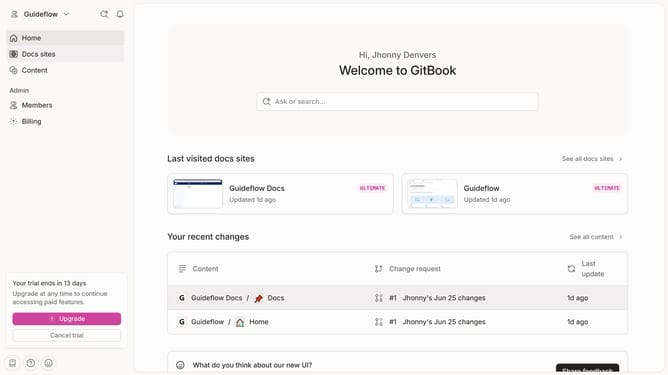
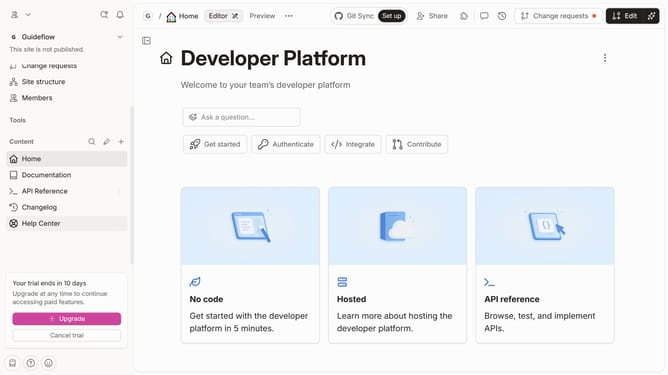
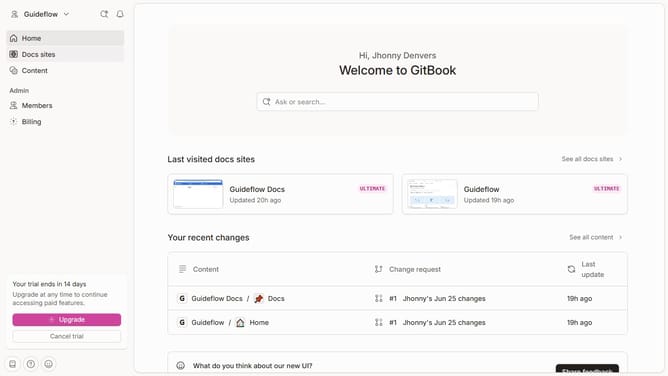
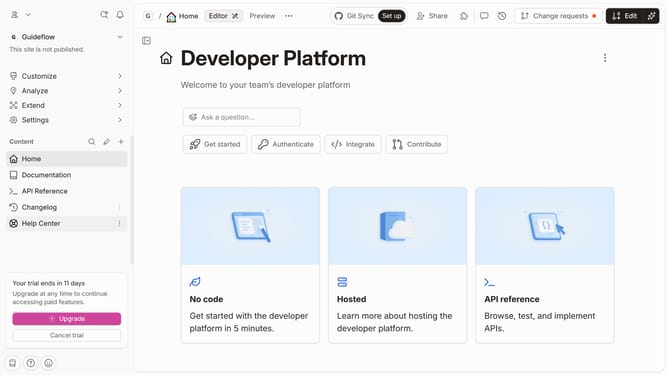
- First click on the "Home" icon in the sidebar
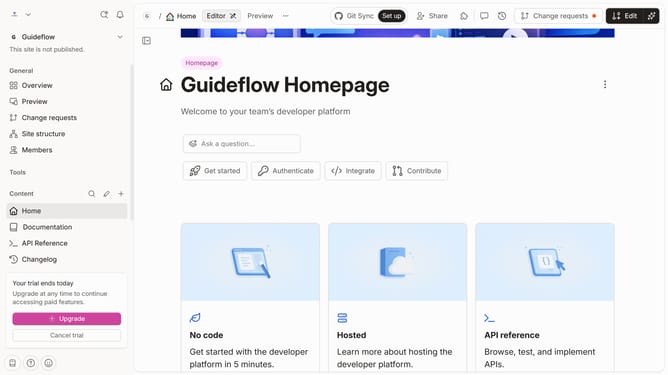
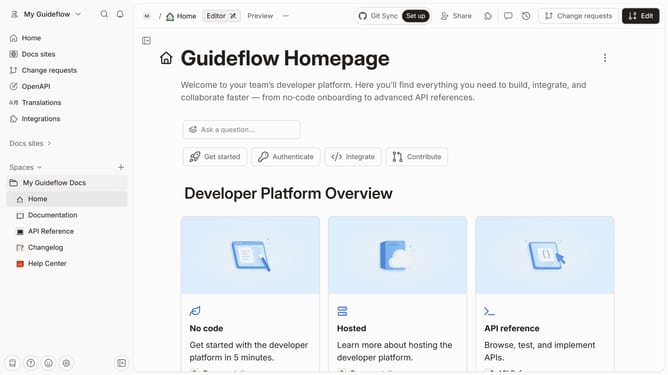
- Then click on the "Edit" button in the top right corner of the page
- Next, click on the "Block options" button to show more options
- Then click on "Show search" in the dropdown menu
- Finally click on the "Merge" button in the top right corner of the page
Why should you disable search bar in homepage in Gitbook
Gitbook is a versatile tool designed to streamline the creation and sharing of beautiful documentation.
By disabling the search bar on your homepage, you can create a more focused and cleaner user experience, directing your audience to where you intend them to navigate.
This feature is particularly beneficial for curating tailored content journeys and maintaining viewer attention on specific parts of your documentation.
Ultimately, a well-configured homepage can enhance user satisfaction and clarify the path to finding valuable information.
Last update