How to enable pagination in the announcement in a docs site in Gitbook
Here is how to enable pagination in the announcement in a docs site in gitbook
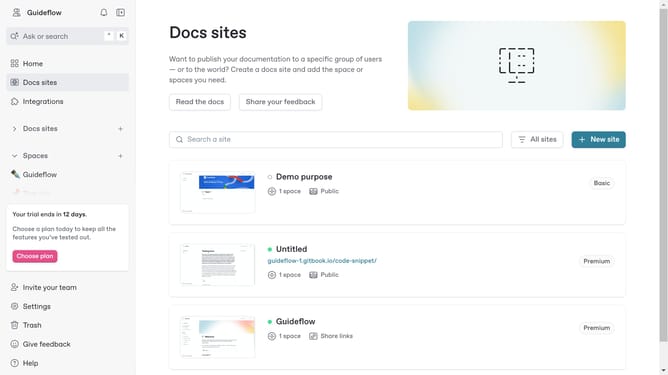
- First, click on "Docs sites" in the left sidebar
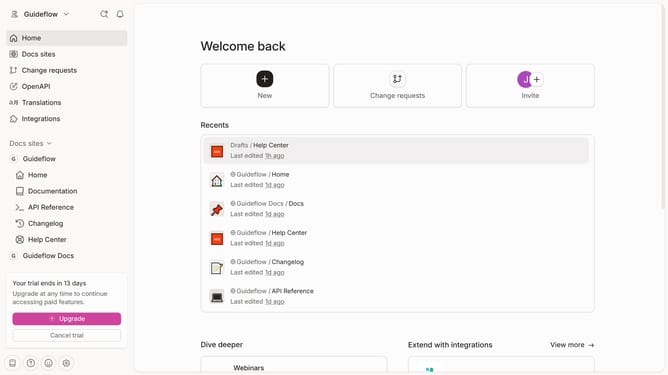
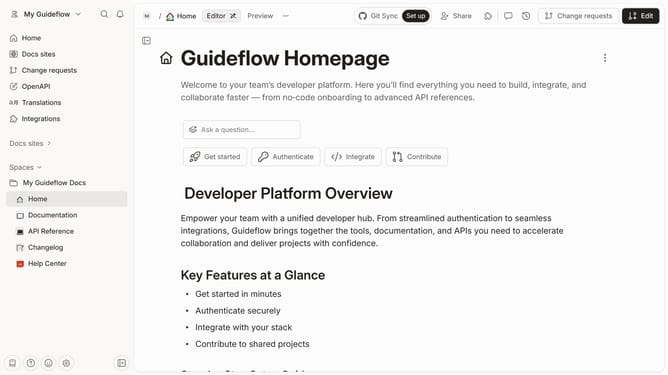
- Then, click on the "Go to site" button
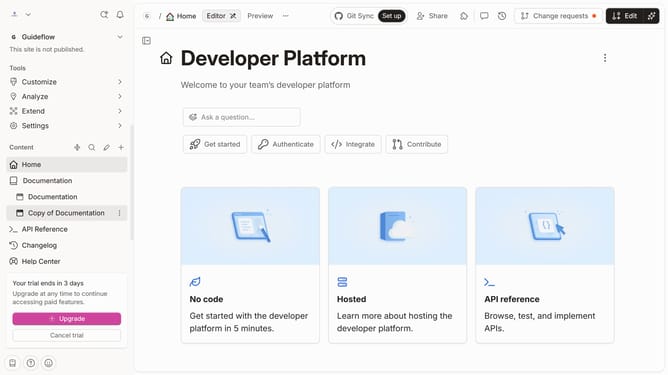
- Next, click on the "Customize" button in the left sidebar
- Then, click on the "Layout" button in the left sidebar
- Next, click on the slider for the "Pagination" to enable it
- Finally, click on the "Save" button
Why should you enable pagination in the announcement in a docs site in Gitbook
Gitbook is a powerful, intuitive platform designed to effortlessly document and share knowledge.
Enabling pagination in announcements within a docs site in Gitbook enhances navigation by allowing users to seamlessly browse through updates. This feature optimizes user experience, ensuring smoother access to information without overwhelming visitors with lengthy, unstructured content.
By segmenting announcements into pages, it creates a more organized flow, helping readers engage more effectively with content while absorbing essential updates with ease.
Last update