How to delete a divider in help center in Gitbook
Here is how to delete a divider in help center in gitbook
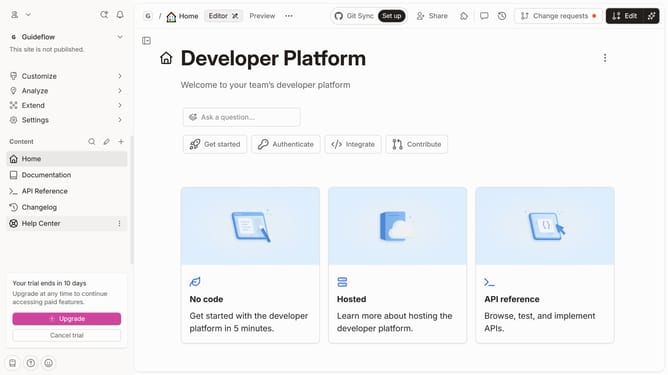
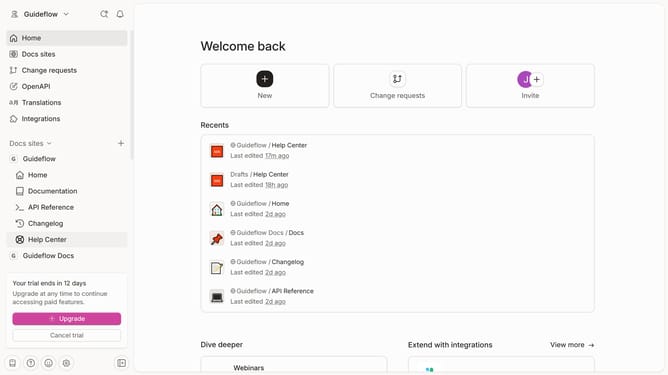
- First click on "Help Center" in the sidebar
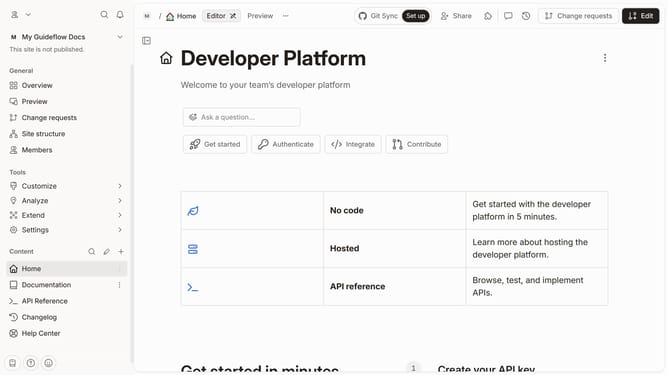
- Then click on "Edit" button in the header
- Next click on the divider that you want to delete
- Then click on the block options button to reveal more options
- Then click on the "Delete" button
- Finally click on the "Merge" button in the header
Why should you delete a divider in help center in Gitbook
Gitbook is an intuitive platform designed to streamline the documentation process for teams and developers.
In Gitbook's help center, dividers play a role in organizing content efficiently, but sometimes they may become redundant or unnecessary as content evolves.
Deleting a divider simplifies the layout, aiding in creating a cleaner and more coherent user experience. This action enhances readability, making information more accessible and engaging for your audience.
Effortlessly maintain an uncluttered and straightforward help center to ensure users focus on what truly matters: the content.
Last update