How to allow selecting more options in selector category in a help center category in Gitbook
Here is how to allow selecting more options in selector category in a help center category in gitbook
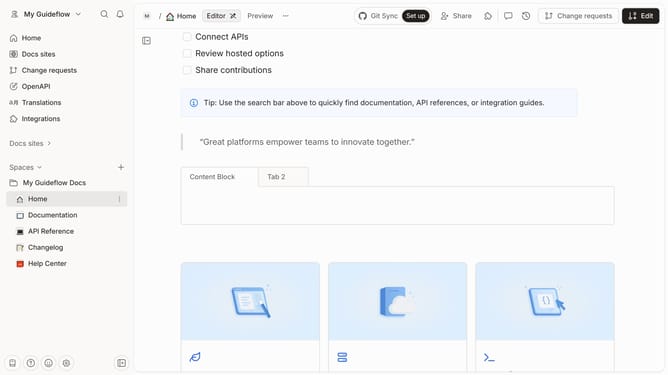
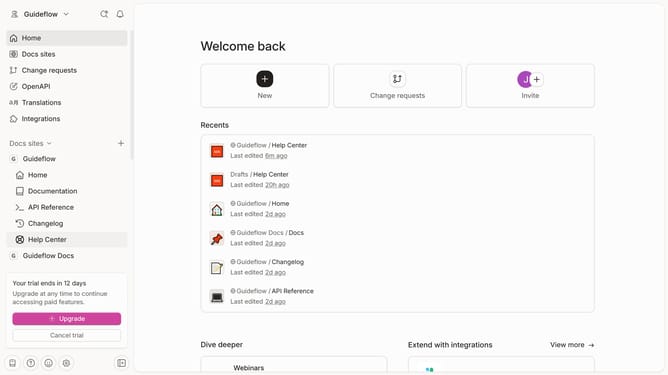
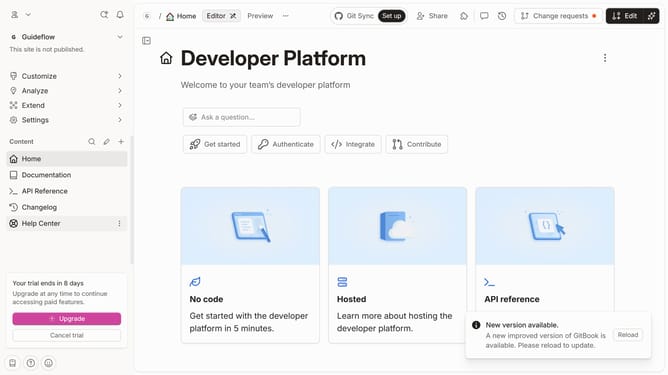
- First click on "Help Center" in the left sidebar
- Then click on the "Edit" button in the top header
- Next, click on the three dots next to the field you want to edit
- Then select "Allow multiple" from the dropdown menu
- Finally click on the "Merge" button in the top header
Why should you allow selecting more options in selector category in a help center category in Gitbook
GitBook is a powerful platform that enables teams to create, manage, and share beautifully designed documentation effortlessly.
By enabling the selection of multiple options in a selector category within GitBook's help center, you streamline users' access to information, enhancing their overall experience and satisfaction. This flexibility allows users to tailor their inquiries and navigate through content with ease, accessing the precise answers they need.
Adopting this feature is beneficial as it improves the platform's usability and efficiency, making the help center more intuitive and user-centric. This fosters a more engaging user journey, encouraging continued interaction and trust in your documentation.
Last update