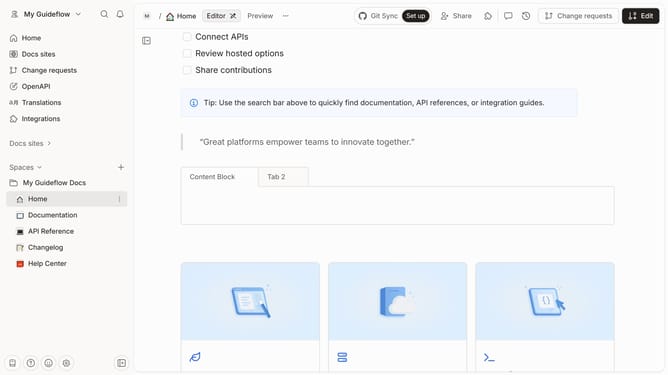
How to represent embedded URLs in Markdown in Gitbook
Here is how to represent embedded urls in markdown in gitbook
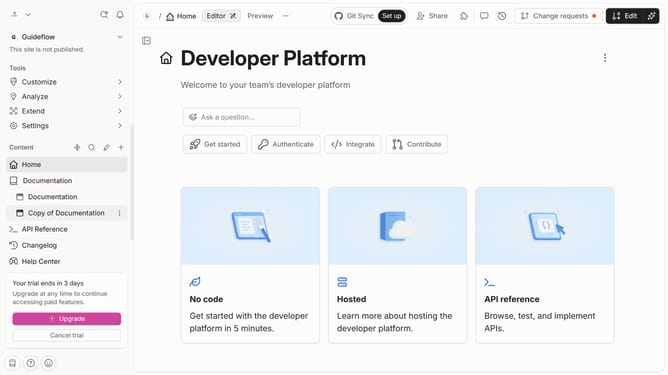
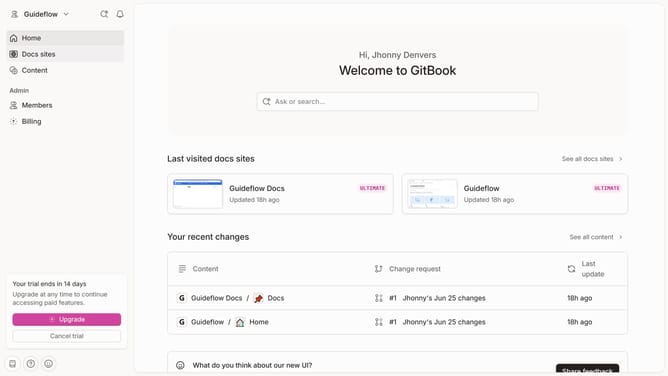
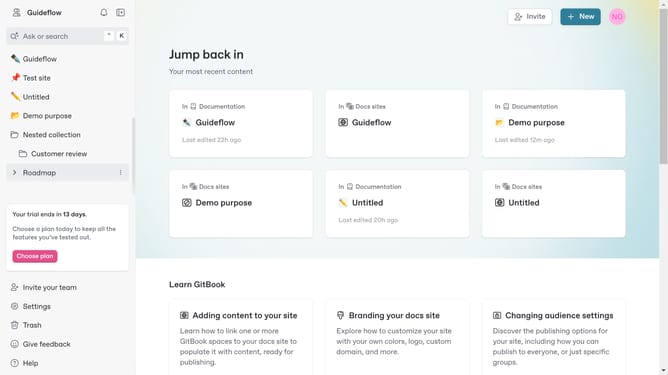
- First click the site card you want to use
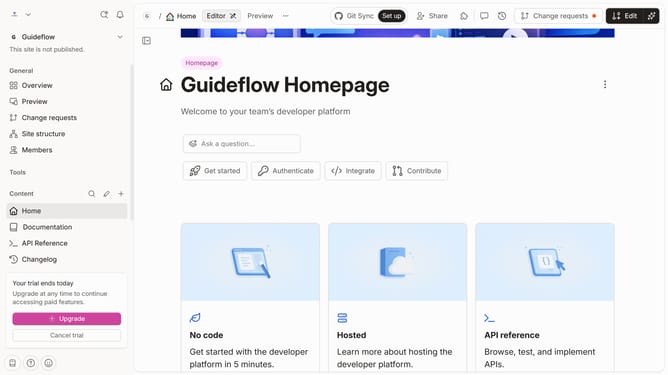
- Then click on the "Start editing content" button in the site overview section
- Finally click on the content editor text field ang enter the markdown "{% embed url="URL_HERE" %}" to embed your URL
Why should you represent embedded URLs in Markdown in Gitbook
Gitbook is a dynamic platform designed to help teams document their knowledge effectively.
Within Gitbook, representing embedded URLs in Markdown is a key feature that enhances the documentation process. This feature allows users to seamlessly integrate external links, maintaining a smooth informational flow.
Embedding URLs in Markdown enriches content by providing direct access to additional resources, improving user engagement and understanding. It ensures that documentation remains concise yet deeply informative.
Last update