How to update the help center description in GitBook
Here is how to update the help center description in gitbook
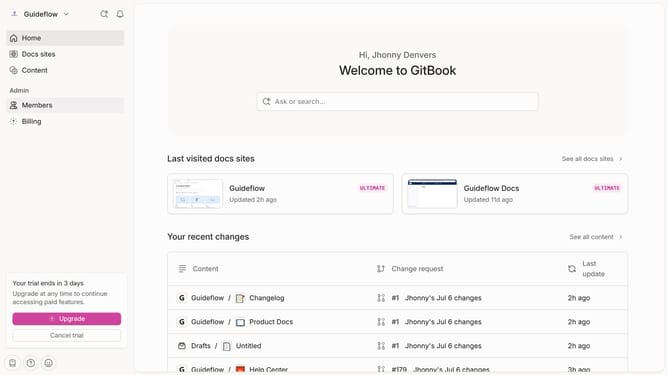
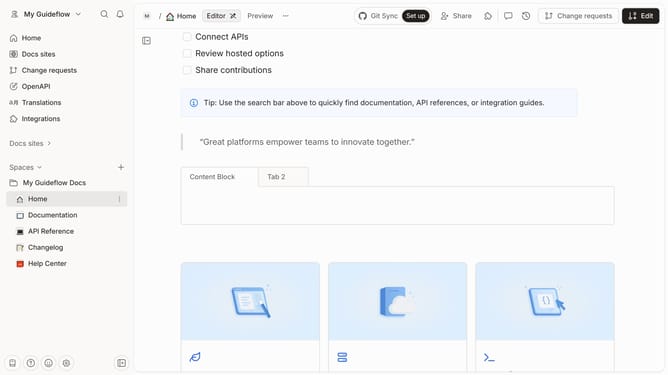
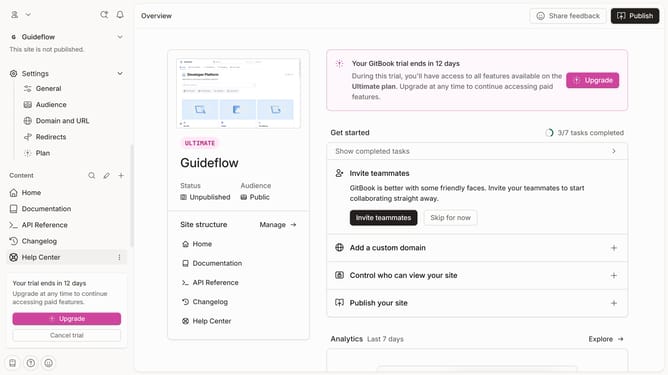
- First click on the Help Center item in the left sidebar
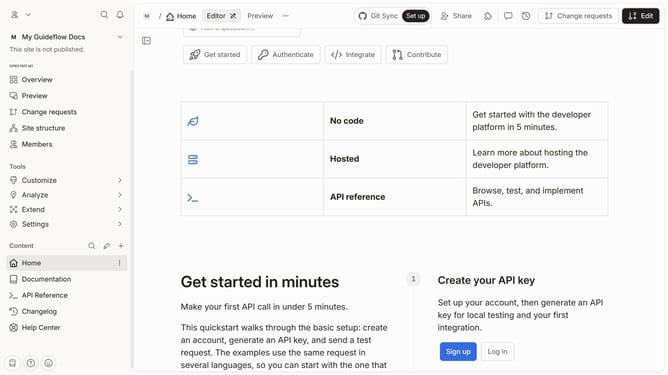
- Then click on the "Edit" button in the header
- Then click on the plus icon to add a new block
- Then click on the square icon to add a new block
- Next click on the text input field and enter description
- Finally click on the "Merge" button in the header
Why should you update the help center description in GitBook
GitBook is an intuitive platform designed to document your products efficiently and collaboratively.
Updating the help center description in GitBook is a streamlined feature that ensures your documentation stays relevant and user-friendly.
Regularly updating this section provides clear guidance for users and improves overall user experience, reflecting any updates or changes you've implemented in your product.
This feature strengthens your documentation by enhancing clarity and fostering better communication with your audience.
Last update