How to show page outline in homepage in Gitbook
Here is how to show page outline in homepage in gitbook
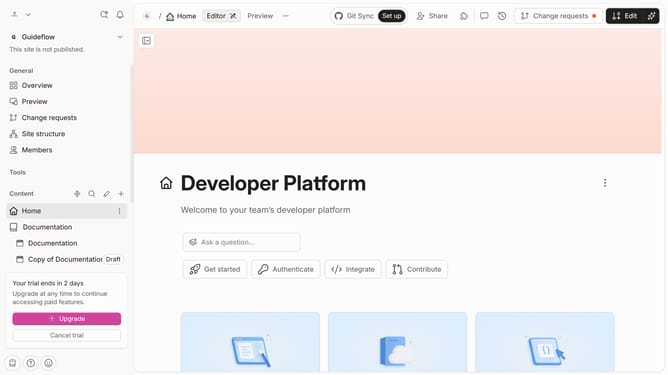
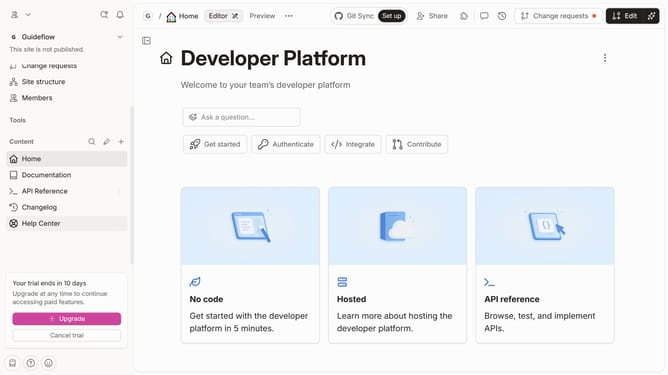
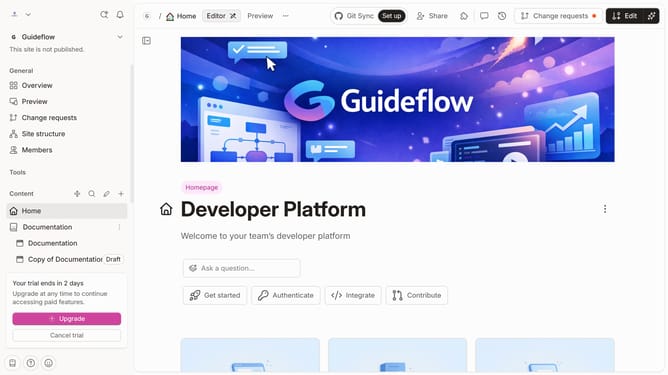
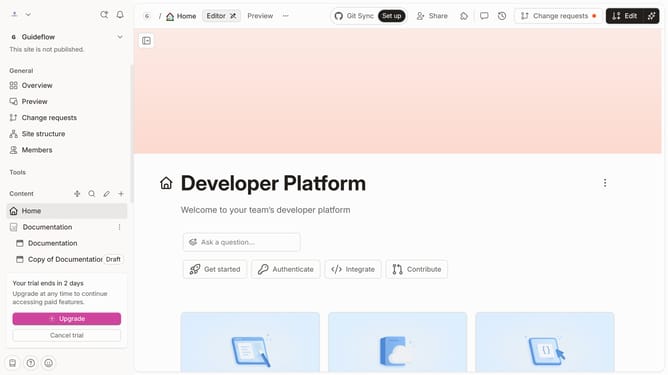
- First click on "Home" in the sidebar
- Then click on the "Edit" button in the top menu
- Then click on "Page options" link
- Then toggle the switch ON across "Page outline" to enable it
- Finally click on the "Merge" button
Why should you show page outline in homepage in Gitbook
GitBook is a versatile platform designed to empower users to document, share, and manage knowledge effortlessly.
Highlighting the page outline on the homepage offers a structured view of content, enhancing the user experience by providing clear navigation.
This feature allows readers to grasp the content's organization at a glance, making it easier to find information and enhancing engagement.
Using page outlines ensures that users remain oriented within the documentation, providing a seamless flow from section to section.
Last update