How to italicize text in Gitbook
Here is how to italicize text in gitbook
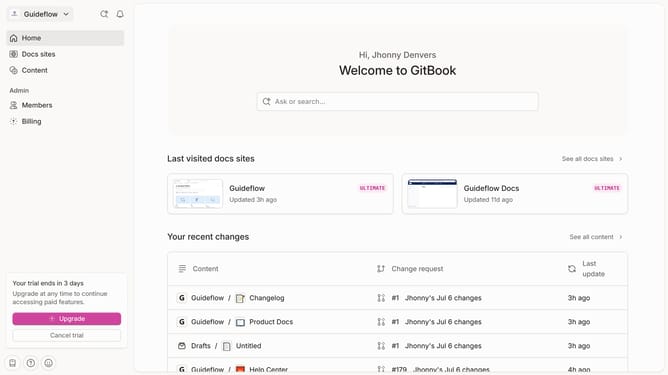
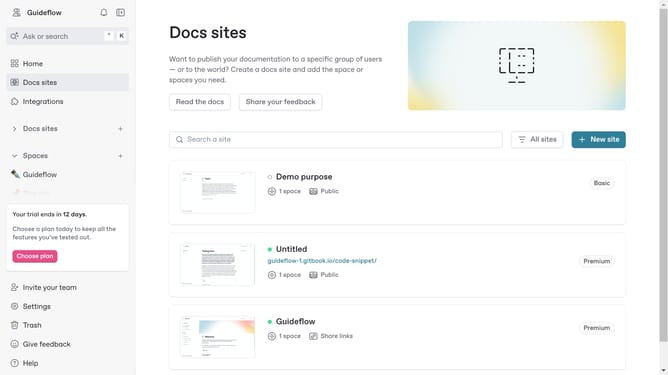
- First click the site card you want to work on in the docs sites list
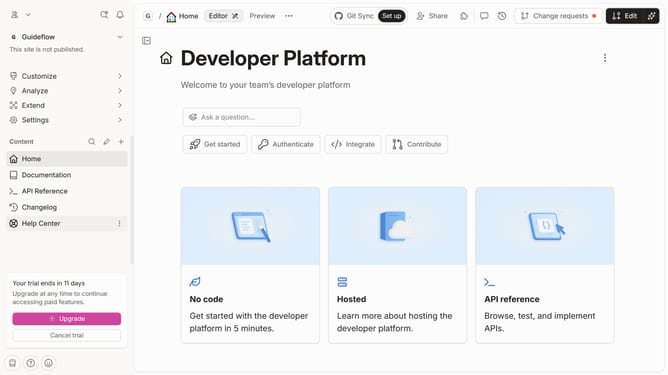
- Then click on the "Start editing content" button in the site overview section
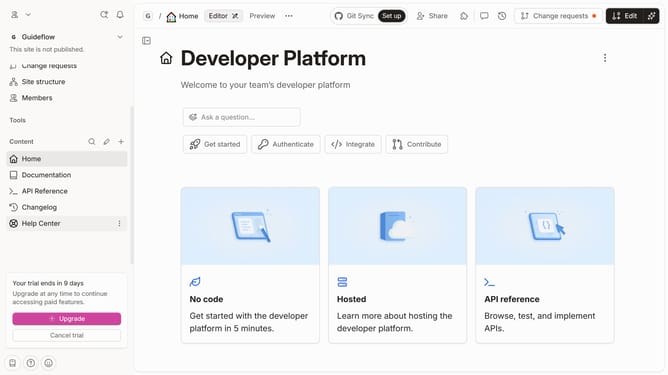
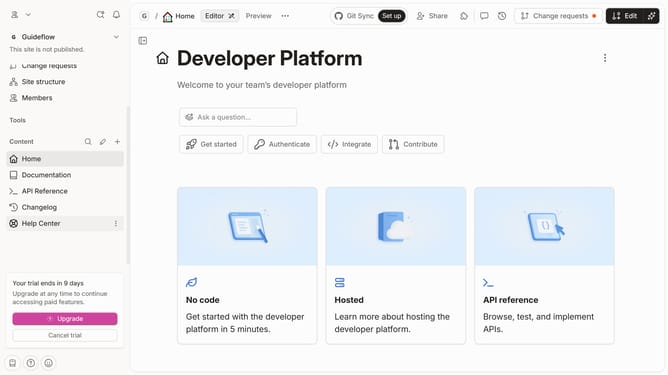
- Click on the "Edit" button in the top toolbar
- Select the text you want to italicize in the main editor area
- Click the "Italicize" button at the formatting toolbar
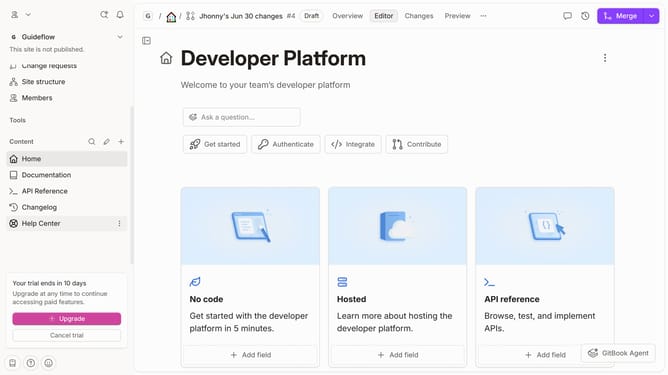
- Finally click the "Merge" button in the top toolbar
Why should you italicize text in Gitbook
GitBook is a versatile platform designed to transform documentation and collaboration for teams.
In GitBook, italicizing text is a simple yet powerful feature that enhances readability and emphasis in your documents.
By italicizing, you can effortlessly differentiate important pieces of information, making your content more engaging and easier to digest.
This feature ultimately aids in guiding the reader’s attention to key points, ensuring your message is communicated effectively.
Last update