How to add heading1 in homepage tab in Gitbook
Here is how to add heading1 in homepage tab in gitbook
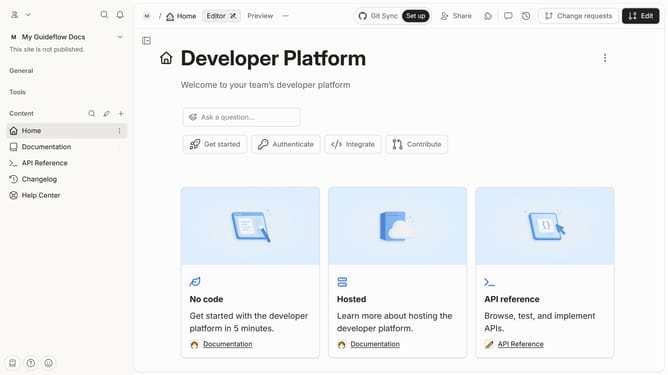
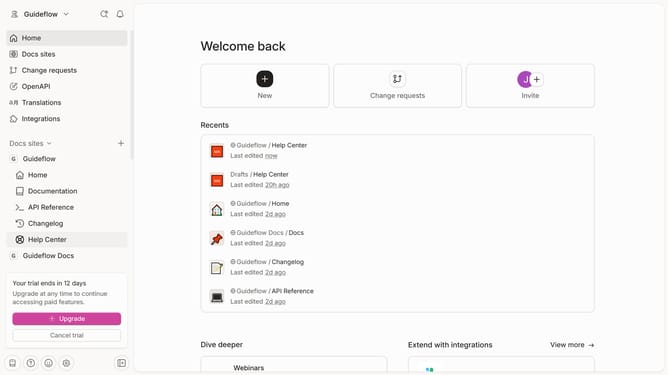
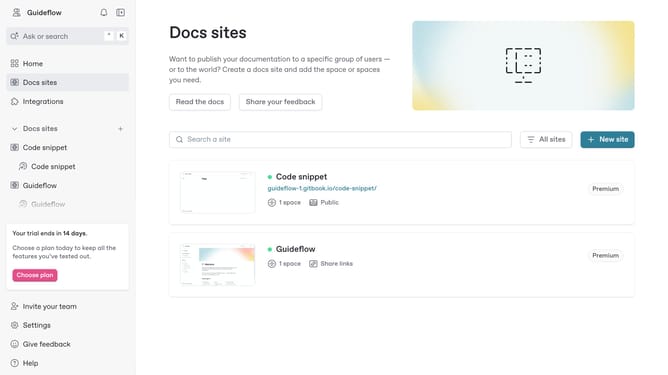
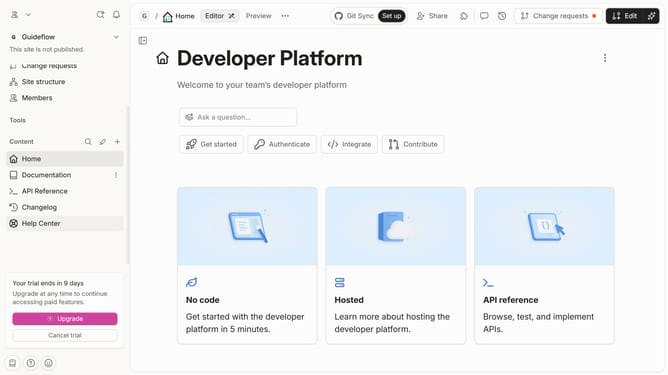
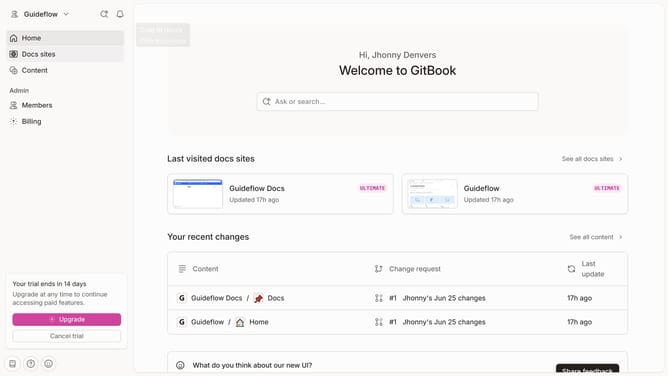
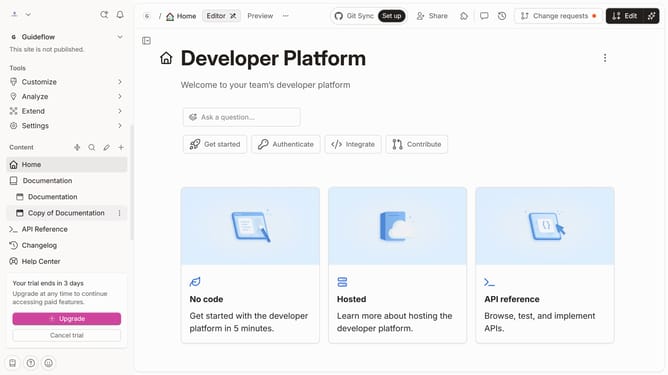
- First click on the "Home" item in the left sidebar
- Then click on the "Edit" button in the top menu bar.
- Next click on the block options icon to reveal block settings
- Then select "Heading 1" from the "Turn into" dropdown menu.
- Next click on the text input field and edit it
- Finally click on the "Merge" button in the top right corner of the screen.
Why should you add heading1 in homepage tab in Gitbook
Gitbook is a dynamic platform designed for creating and sharing extensive documentation effortlessly.
One feature worth highlighting is the ability to add a heading1 on the homepage tab, ensuring your content appears clearly structured and prominently organized.
Utilizing heading1 on your homepage not only enhances readability but also optimizes the overall user experience by guiding users smoothly through essential information. This feature emphasizes core topics, making critical details easily accessible right from the start.
Incorporating heading1 structure aligns your content in a way that's both logical and visually appealing, amplifying the efficiency of your document's layout.
Last update