How to sync reusable content with GitHub and GitLab in Gitbook
Here is how to sync reusable content with github and gitlab in gitbook
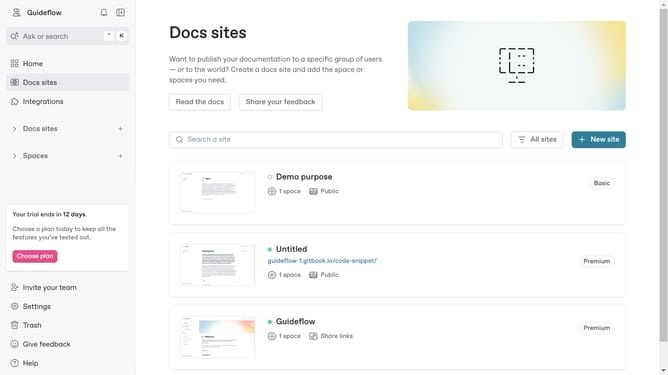
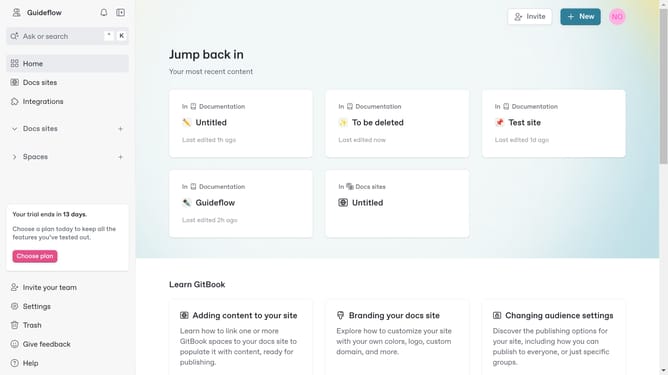
- First click on the "New" button in the top-right header
- Then click on "New space" from the dropdown menu
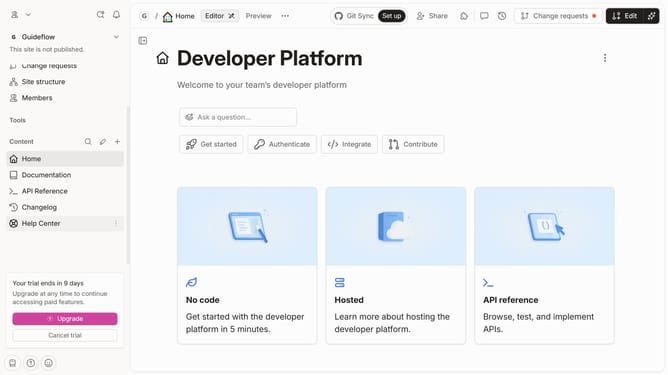
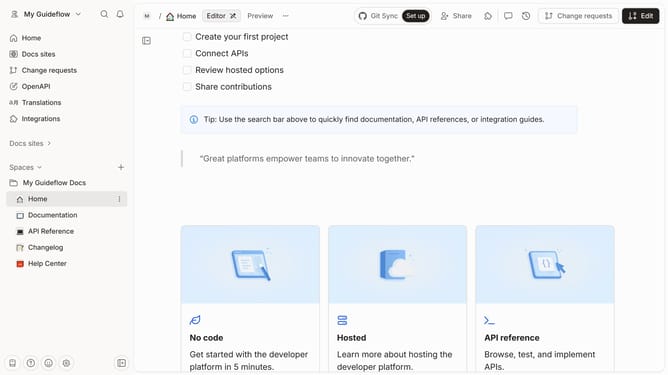
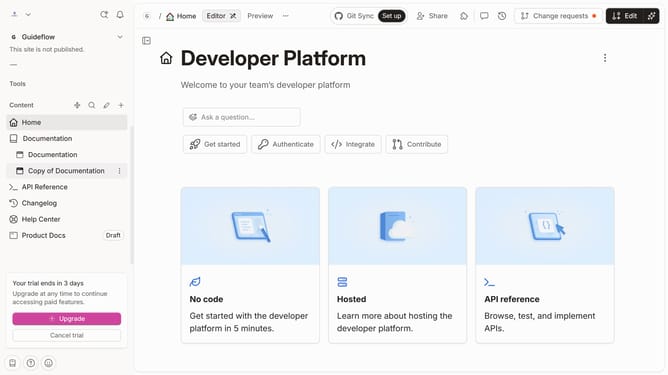
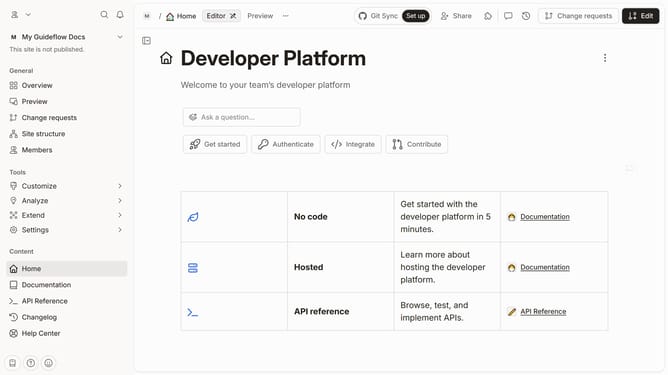
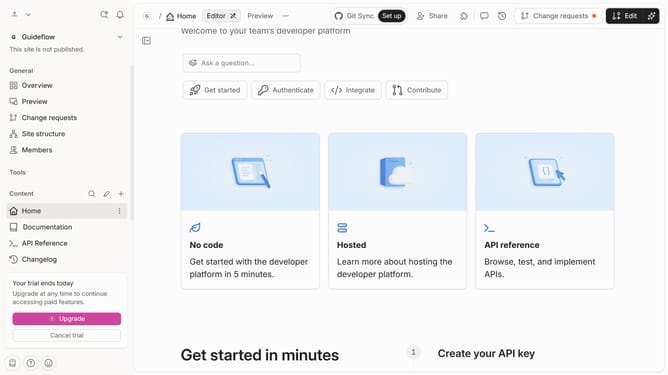
- On the new page, click "Set up Git Sync" in the page options
- Select "GitLab Sync" option from the Git provider list
- Click the "Next step" button to proceed with the configuration
- Enter your GitLab access token in the provided input field
- Click the "Authenticate" button to verify your GitLab credentials
- Finally click the "Sync" button to start the synchronization process
Why should you sync reusable content with GitHub and GitLab in Gitbook
GitBook transforms team collaboration into streamlined documentation creation.
Syncing reusable content with GitHub and GitLab in GitBook ensures that updates are seamlessly integrated, saving time and reducing errors.
This feature enhances collaboration by keeping all content sources aligned, which fosters higher team productivity.
Utilizing this synchronization supports consistent documentation, ultimately leading to improved project transparency and communication.
Last update