How to customize help center cards in GitBook
Here is how to customize help center cards in gitbook
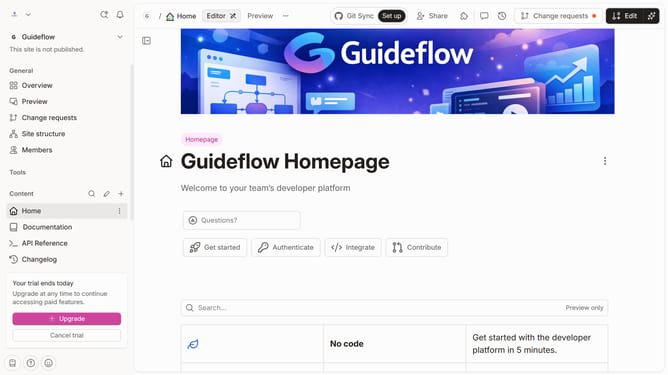
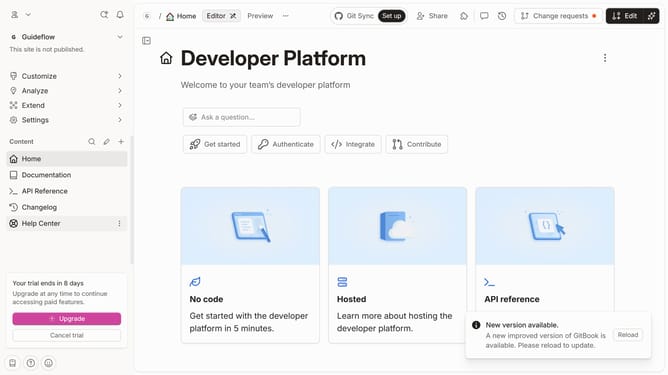
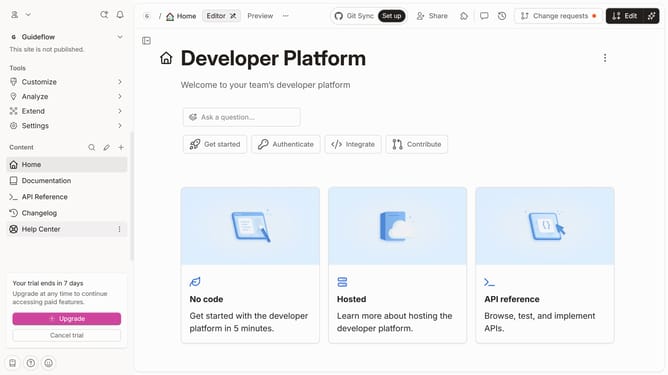
- First click on the "Documentation" item in the left sidebar menu
- Then click on the "Edit" button in the header
- Next, click on the "Page options" button
- Then click on the toggle switch ON to show page outline
- Finally, click on the "Merge" button
Why should you customize help center cards in GitBook
GitBook is a powerful platform designed to enhance and streamline the documentation experience for teams and projects.
Customizing help center cards in GitBook allows you to tailor the user experience to your audience’s needs, making information easily accessible and visually appealing.
This feature is essential for providing a clear, organized, and efficient journey through your documentation, ensuring that users can quickly find the answers they seek, facilitating smoother interactions and better comprehension.
By optimizing the layout and content of these cards, teams can improve user engagement, increase the self-service capability of their documentation, and reduce the need for additional support resources.
Last update