How to create annotations in Gitbook
Here is how to create annotations in gitbook
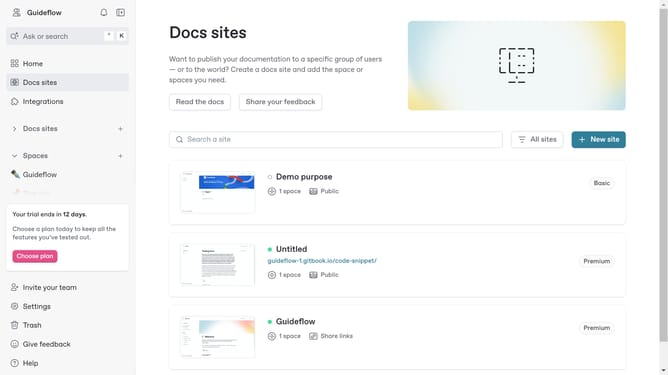
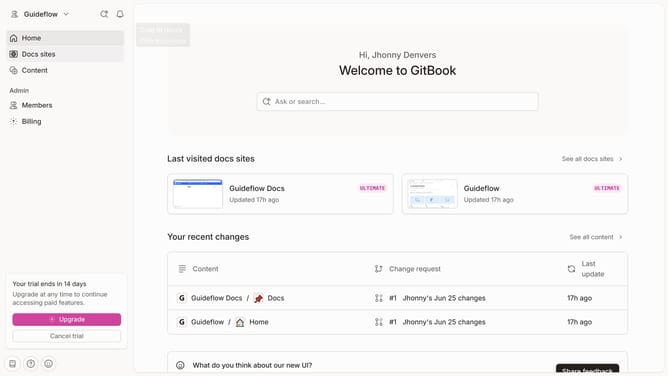
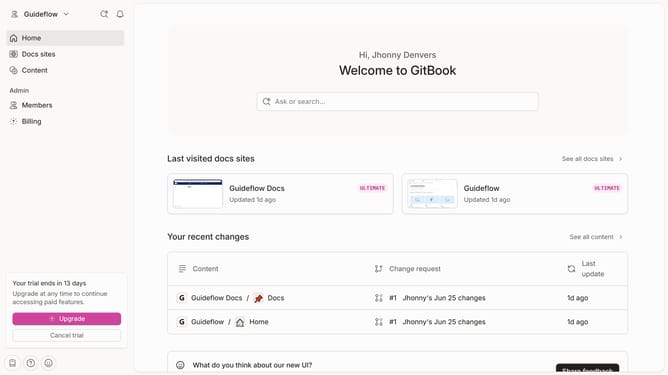
- First click on the site card you want to edit in the main content area
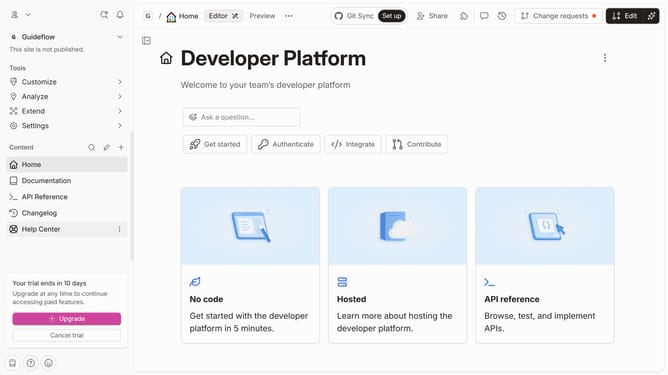
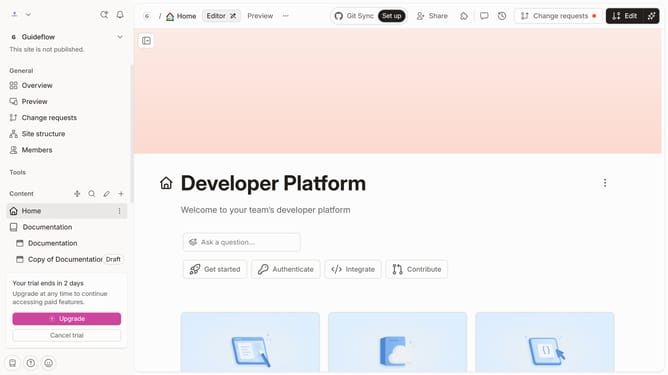
- Then click on the "Start editing content" button in the overview section
- Next click on the input field in the editor to enter your text
- Then select the text you want to annotate
- After that click the "Annotate" button in the toolbar that appears above the text
- Then click here to add your annotation
- Finally click outside of it to continue writing in the text block
Why should you create annotations in Gitbook
GitBook is a collaborative platform for documentation, elegantly designed to streamline the creation and sharing of knowledge in digital form.
Creating annotations in GitBook enhances the collaborative process by allowing team members to mark specific parts of the document with insightful comments. This feature promotes effective communication and ensures that feedback is easily accessible, relevant, and contextual.
Annotations help in highlighting areas that require attention, fostering a more focused and productive editing process. With annotations, you can track suggested improvements or discuss ideas directly within the document, keeping everyone on the same page.
Last update