How to show pagination in homepage in Gitbook
Here is how to show pagination in homepage in gitbook
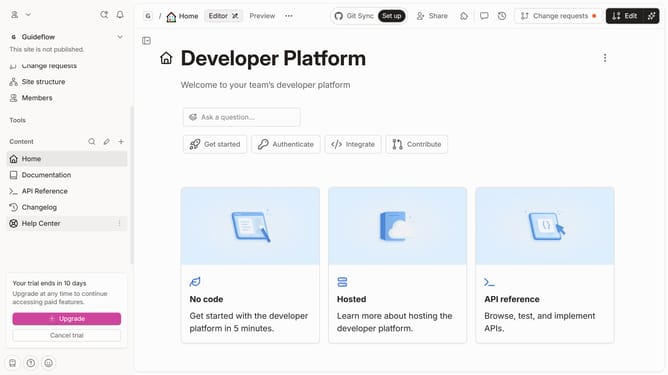
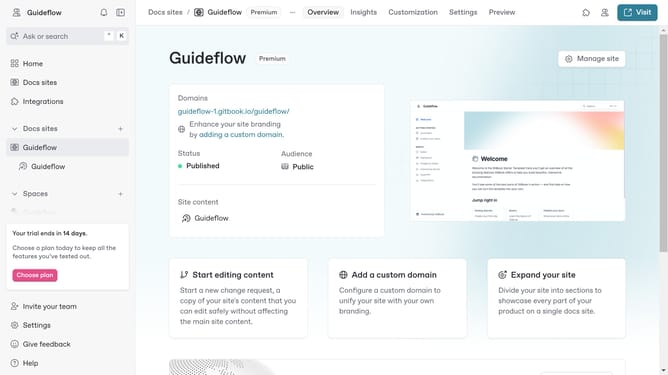
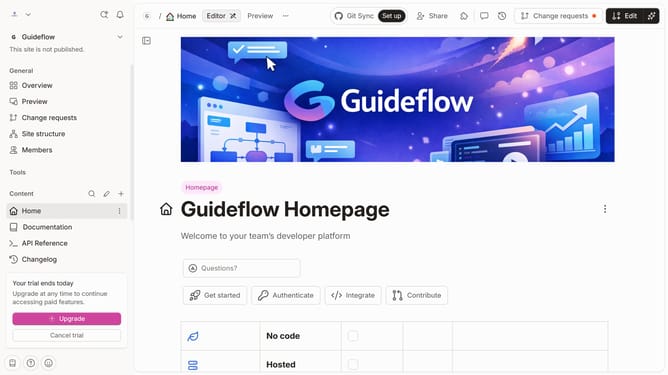
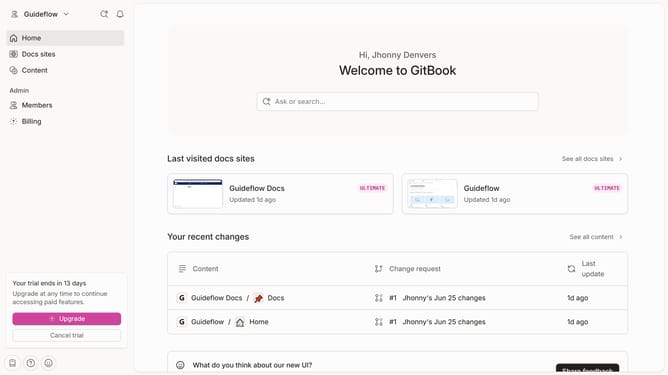
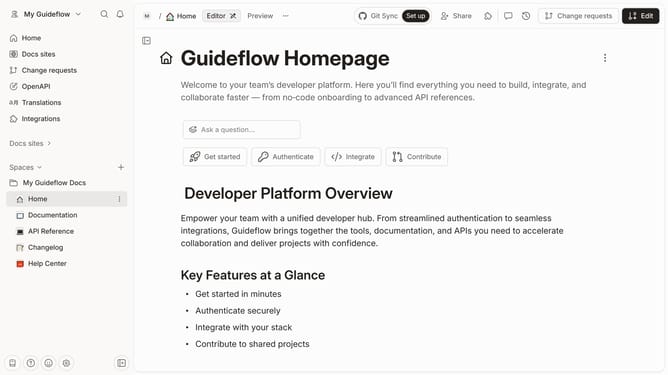
- First click on "Home" in the sidebar
- Then click on the "Edit" button in the header
- Next click on "Page options" in the content area
- Then toggle the switch ON across "Pagination" to enable it
- Finally click on the "Merge" button in the header
Why should you show pagination in homepage in Gitbook
Gitbook is an intuitive platform designed for creating and sharing beautiful documentation.
Implementing pagination on your homepage in Gitbook seamlessly organizes content into manageable sections. This feature enhances the user experience by allowing readers to navigate through information effortlessly.
By structuring content with pagination, you ensure that readers stay engaged by presenting digestible chunks of information, ultimately making your documentation more accessible and user-friendly.
Last update