How to rename a content in a docs site in GitBook
Here is how to rename a content in a docs site in gitbook
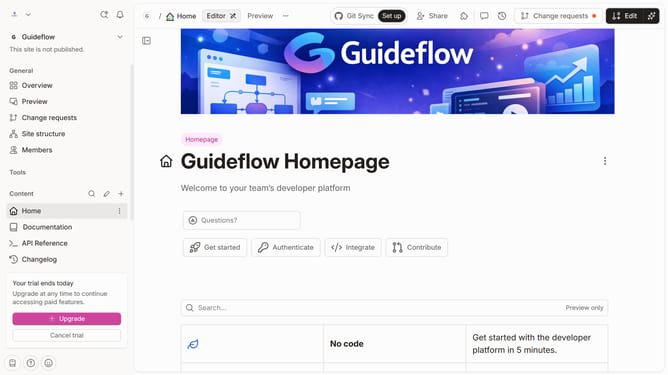
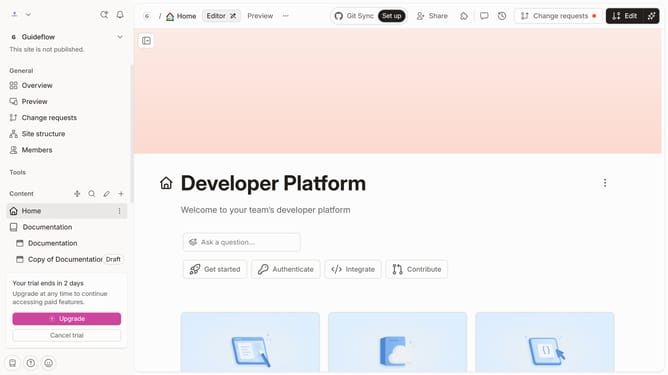
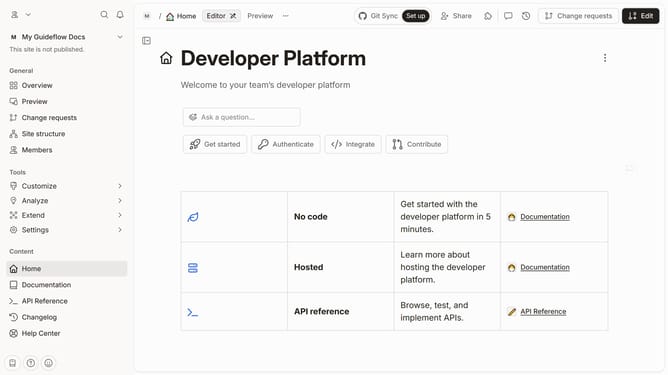
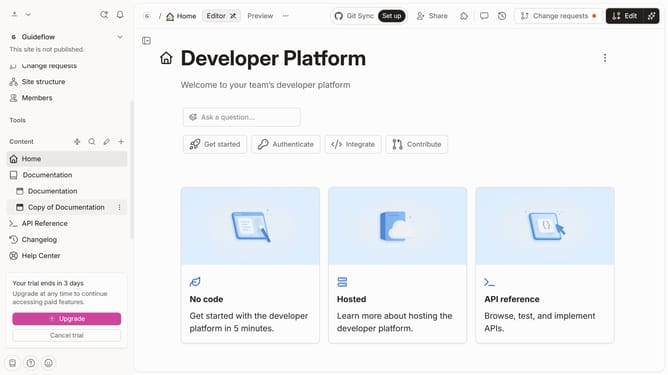
- First click on the three-dot icon next to the content page name that you want to delete
- Then click on the "Remove" option from the dropdown menu that appears
- Finally click on the red "Remove" button to confirm the action
Why should you rename a content in a docs site in GitBook
GitBook is an intuitive documentation platform designed to create, manage, and share knowledge efficiently.
Renaming content on your GitBook docs site ensures your documentation remains organized and up-to-date. By doing this, you maintain clarity and relevance, which enhances the user experience.
This feature is particularly beneficial for teams who often update their materials, as it allows them to keep their content aligned with current information without the need to rebuild or duplicate entries.
Overall, it contributes to a smooth and coherent navigation experience for all users engaging with your content.
Last update