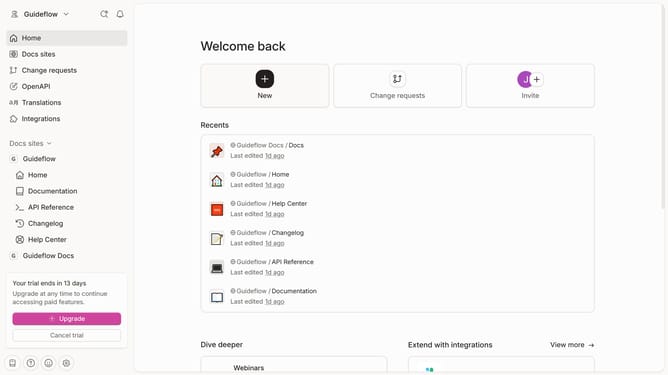
How to show table of contents of a content in a docs site in Gitbook
Here is how to show table of contents of a content in a docs site in gitbook
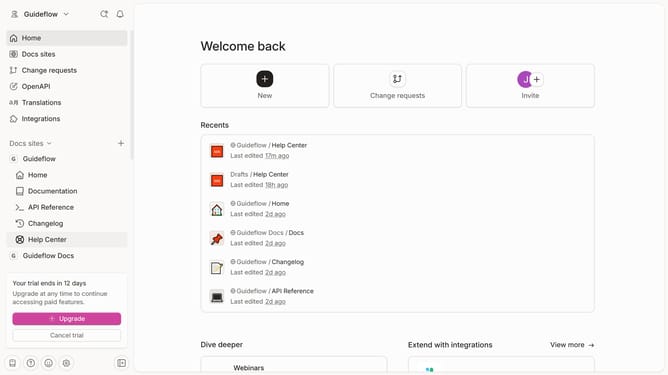
- First click on the content you want to manage in the left sidebar
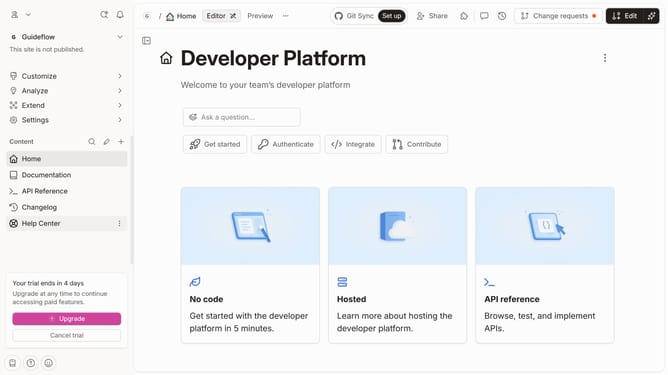
- Then click on "Edit" button in the header
- Then click on "Page options" button
- Then click on the toggle switch ON next to "Table of contents"
- Finally click on "Merge" button in the header
Why should you show table of contents of a content in a docs site in Gitbook
Gitbook is an intuitive platform designed to seamlessly document and share knowledge.
Displaying a table of contents in a Gitbook docs site enhances navigation and offers quick insight into the document's structure, leading to more efficient user experiences.
This feature is crucial as it provides a clear outline, making the content easily scannable and ensuring readers can effortlessly find their desired sections.
The organized presentation thus empowers teams and readers, aiding in information retention and streamlined access to crucial data.
Last update