How to add a Heading 2 in a tab in help center in Gitbook
Here is how to add a heading 2 in a tab in help center in gitbook
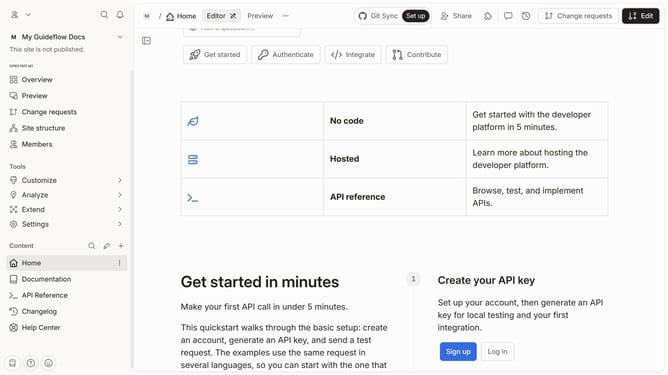
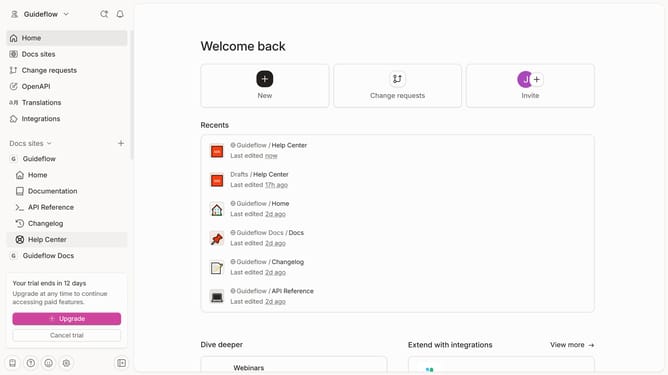
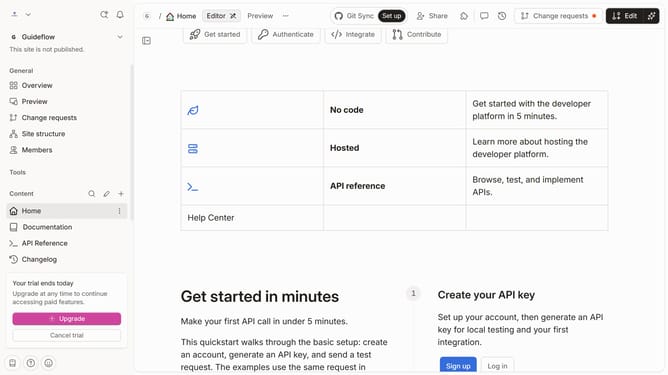
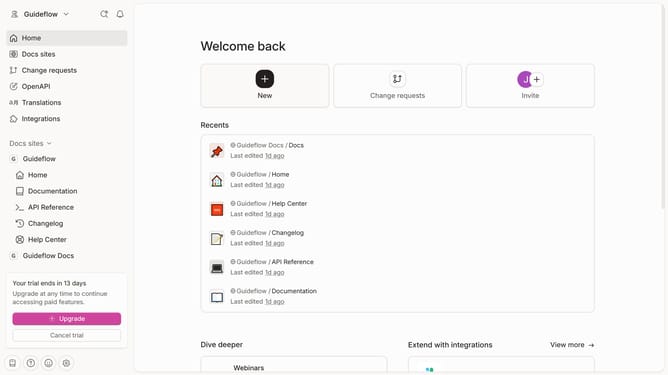
- First click on "Help Center" item in the left sidebar
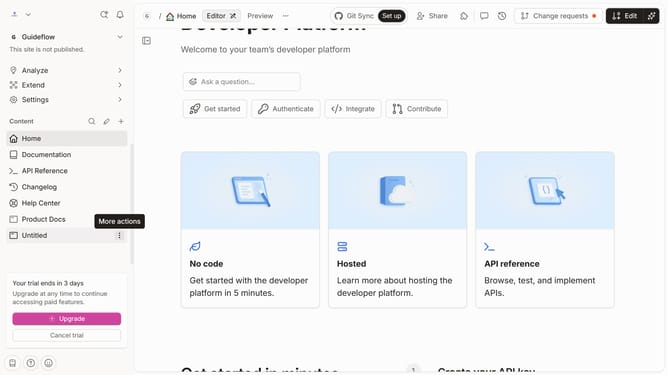
- Then click on "Edit" button in the header
- Then click on the block insert button to add new content
- Then select "Heading 2" from the dropdown menu in the sidebar
- Then click on the text area to edit it in the main content area
- Finally click on the "Merge" button in the top right corner
Why should you add a Heading 2 in a tab in help center in Gitbook
GitBook is an innovative platform designed to empower teams to document and share their knowledge effortlessly.
Adding a Heading 2 in a tab in the help center enhances the structure and readability of your documentation, making it easier for users to navigate through content.
Headings are essential as they provide clear hierarchies and improve user experience, helping users to find the information they need quickly and efficiently.
This organized approach learns towards a seamless flow of information, enhancing overall comprehension and satisfaction.
Last update