How to freeze table first row in help center in Gitbook
Here is how to freeze table first row in help center in gitbook
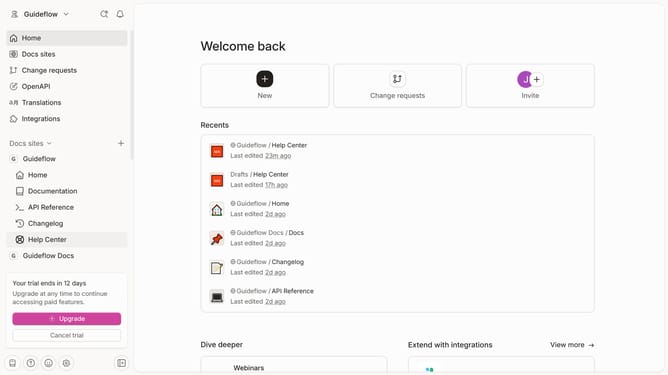
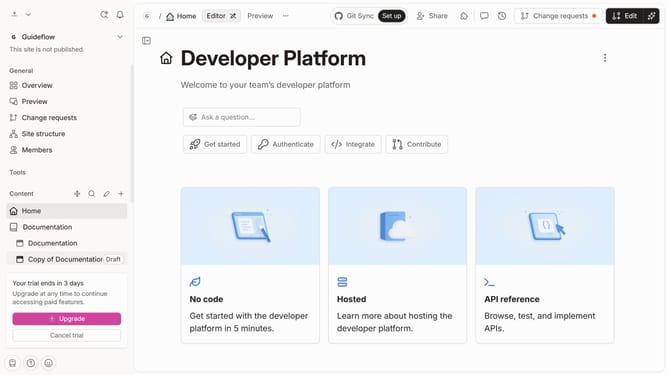
- First click on "Help Center" in the left sidebar
- Then click on the dots icon to open the block options
- Then select "Freeze first column" from the dropdown menu
- Then click on the "Merge" button in the top right corner
- Finally click on the "Merge" button in the top right corner
Why should you freeze table first row in help center in Gitbook
GitBook is a versatile platform that empowers teams to document and share knowledge seamlessly.
One standout feature is the ability to freeze the table's first row in the help center. This capability ensures that essential headers remain visible, providing users with a consistent reference point while navigating through extensive data.
With this feature, users experience enhanced readability, particularly when dealing with large datasets. By preserving headers at the top, it minimizes frustration, allowing for smoother information retrieval and a more intuitive user experience.
Last update