How to hide column in a table in homepage in Gitbook
Here is how to hide column in a table in homepage in gitbook
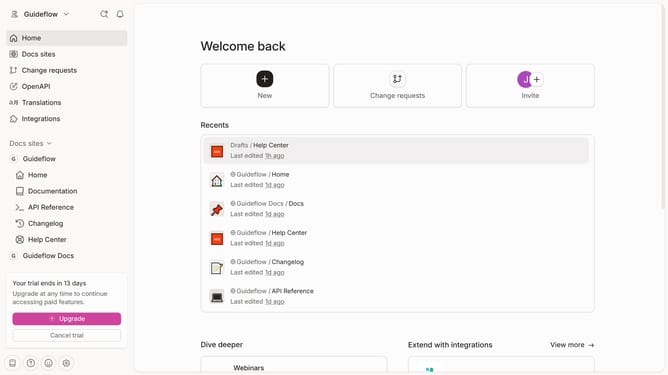
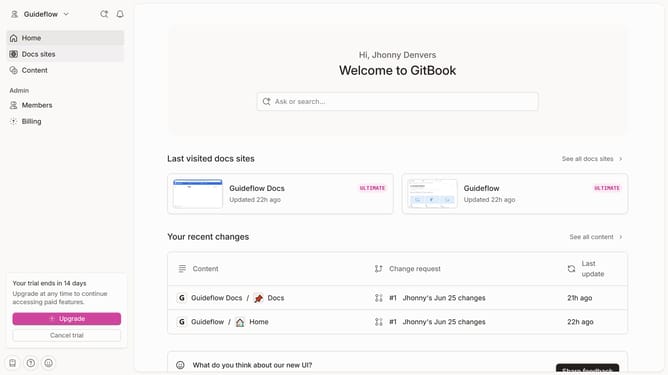
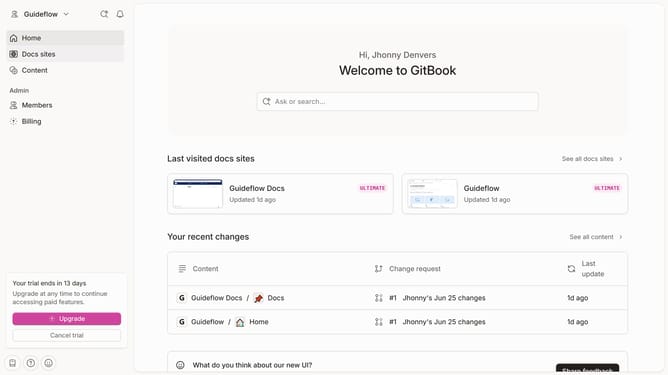
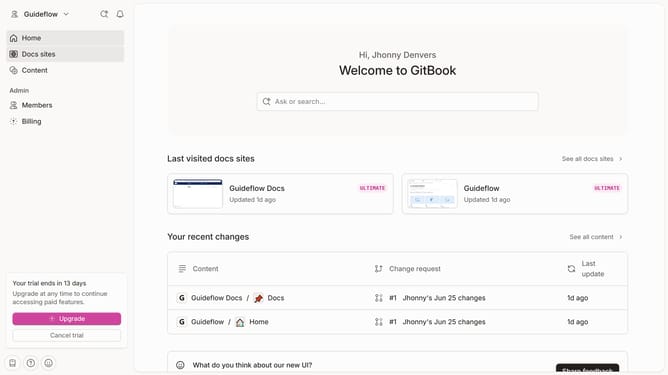
- First click on the "Home" item in the left sidebar
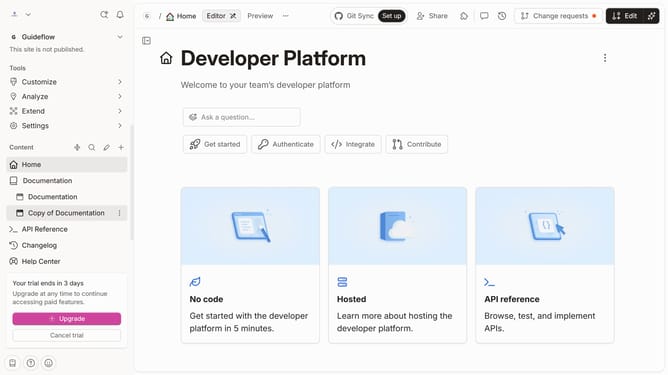
- Then click on the "Edit" button in the header
- Next click on the "block options" icon
- Then click on "Visible columns" in the dropdown menu
- Next click on the checkbox next to the column name to select it
- Finally click on the "Merge" button in the header
Why should you hide column in a table in homepage in Gitbook
GitBook is a dynamic documentation platform that empowers teams to document everything in one seamless space.
One of its efficient features is the ability to hide a column in a table on the homepage, offering users a clean and tailored view.
This feature is invaluable as it allows quick decluttering of data, making information more digestible at a glance.
Using this functionality enhances the focus on pertinent information, ensuring a streamlined and organized user experience.
Last update