How to add logo in docs site in GitBook
Here is how to add logo in docs site in gitbook
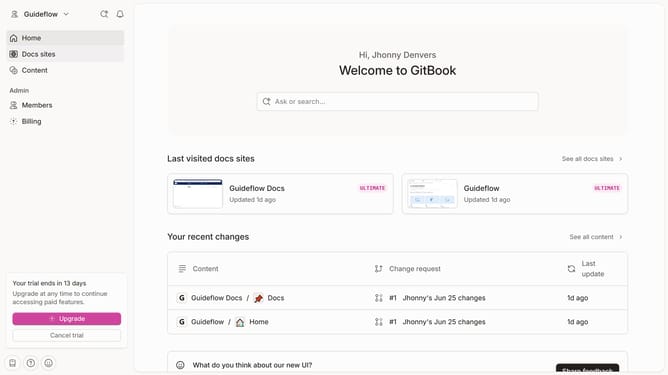
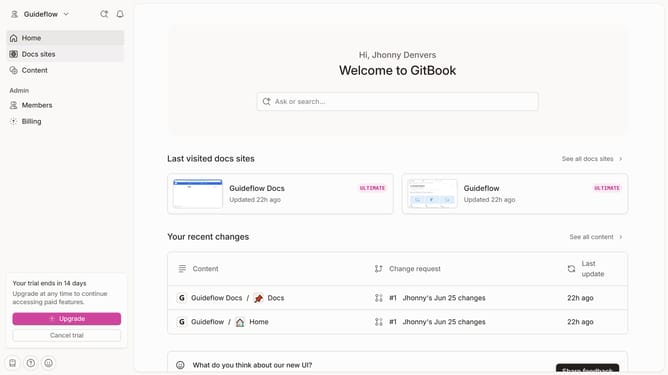
- First click on "Docs sites" in the left sidebar
- Then click on the doc site you want to manage
- Next click on "Customize" in the left sidebar
- Then click on "Theme" in the left sidebar
- Click on the "Light mode" logo option and upload your preferred logo
- Finally click on the "Save" button in the bottom right corner
Why should you add logo in docs site in GitBook
GitBook is an intuitive platform designed for efficient online documentation and collaboration.
Adding a logo to your docs site in GitBook is a seamless way to personalize your documentation. This feature enhances brand identity, creating a professional and consistent aesthetic throughout your content.
By integrating a logo, your documentation not only becomes an extension of your brand but also boosts reader trust and recognition. This subtle yet impactful customization helps differentiate your content, offering a clear visual cue to your audience in knowing they are in the right place.
Last update