How to show page description in homepage in Gitbook
Here is how to show page description in homepage in gitbook
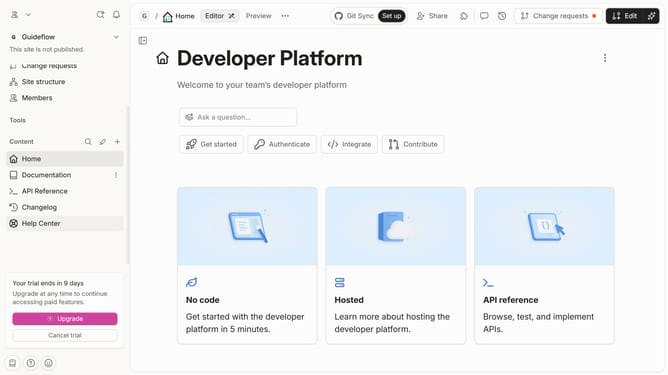
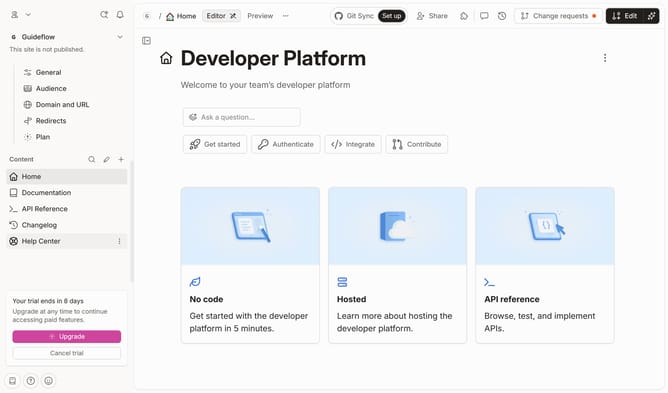
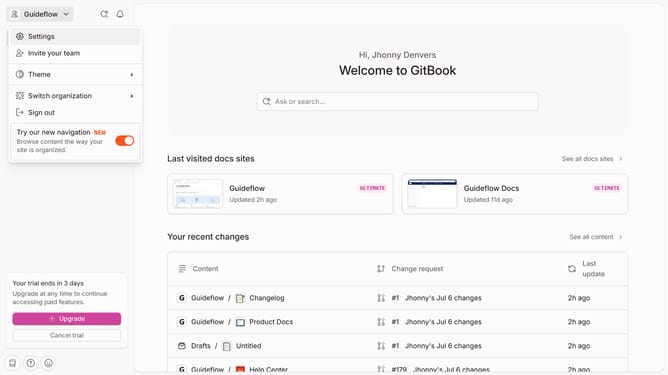
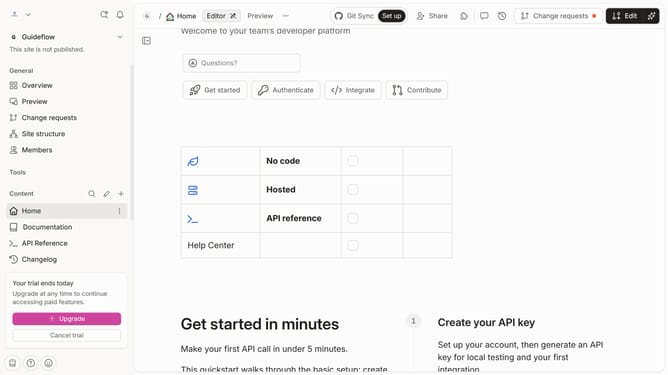
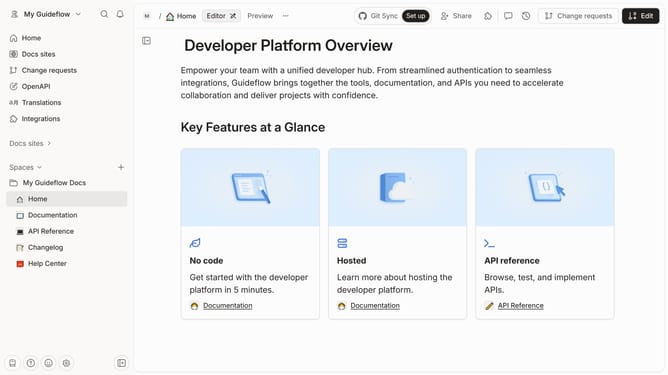
- First click on the "Home" item in the left sidebar
- Then click on the "Edit" button in the top header
- Next, click on the "Page options" button.
- Then toggle the option for "Page outline" to enable it
- Finally, click on the "Merge" button
Why should you show page description in homepage in Gitbook
GitBook is a dynamic platform designed to easily create and manage beautiful documentation.
A standout feature of GitBook is the ability to display a page description on the homepage.
This feature brings clarity and context, allowing readers to quickly grasp the purpose and content of your documentation.
Incorporating a description directly on the homepage fosters greater engagement and delivers a streamlined user experience by highlighting key information from the start.
Last update