How to disable Gitbook AI in Gitbook
Here is how to disable gitbook ai in gitbook
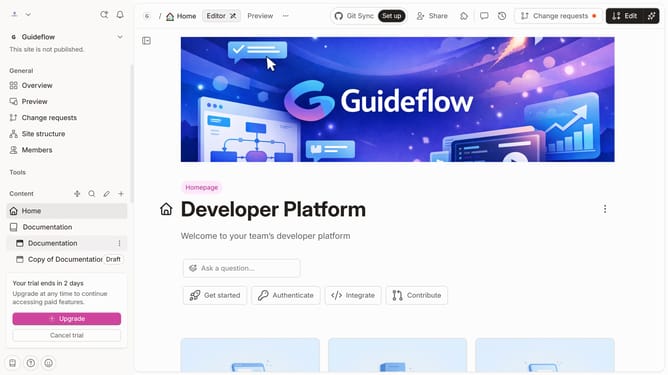
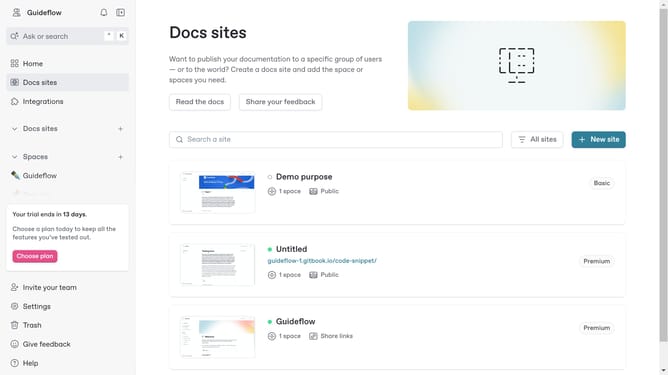
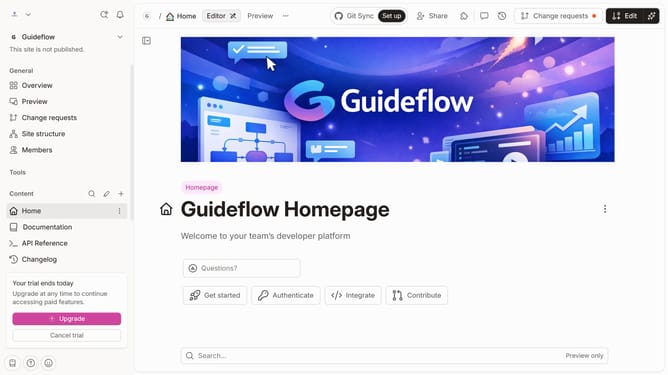
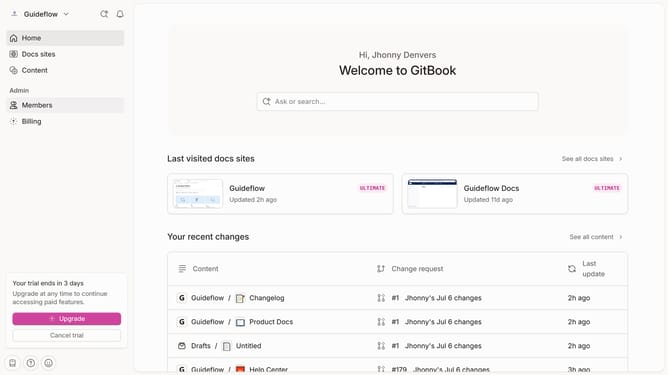
- First click on the dropdown icon in the top header
- Then click on "Settings" in the profile menu
- Finally click on the toggle OFF switch for "Enable GitBook AI features"
Why should you disable Gitbook AI in Gitbook
GitBook is an intuitive platform designed to streamline and enhance documentation processes.
Disabling GitBook AI in your project offers a minimalistic environment tailored to your custom needs and preferences. This feature provides users the flexibility to focus primarily on personal input and guidance without additional layers.
For users seeking a more hands-on approach, turning off GitBook AI ensures that the creative direction remains solely in their capable hands, offering an authentic and unadulterated documentation experience.
Last update