How to add inline content in Gitbook
Here is how to add inline content in gitbook
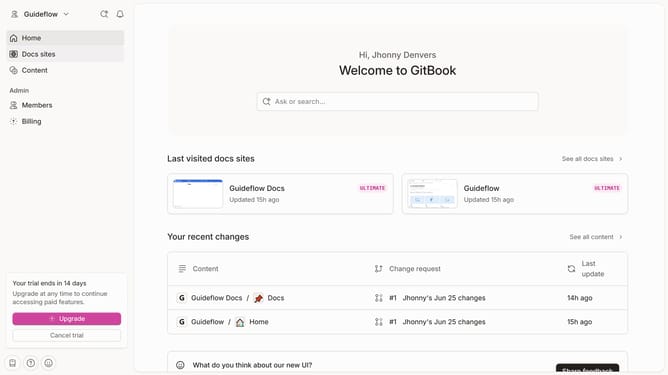
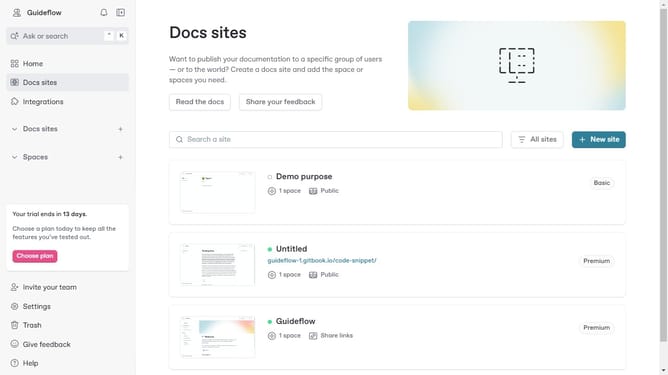
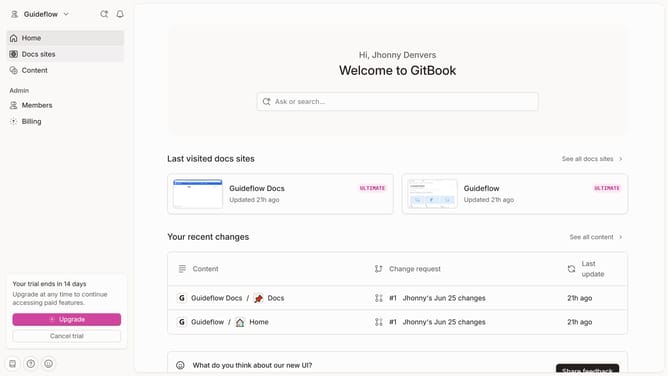
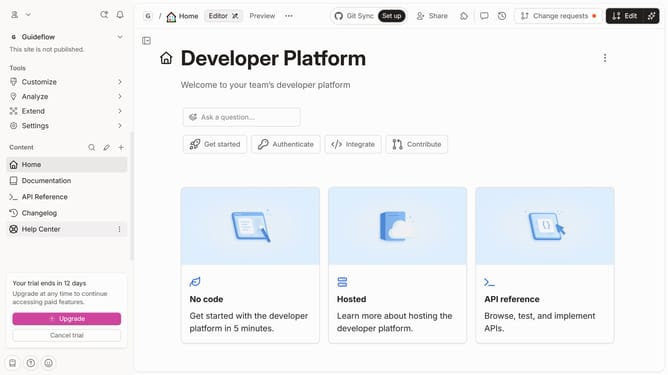
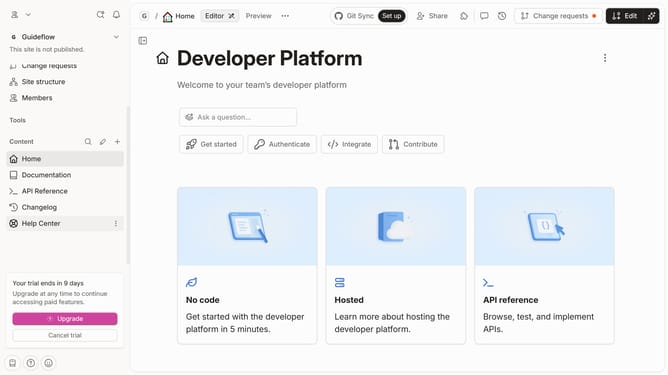
- First click on the card in the main content area
- Then click on the "Start editing content" button in the site content section
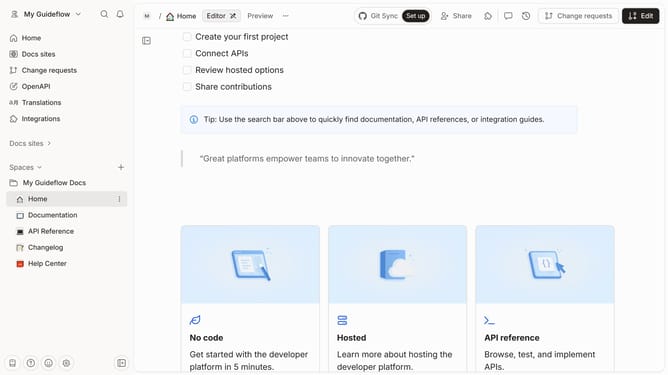
- Next click on the content entry field and type "/" to open the Inline palette
- Here you will find different options to customize your page
Why should you add inline content in Gitbook
GitBook is a dynamic tool designed to streamline project documentation and collaboration.
Adding inline content in GitBook enhances the readability and clarity of your documents. As you build comprehensive guides or manuals, inline content allows for the seamless integration of text, code snippets, or media directly within your narratives.
Using this feature not only improves the flow of information but also enriches the user's understanding by providing contextually relevant details precisely where needed.
Ultimately, it leads to a more engaging and accessible documentation experience.
Last update