How to disable a footer in the announcement banner on a docs site in GitBook
Here is how to disable a footer in the announcement banner on a docs site in gitbook
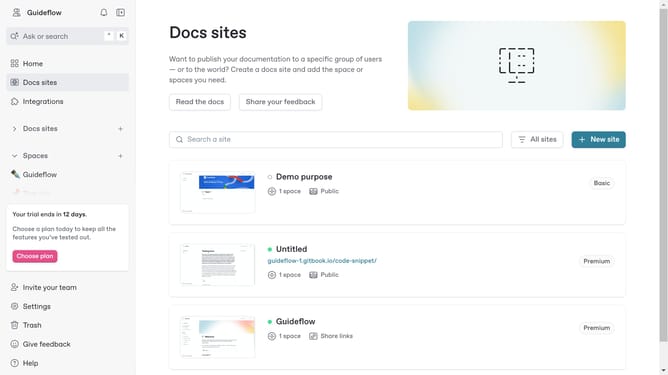
- First click on "Docs sites" in the left sidebar
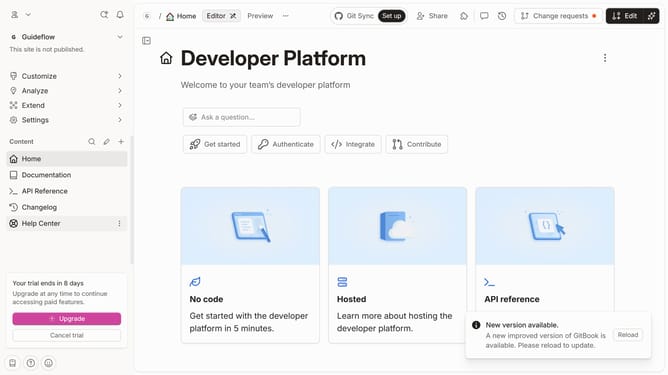
- Then click on the doc site you want to manage
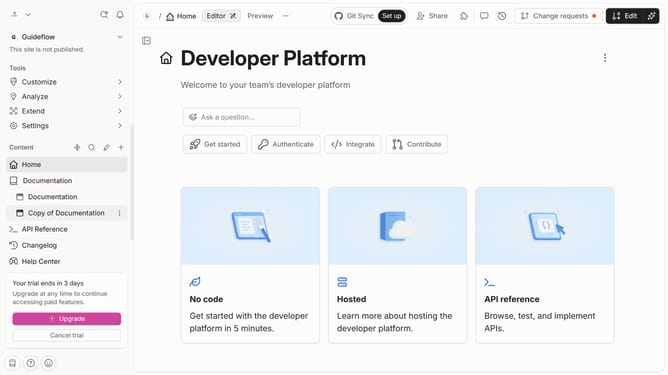
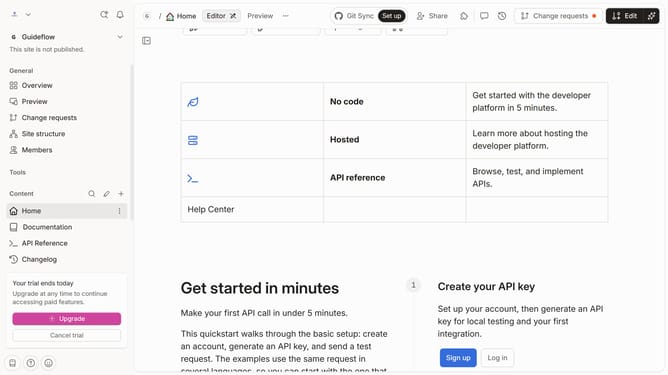
- Next, in the left sidebar, click on "Customize"
- Then select "Layout" from the dropdown menu
- After that, toggle the Footer switch to disable it
- Finally click on the "Save" button
Why should you disable a footer in the announcement banner on a docs site in GitBook
GitBook is a powerful platform designed to help teams document everything — always keeping their documentation organized and accessible.
One of the noteworthy features in GitBook is the ability to disable the footer in the announcement banner on a documentation site.
This feature provides a cleaner and more focused interface, enhancing the reader's experience by minimizing potential distractions on your page.
Opting to disable the footer ensures that the core message of your announcement stands out more prominently, which can be crucial for simply sharing updates and critical information.
Last update