How to handle live edits with GitHub or GitLab Sync enabled in Gitbook
Here is how to handle live edits with github or gitlab sync enabled in gitbook
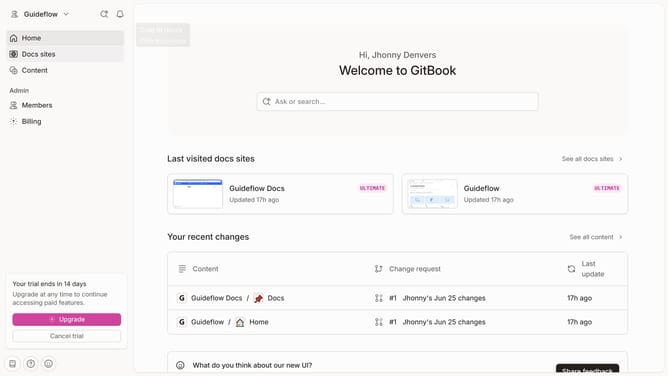
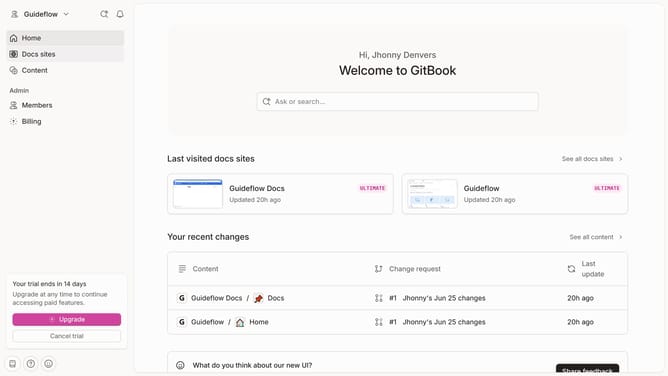
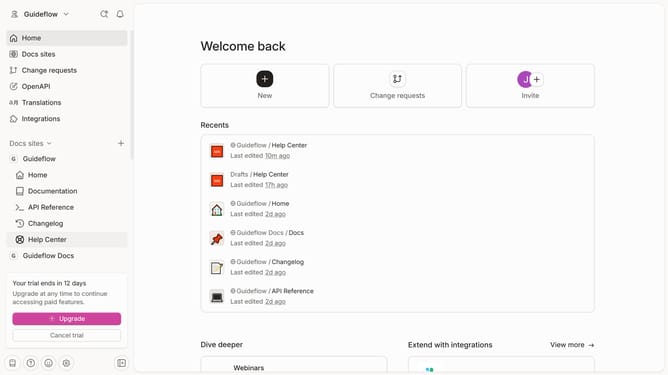
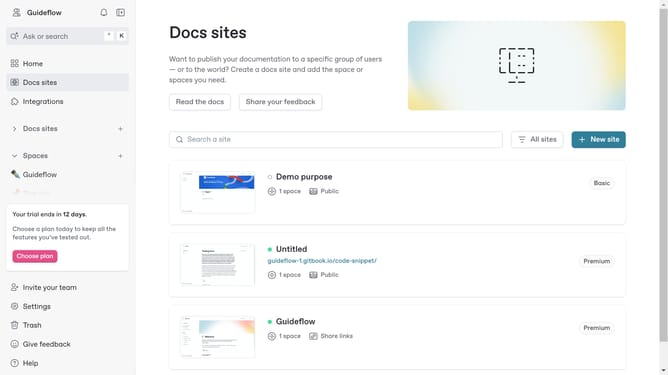
- First click on the site card in the main content area
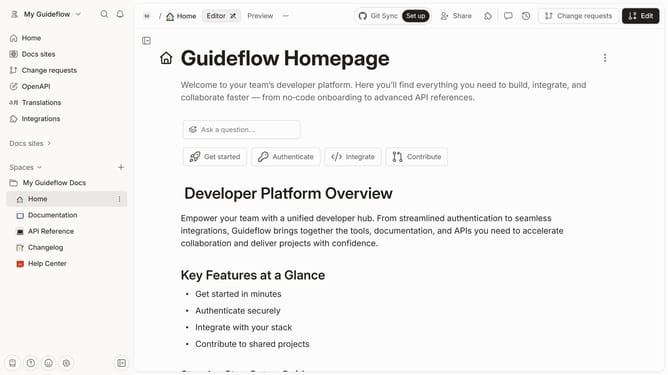
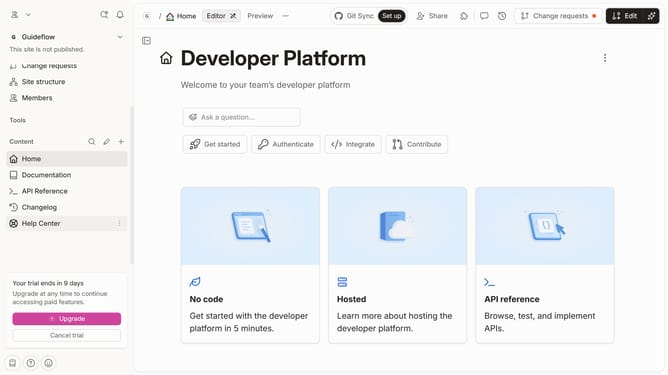
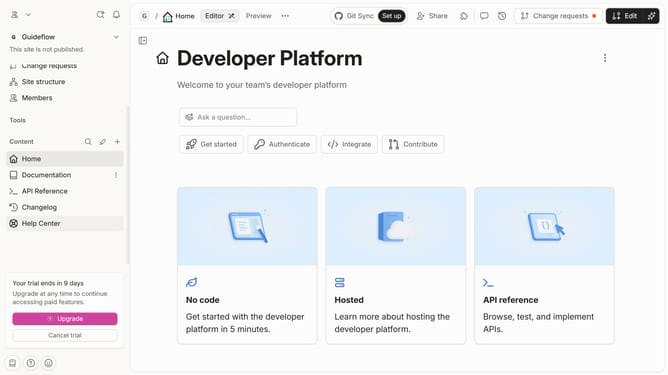
- Then click on the "Start editing content" button in the overview section
- Next click on the "Actions" button at the top of the page
- Finally click on "Unlock live edits" option in the dropdown menu
Why should you handle live edits with GitHub or GitLab Sync enabled in Gitbook
Gitbook is an intuitive platform designed to effortlessly document and share knowledge.
When you enable GitHub or GitLab Sync in Gitbook, managing live edits becomes a streamlined process that enhances collaboration.
This feature allows for real-time updates, minimizing the risk of outdated content and ensuring everyone has access to the most current information.
By synchronizing edits directly with Git services, teams can work more efficiently, reducing the complexity and time spent on manual updates.
Last update