How to enable a footer in the announcement banner on a docs site in GitBook
Here is how to enable a footer in the announcement banner on a docs site in gitbook
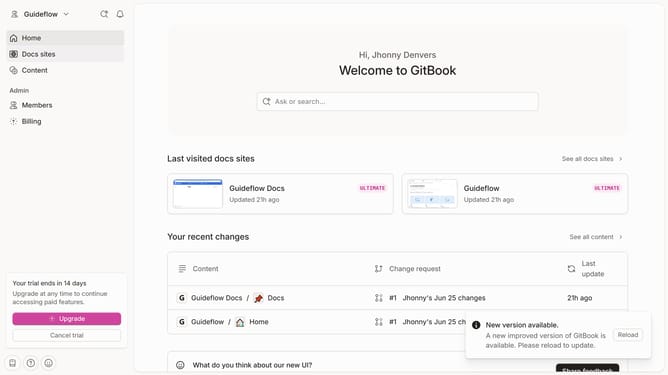
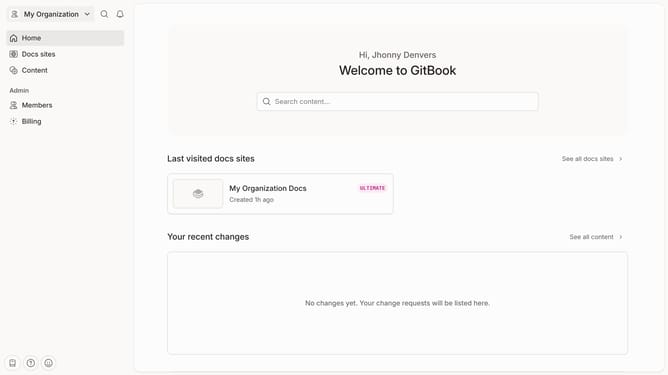
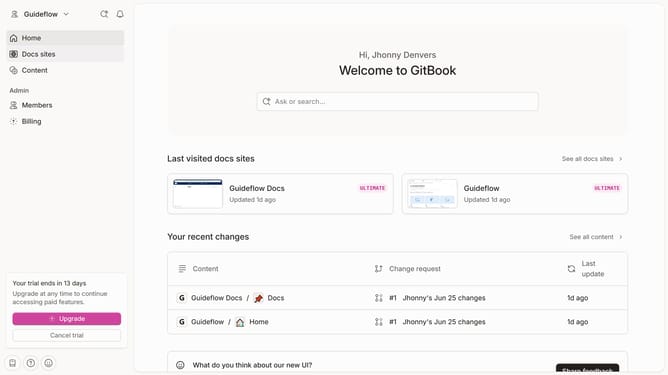
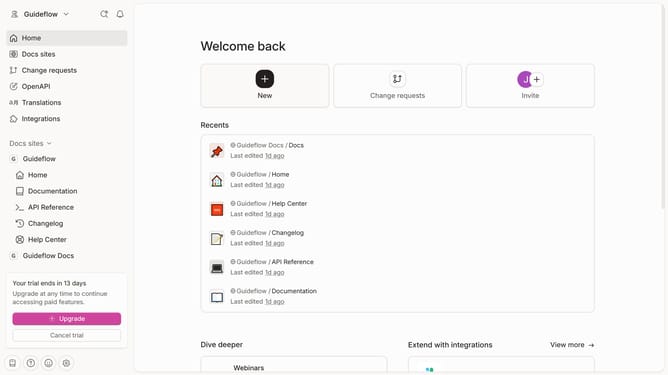
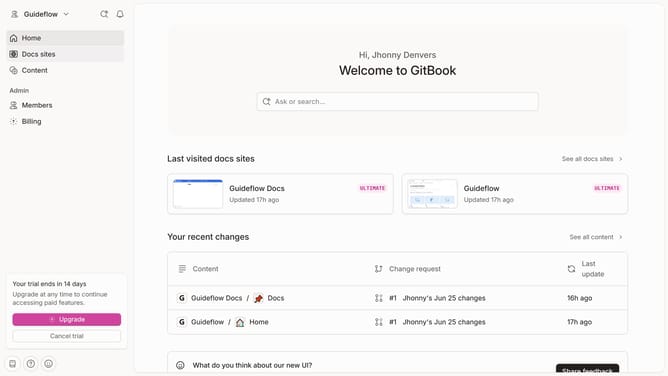
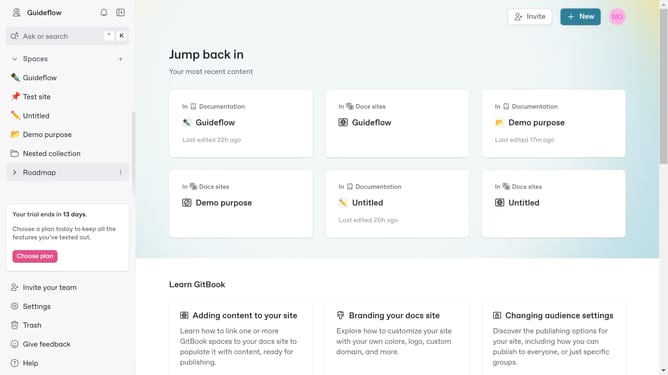
- First click on "Docs sites" in the left sidebar
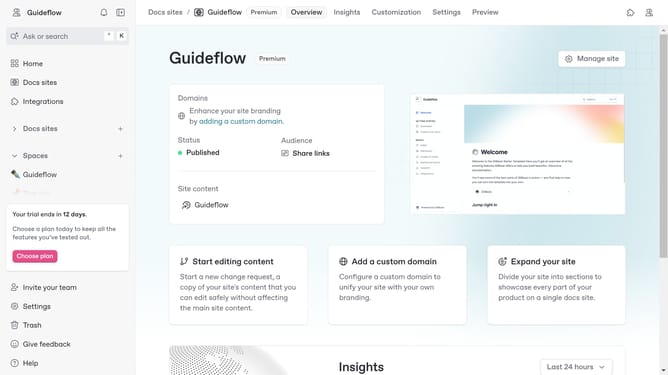
- Then click on the doc site you want to manage
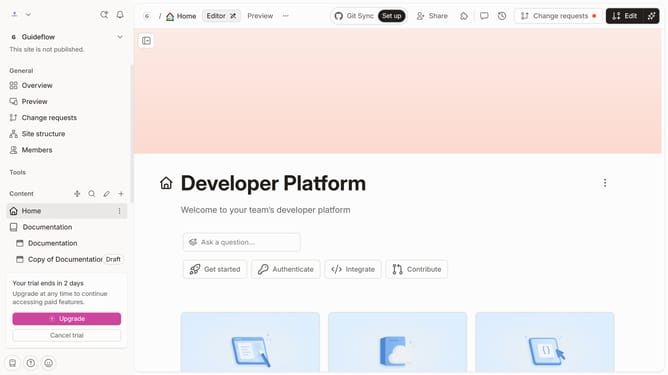
- Next, click on "Customize" in the left sidebar menu
- Then click on "Layout" in the left sidebar menu
- After that, click on the toggle switch to enable a "Footer"
- Next, click on the button to upload the logo in the "Footer" section
- Finally click on the "Save" button
Why should you enable a footer in the announcement banner on a docs site in GitBook
GitBook is a powerful platform for creating and sharing documentation effortlessly.
Enabling a footer in the announcement banner on your GitBook docs site can significantly enhance both user engagement and readability.
Adding a footer to your announcement banner provides a space for additional information, helping readers navigate resources efficiently.
It ensures your key messages are visible consistently across all pages, strengthening communication with your audience.
This feature ultimately supports a seamless and professional documentation experience.
Last update