How to set warning color in docs site in GitBook
Here is how to set warning color in docs site in gitbook
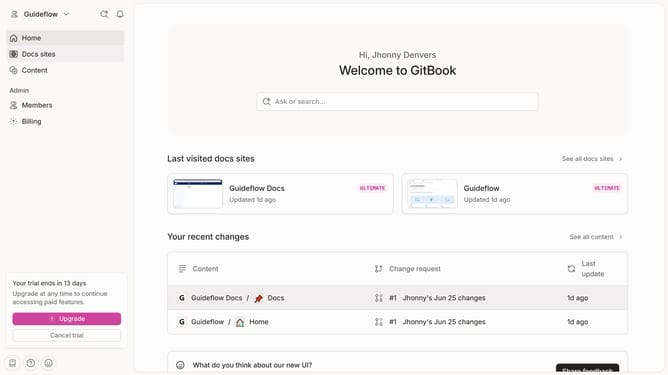
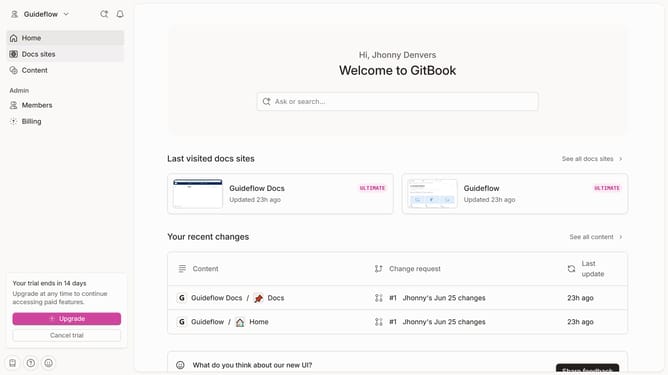
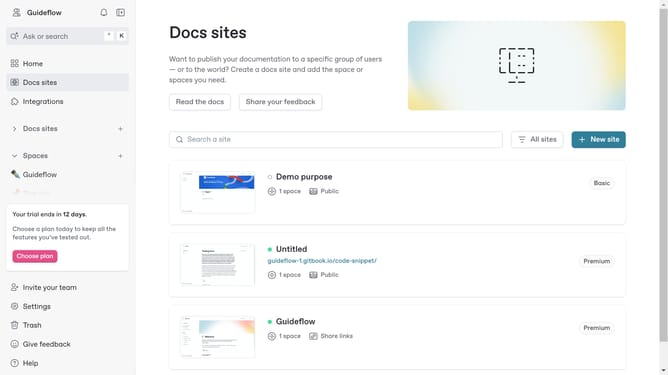
- First click on "Docs sites" in the sidebar
- Then click on the doc site you want to manage
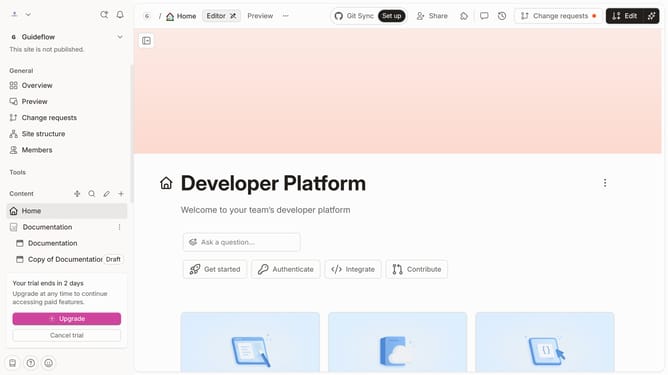
- Next, click on "Customize" in the sidebar menu
- Then, click on "Theme" in the Tools section
- Then click on the color swatch representing "Warning"
- Then, select a color from the color swatch
- Then click on the "Apply" button
- Finally click on the "Save" button
Why should you set warning color in docs site in GitBook
GitBook serves as a powerful platform for creating and sharing comprehensive documentation effortlessly.
Setting a warning color in your documentation site using GitBook is a valuable feature that enhances readability and delivers crucial information effectively.
By flagging sections that require attention with a distinctive warning color, you ensure that users do not overlook important details.
Implementing such visual cues can significantly improve user experience by making the document more informative and engaging.
Last update