How to set info color in docs site in GitBook
Here is how to set info color in docs site in gitbook
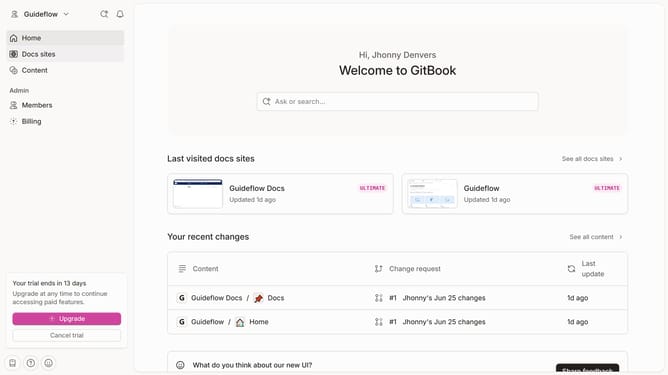
- First click on "Docs sites" in the left sidebar menu
- Then click on the "Guideflow Docs" site preview
- Next, click on "Customize" in the left sidebar menu under Tools
- Then select "Theme" from the expanded "Customize" menu
- Next, click on the color swatch for "Info"
- Then click on the color picker tool to select a new color
- Click on the "Apply" button
- Finally click on the "Save" button
Why should you set info color in docs site in GitBook
GitBook is a modern documentation platform designed to streamline content creation and collaboration.
Setting the info color in your GitBook doc site is a useful feature that enhances readability and user experience.
By customizing the info color, you can highlight important sections, making it easier for readers to find key information.
This personalization not only reflects your brand's identity, but also creates a more immersive and organized environment.
Last update